Interfaces
Navigation: Network Settings
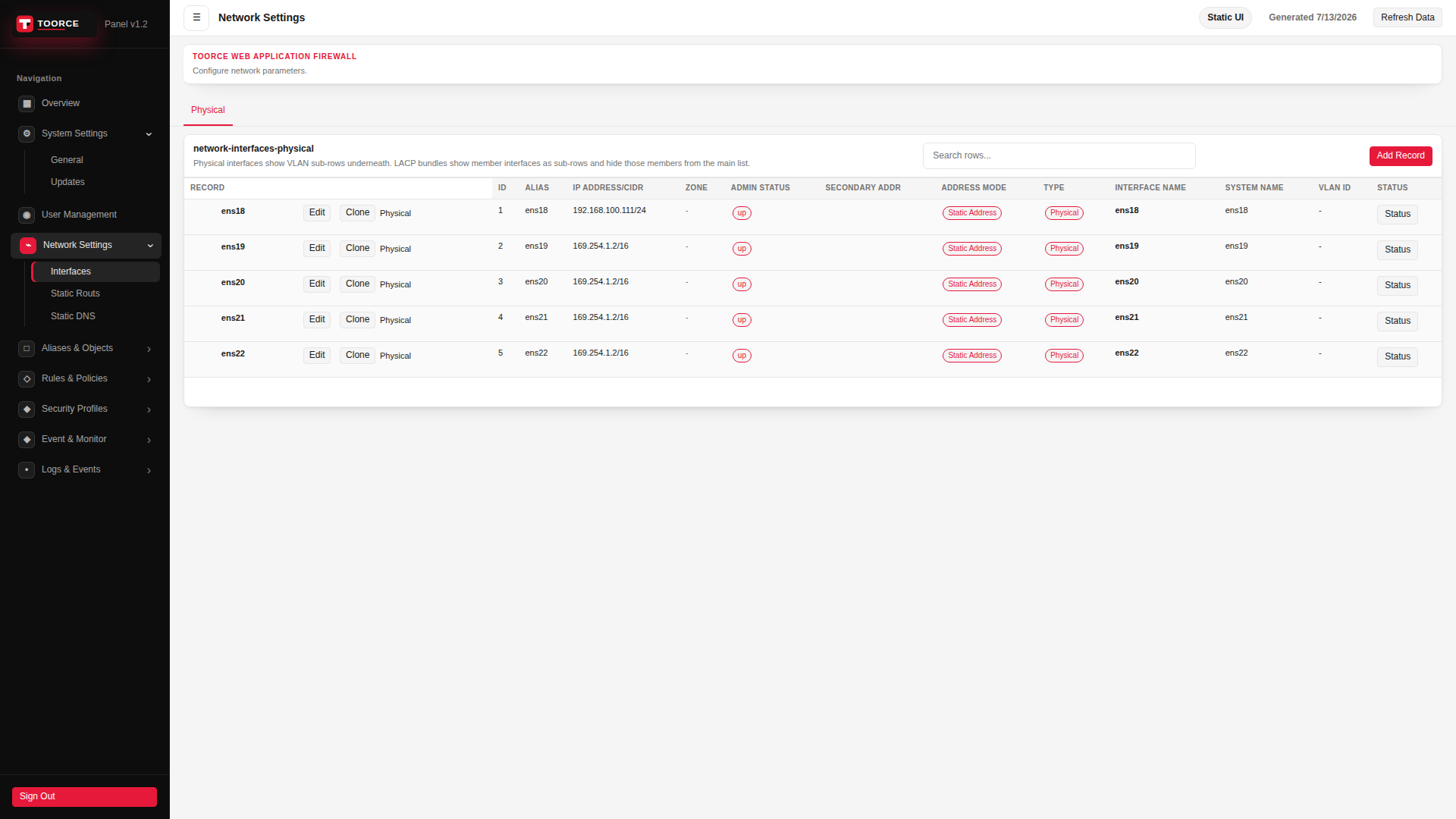
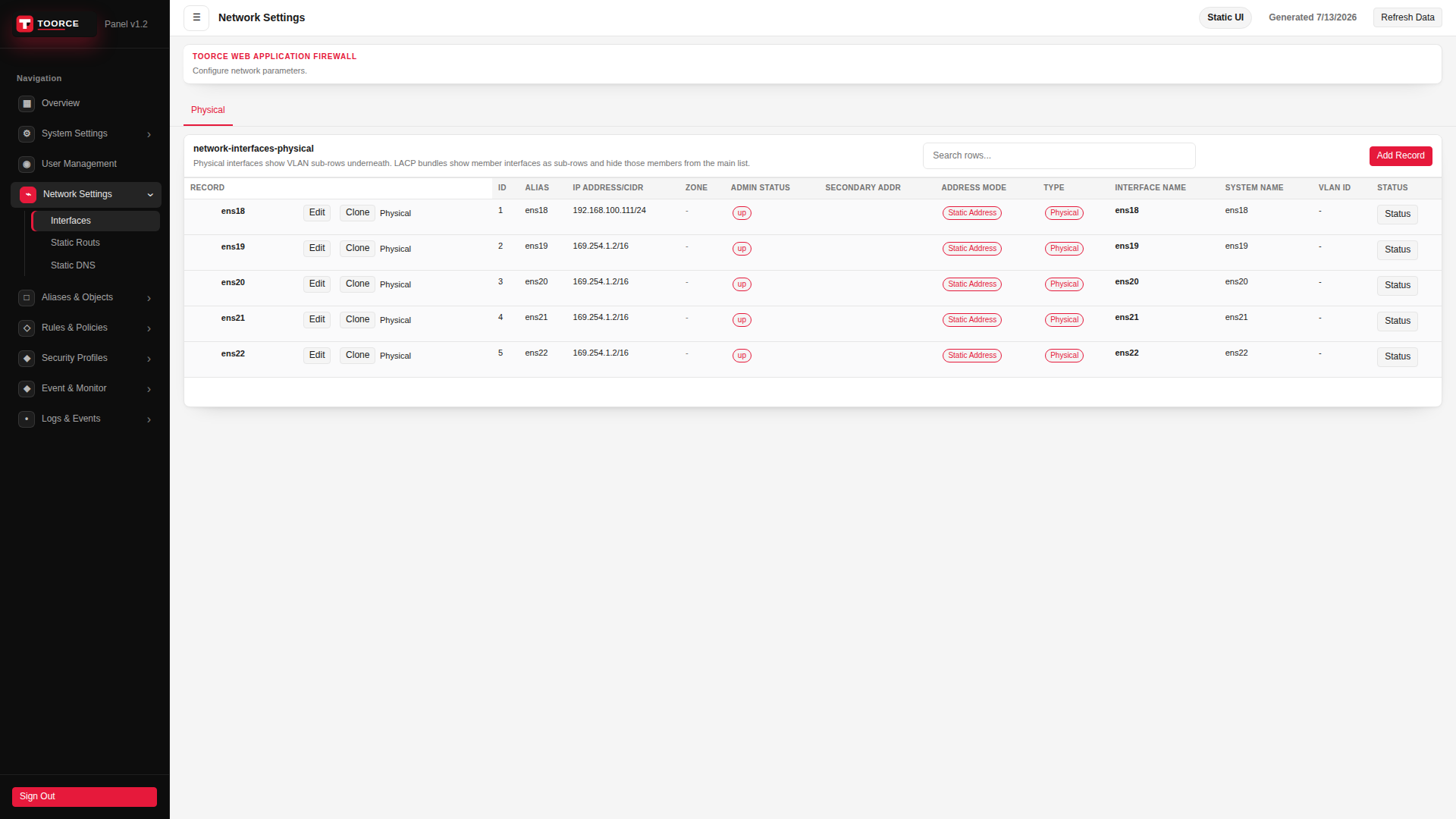
Physical interfaces show VLAN sub-rows underneath. LACP bundles show member interfaces as sub-rows and hide those members from the main list.
Add / Edit forms
Click + Add New to open the creation dialog, or Edit on an existing row to modify a record.
List view
Add form — all tabs
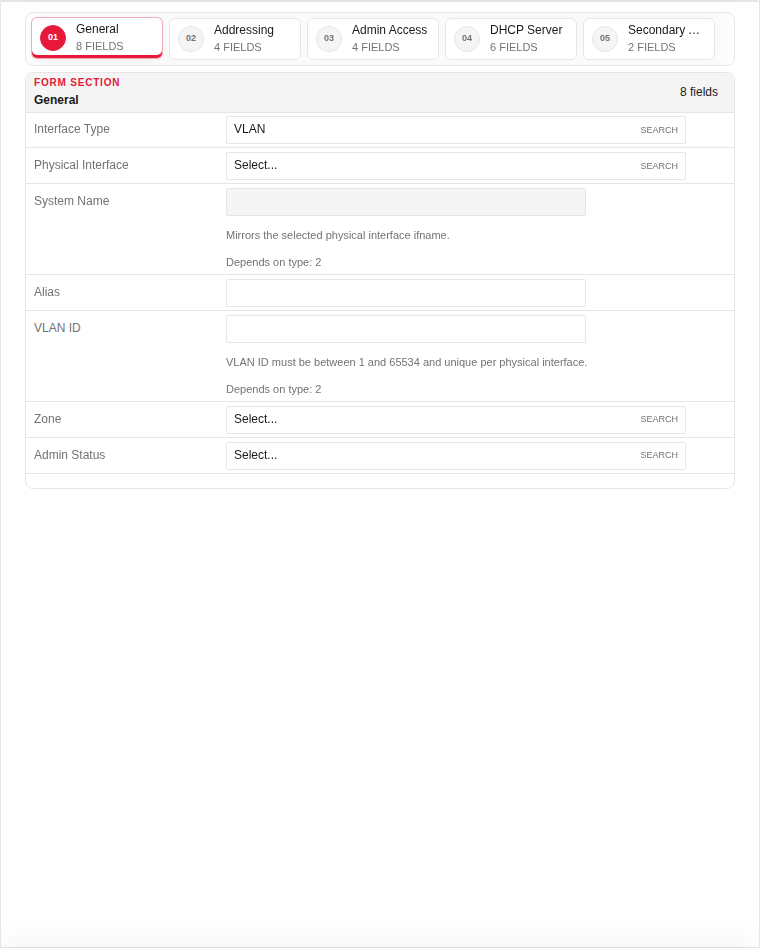
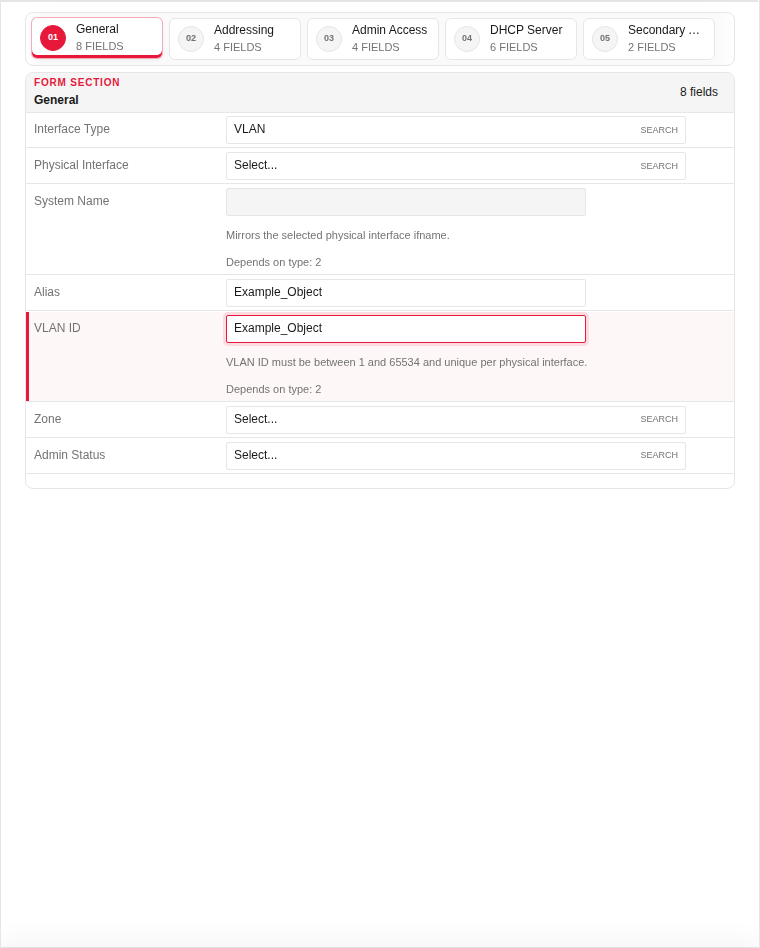
The add dialog contains 5 tabs. Example values in the filled screenshots are for documentation only — do not save them on a production appliance.
General
| Field | Required | Description | Example | Why this data is needed |
|---|---|---|---|---|
| Interface Type | Yes | Physical port or VLAN sub-interface. | VLAN |
Required to determine whether this is a raw NIC or tagged VLAN. |
| Physical Interface | Yes | Underlying hardware interface (e.g. enp6s0). | enp6s0 |
Required — VLANs and addresses are bound to a physical port. |
| System Name | Yes | OS-level interface name (auto-filled from physical). | enp6s0.100 |
Used by the OS and routing table; must match the configured ifname. |
| Alias | No | Friendly label shown in rules (LAN, WAN, DMZ). | LAN |
Makes rule configuration readable — reference "LAN" instead of "enp6s0.100". |
| VLAN ID | Yes | 802.1Q tag (1–65534) for VLAN interfaces. | 100 |
Required for VLAN type — identifies the virtual network on the wire. |
| Zone | Yes | Security zone assignment (LAN, WAN, DMZ). | LAN |
Required for policy defaults and traffic classification. |
| Admin Status | Yes | Enable or disable the interface. | Enabled |
Must be Enabled for the interface to pass traffic. |
Empty:
Filled with example data (for illustration — shows why each field needs a value):
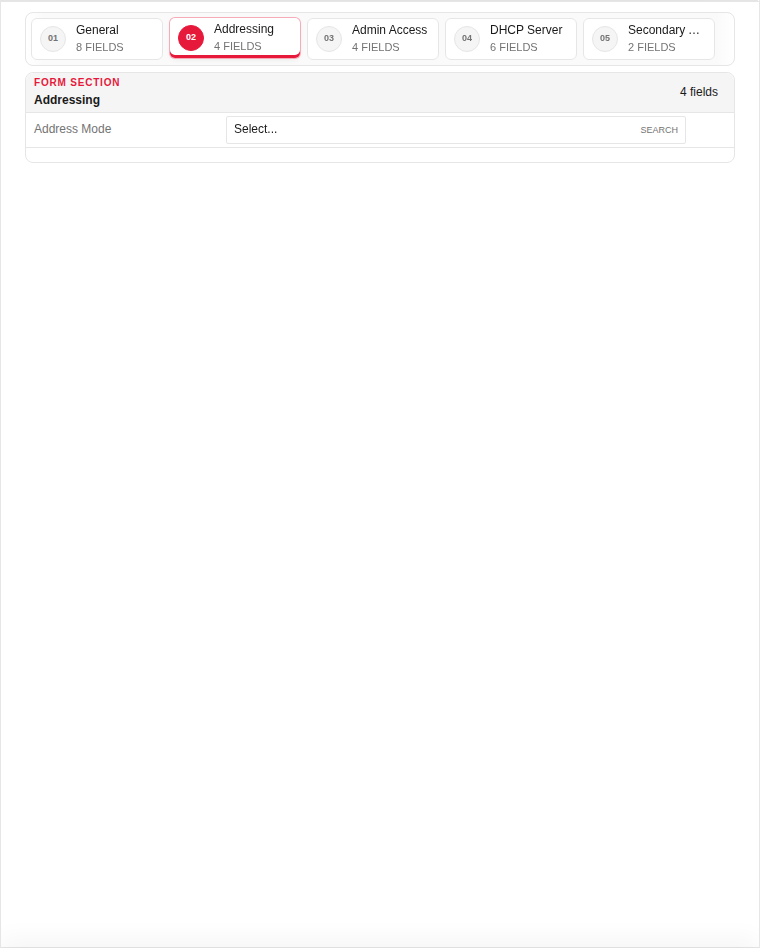
Addressing
| Field | Required | Description | Example | Why this data is needed |
|---|---|---|---|---|
| IPv4 Address | Yes | Interface IP address in CIDR notation. | 192.168.100.1/24 |
Required for routed traffic — without an IP the interface cannot receive or send packets. |
| Gateway | No | Default gateway for this interface (WAN only). | 192.168.100.254 |
Required on WAN interfaces so outbound traffic knows the next hop. |
| MTU | No | Maximum transmission unit in bytes. | 1500 |
Adjust only if your network uses jumbo frames or PPPoE overhead. |
Empty:
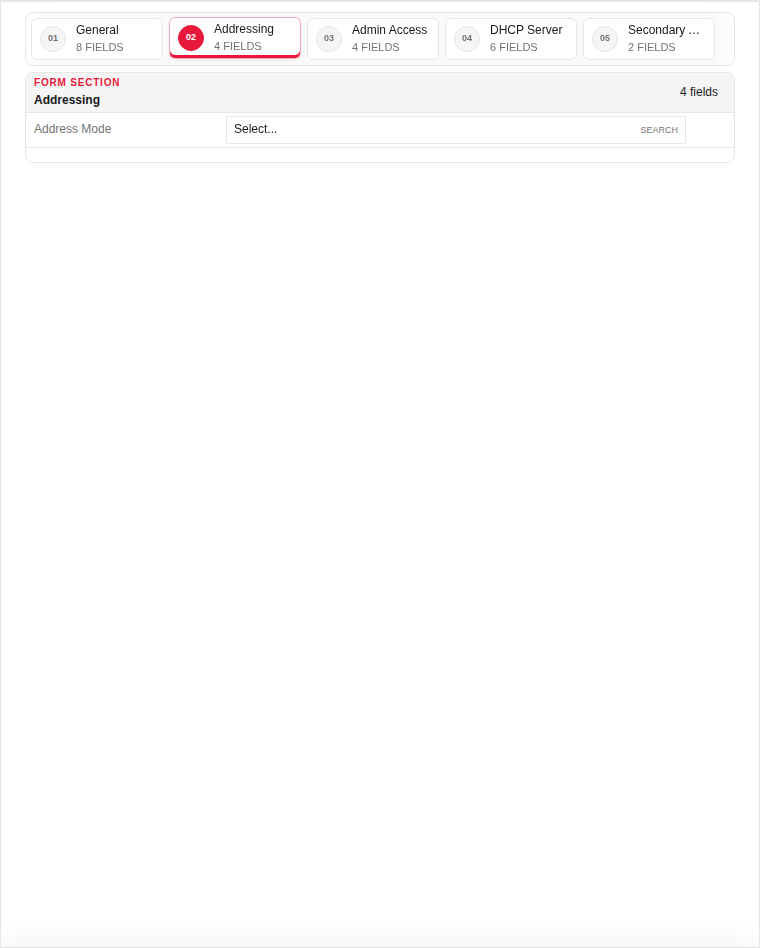
Filled with example data (for illustration — shows why each field needs a value):
Admin Access
| Field | Required | Description | Example | Why this data is needed |
|---|---|---|---|---|
| Allow HTTPS Admin | No | Permit WAF admin UI access on this interface. | Enabled |
Enable on management VLAN only — avoid exposing admin on WAN. |
| Allow SSH Admin | No | Permit SSH management on this interface. | Disabled |
Enable only on trusted management networks. |
Empty:
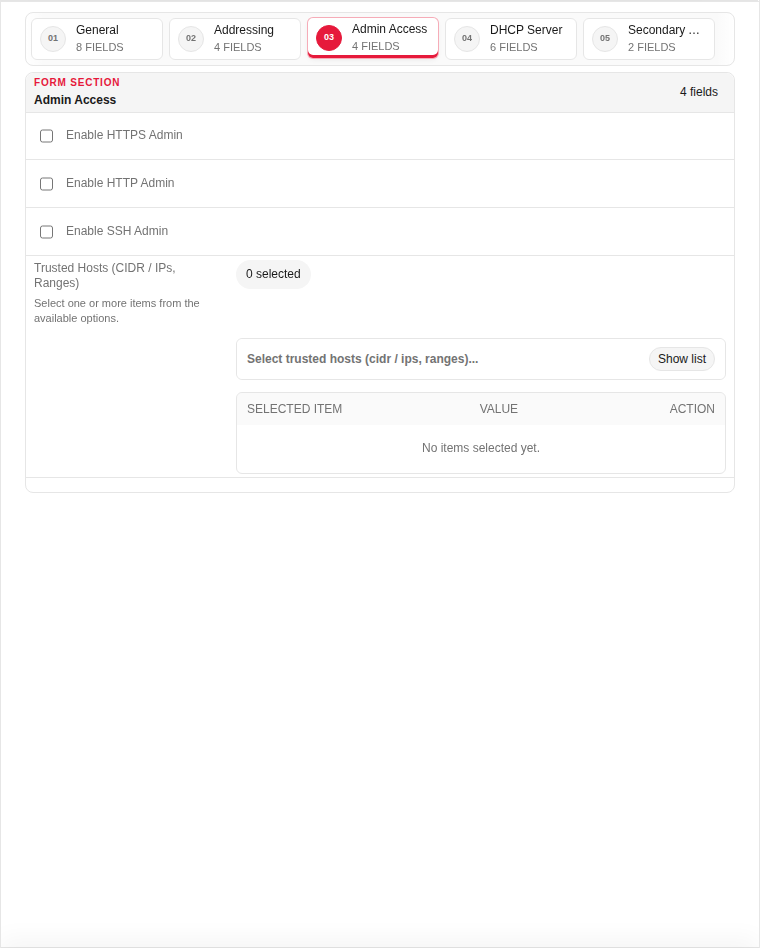
Filled with example data (for illustration — shows why each field needs a value):
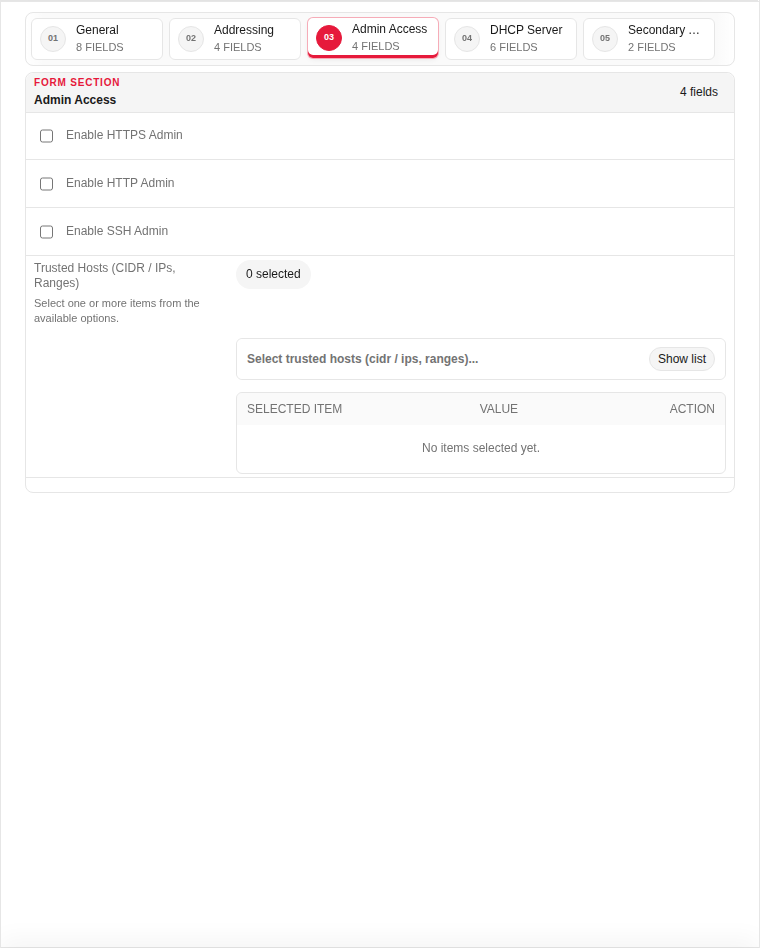
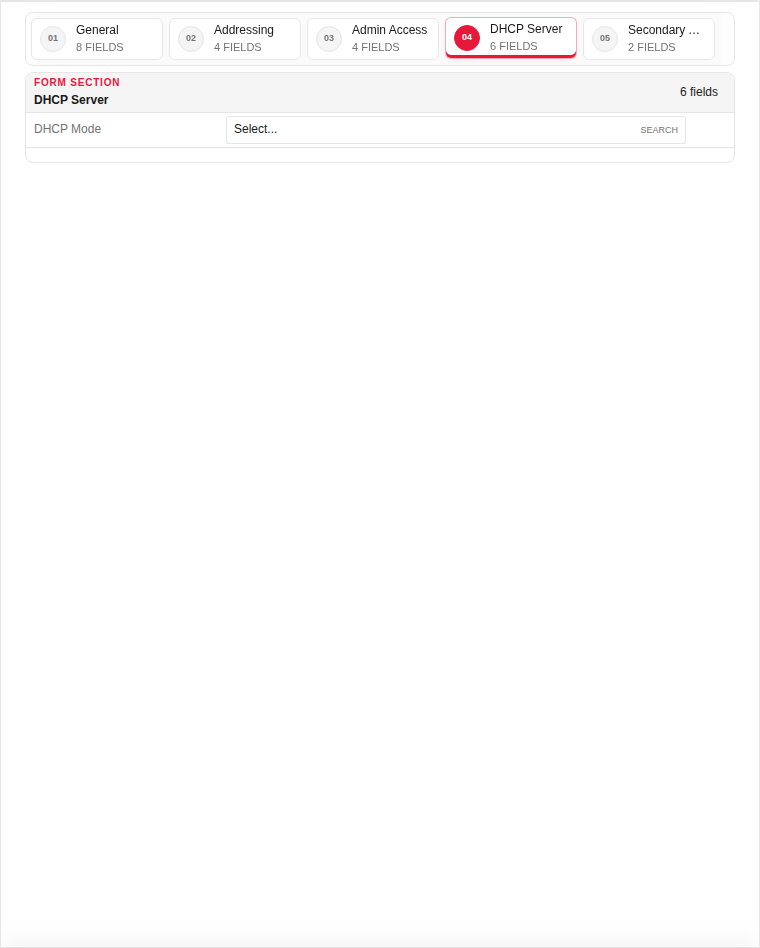
DHCP Server
| Field | Required | Description | Example | Why this data is needed |
|---|---|---|---|---|
| Enable DHCP Server | No | Run a DHCP server on this interface. | Disabled |
Enable on LAN interfaces that must assign IPs to clients. |
| DHCP Range Start | No | First IP in the DHCP pool. | 192.168.100.100 |
Required when DHCP is enabled — defines assignable addresses. |
| DHCP Range End | No | Last IP in the DHCP pool. | 192.168.100.200 |
Required when DHCP is enabled — must be within the interface subnet. |
Empty:
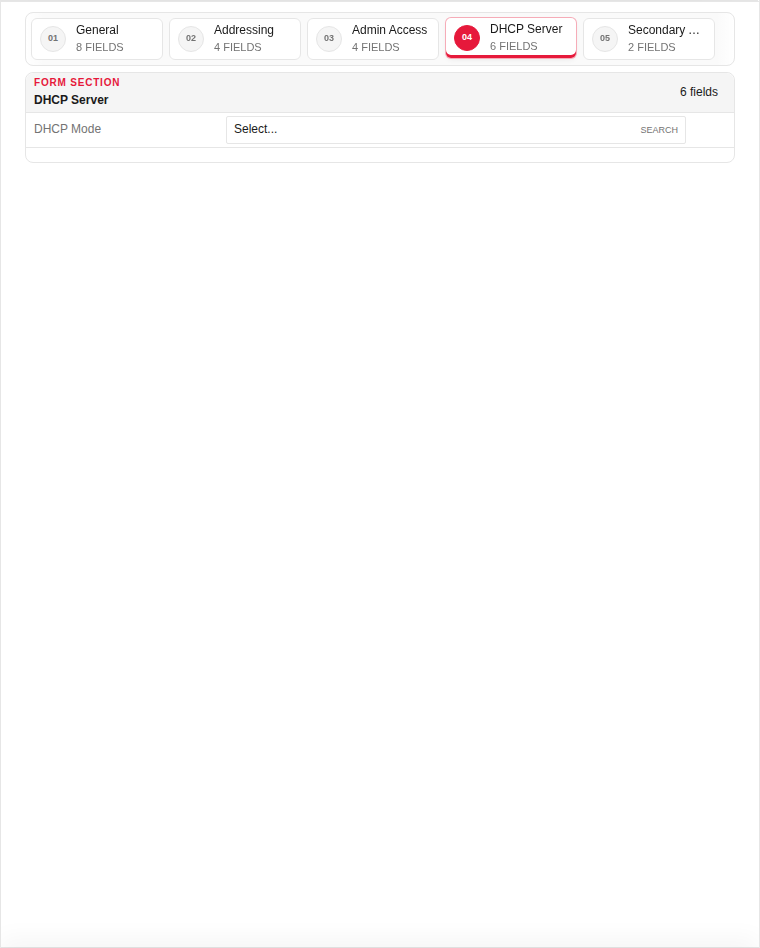
Filled with example data (for illustration — shows why each field needs a value):
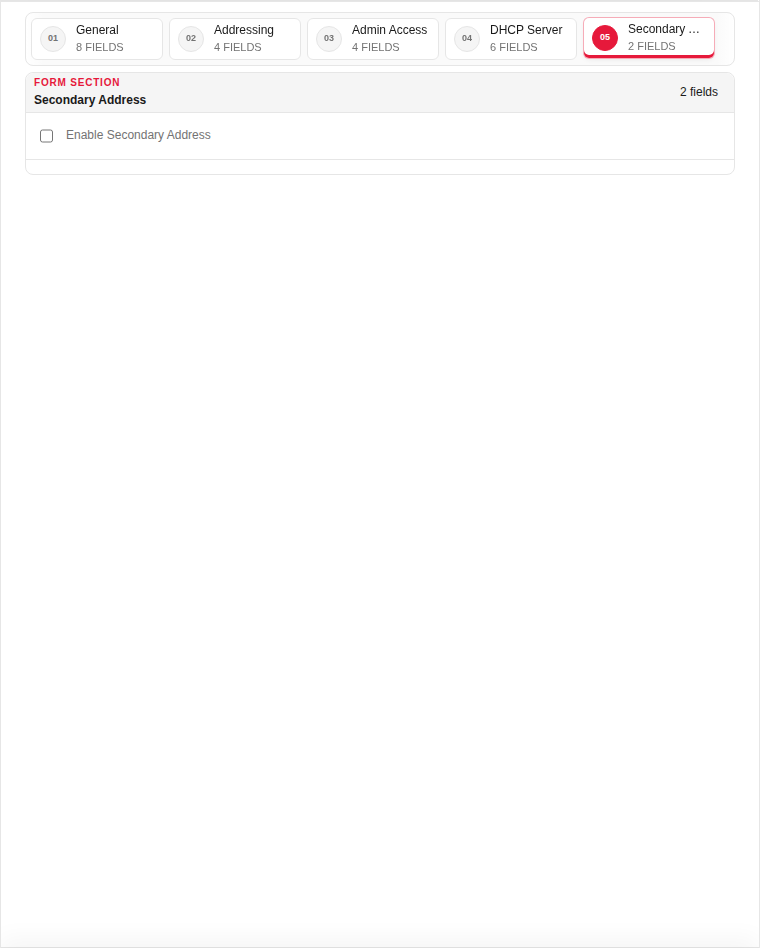
Secondary Address
| Field | Required | Description | Example | Why this data is needed |
|---|---|---|---|---|
| Secondary IPv4 | No | Additional IP on the same interface. | 192.168.100.2/24 |
Use when multiple VIPs or subnets share one physical interface. |
Empty:
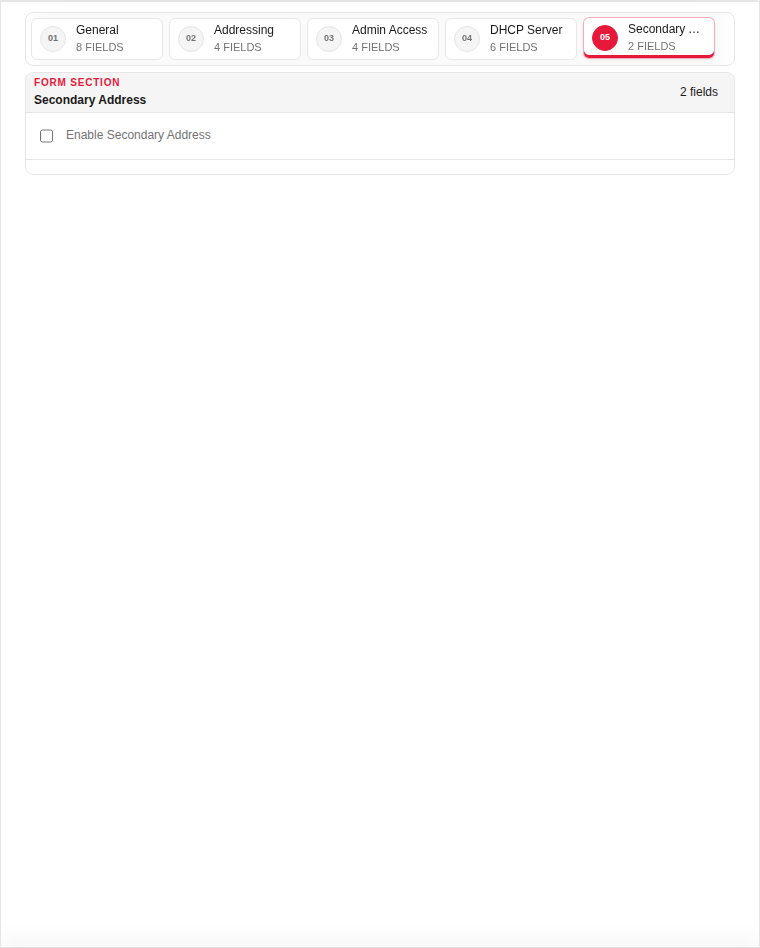
Filled with example data (for illustration — shows why each field needs a value):
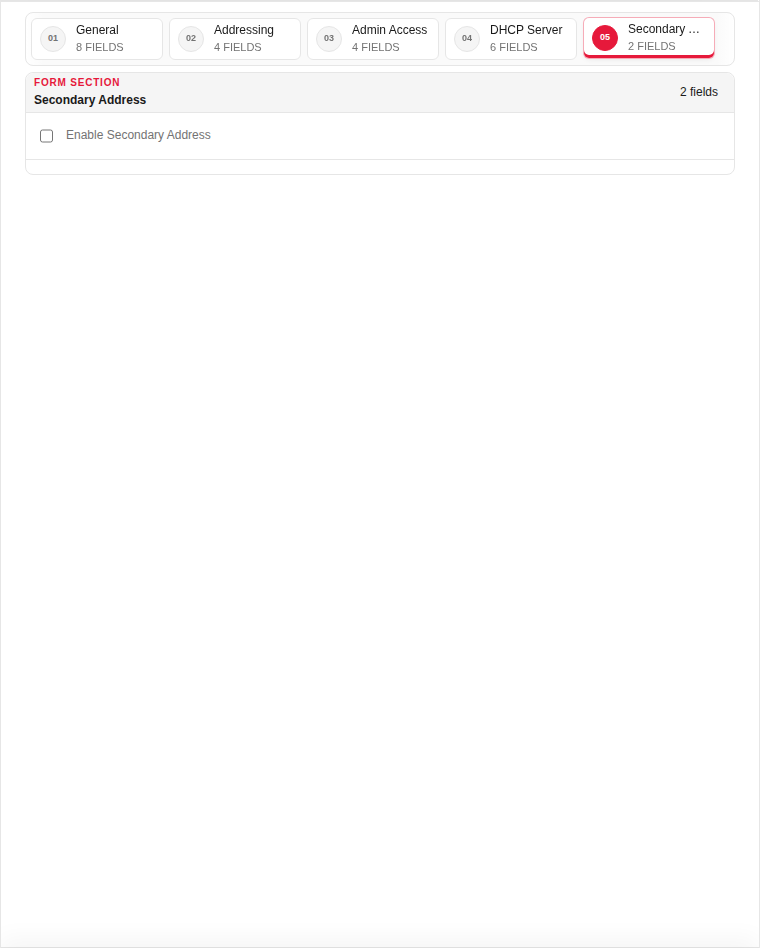
Edit form — all tabs
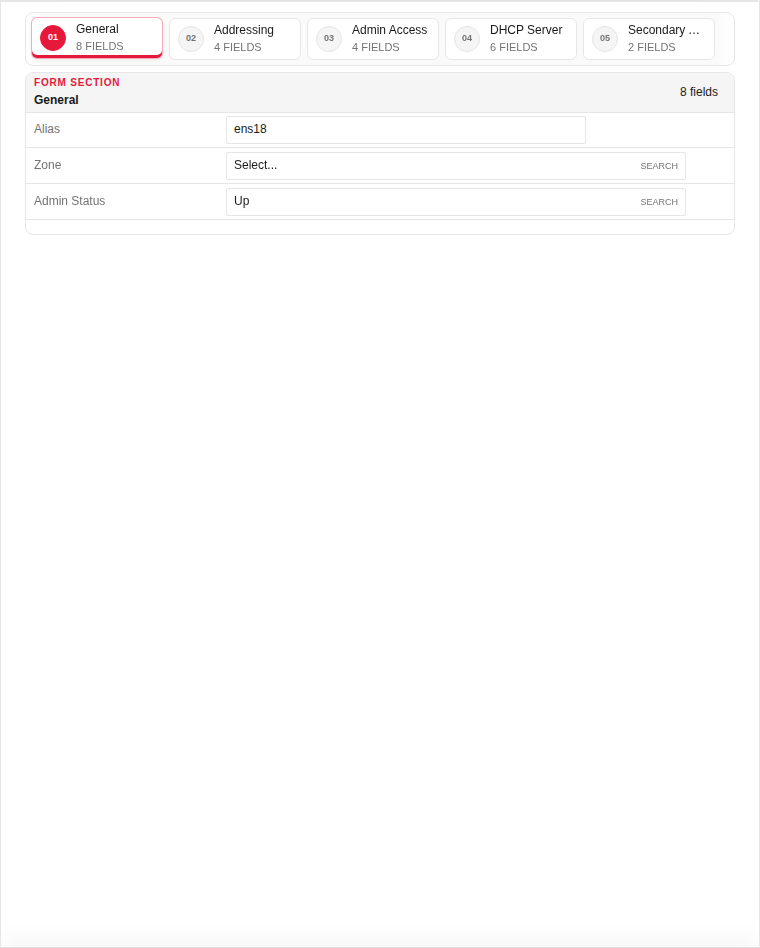
The edit dialog contains 5 tabs. Fields are the same as Add — values show the currently saved record:
General
| Field | Required | Description | Example | Why this data is needed |
|---|---|---|---|---|
| Interface Type | Yes | Physical port or VLAN sub-interface. | VLAN |
Required to determine whether this is a raw NIC or tagged VLAN. |
| Physical Interface | Yes | Underlying hardware interface (e.g. enp6s0). | enp6s0 |
Required — VLANs and addresses are bound to a physical port. |
| System Name | Yes | OS-level interface name (auto-filled from physical). | enp6s0.100 |
Used by the OS and routing table; must match the configured ifname. |
| Alias | No | Friendly label shown in rules (LAN, WAN, DMZ). | LAN |
Makes rule configuration readable — reference "LAN" instead of "enp6s0.100". |
| VLAN ID | Yes | 802.1Q tag (1–65534) for VLAN interfaces. | 100 |
Required for VLAN type — identifies the virtual network on the wire. |
| Zone | Yes | Security zone assignment (LAN, WAN, DMZ). | LAN |
Required for policy defaults and traffic classification. |
| Admin Status | Yes | Enable or disable the interface. | Enabled |
Must be Enabled for the interface to pass traffic. |
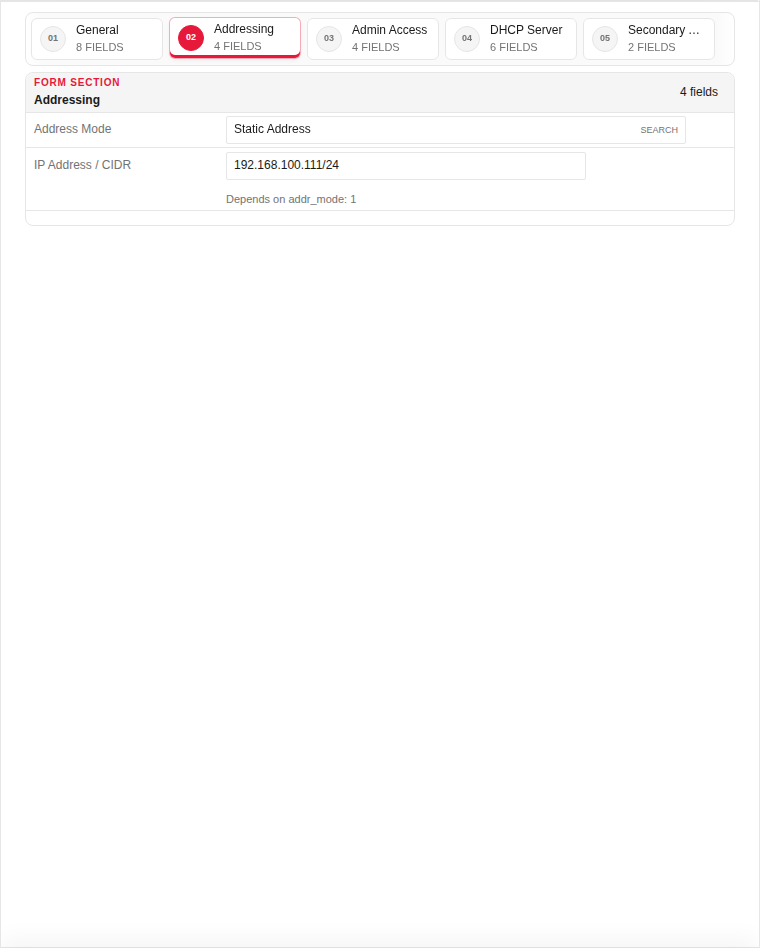
Addressing
| Field | Required | Description | Example | Why this data is needed |
|---|---|---|---|---|
| IPv4 Address | Yes | Interface IP address in CIDR notation. | 192.168.100.1/24 |
Required for routed traffic — without an IP the interface cannot receive or send packets. |
| Gateway | No | Default gateway for this interface (WAN only). | 192.168.100.254 |
Required on WAN interfaces so outbound traffic knows the next hop. |
| MTU | No | Maximum transmission unit in bytes. | 1500 |
Adjust only if your network uses jumbo frames or PPPoE overhead. |
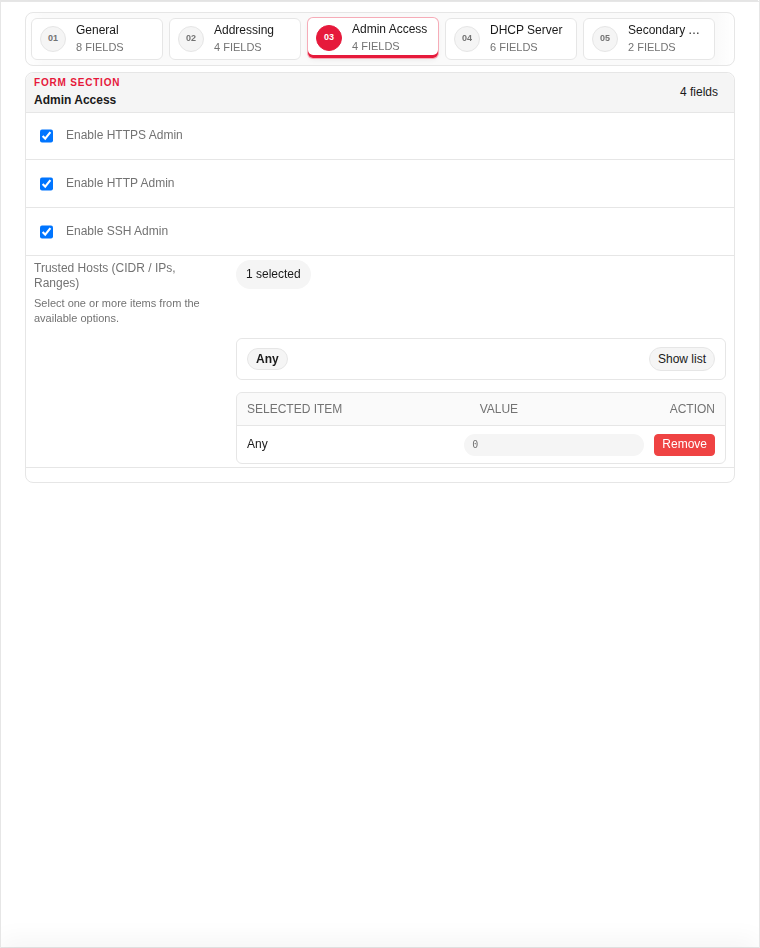
Admin Access
| Field | Required | Description | Example | Why this data is needed |
|---|---|---|---|---|
| Allow HTTPS Admin | No | Permit WAF admin UI access on this interface. | Enabled |
Enable on management VLAN only — avoid exposing admin on WAN. |
| Allow SSH Admin | No | Permit SSH management on this interface. | Disabled |
Enable only on trusted management networks. |
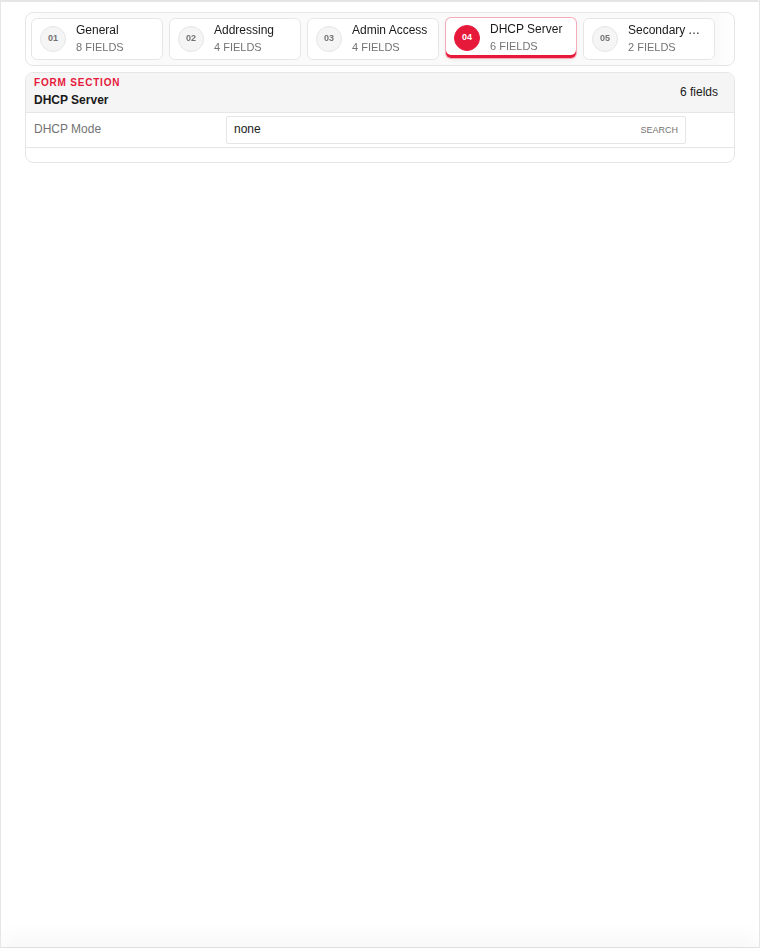
DHCP Server
| Field | Required | Description | Example | Why this data is needed |
|---|---|---|---|---|
| Enable DHCP Server | No | Run a DHCP server on this interface. | Disabled |
Enable on LAN interfaces that must assign IPs to clients. |
| DHCP Range Start | No | First IP in the DHCP pool. | 192.168.100.100 |
Required when DHCP is enabled — defines assignable addresses. |
| DHCP Range End | No | Last IP in the DHCP pool. | 192.168.100.200 |
Required when DHCP is enabled — must be within the interface subnet. |
Secondary Address
| Field | Required | Description | Example | Why this data is needed |
|---|---|---|---|---|
| Secondary IPv4 | No | Additional IP on the same interface. | 192.168.100.2/24 |
Use when multiple VIPs or subnets share one physical interface. |
Page sections
- Network Settings
Available actions
- ▦ Overview
- ⚙ System Settings ›
- General
- Updates
- ◉ User Management
- ⌁ Network Settings ›
- Interfaces
- Static Routs
- Static DNS
- □ Aliases & Objects ›
- ◇ Rules & Policies ›
- ◆ Security Profiles ›
- ◆ Event & Monitor ›
- • Logs & Events ›
- Sign Out
- Refresh Data
- Physical
- Add Record
- Edit
- Clone
- Status
Table columns
- RECORD
- ID
- ALIAS
- IP ADDRESS/CIDR
- ZONE
- ADMIN STATUS
- SECONDARY ADDR
- ADDRESS MODE
- TYPE
- INTERFACE NAME
- SYSTEM NAME
- VLAN ID
- STATUS