Email Intelligence
Navigation: Security Profiles
Check sender server network, blacklist status, and HELO/SPF posture with optional domain scan exclusions.
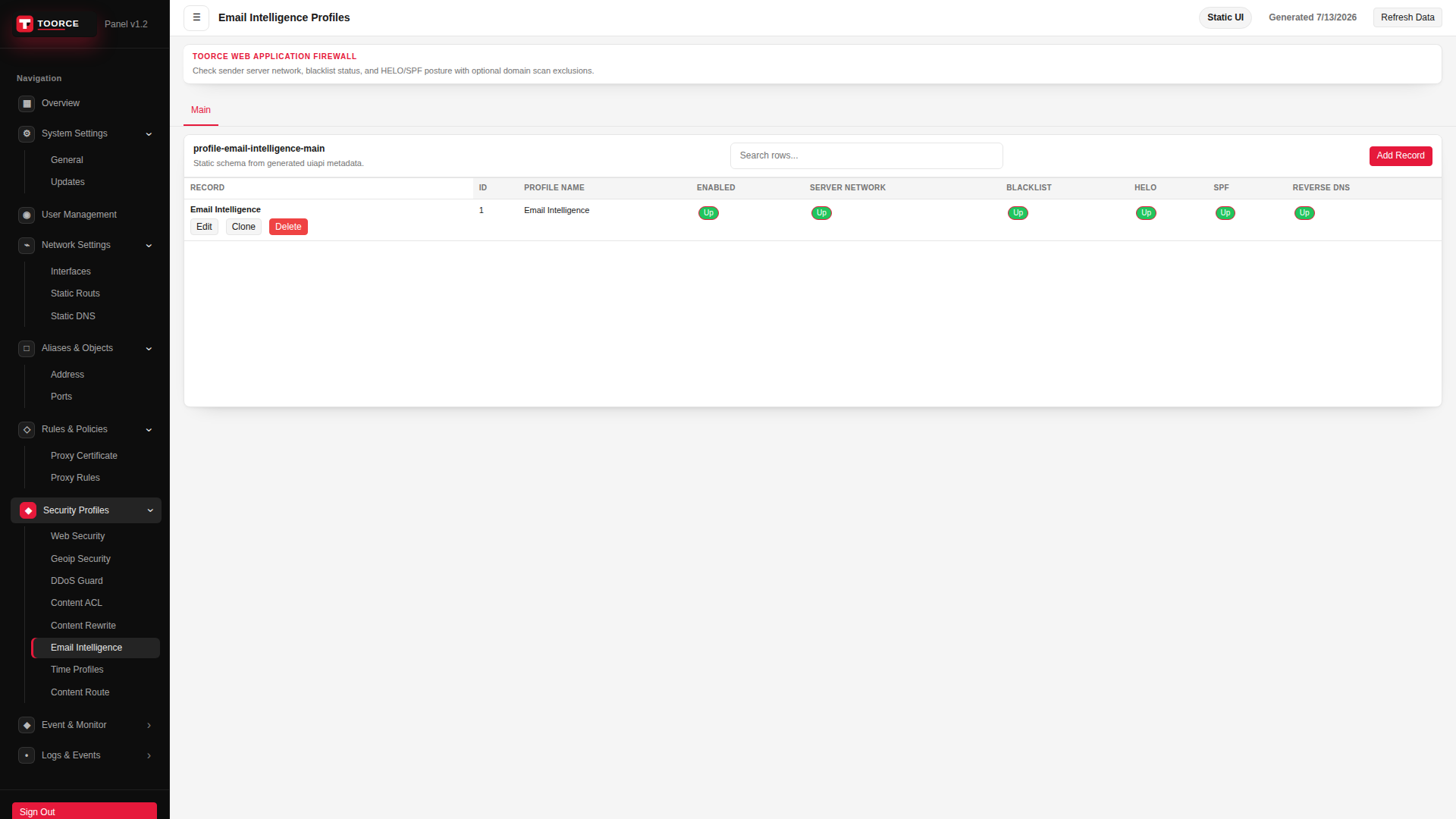
Add / Edit forms
Click + Add New to open the creation dialog, or Edit on an existing row to modify a record.
List view
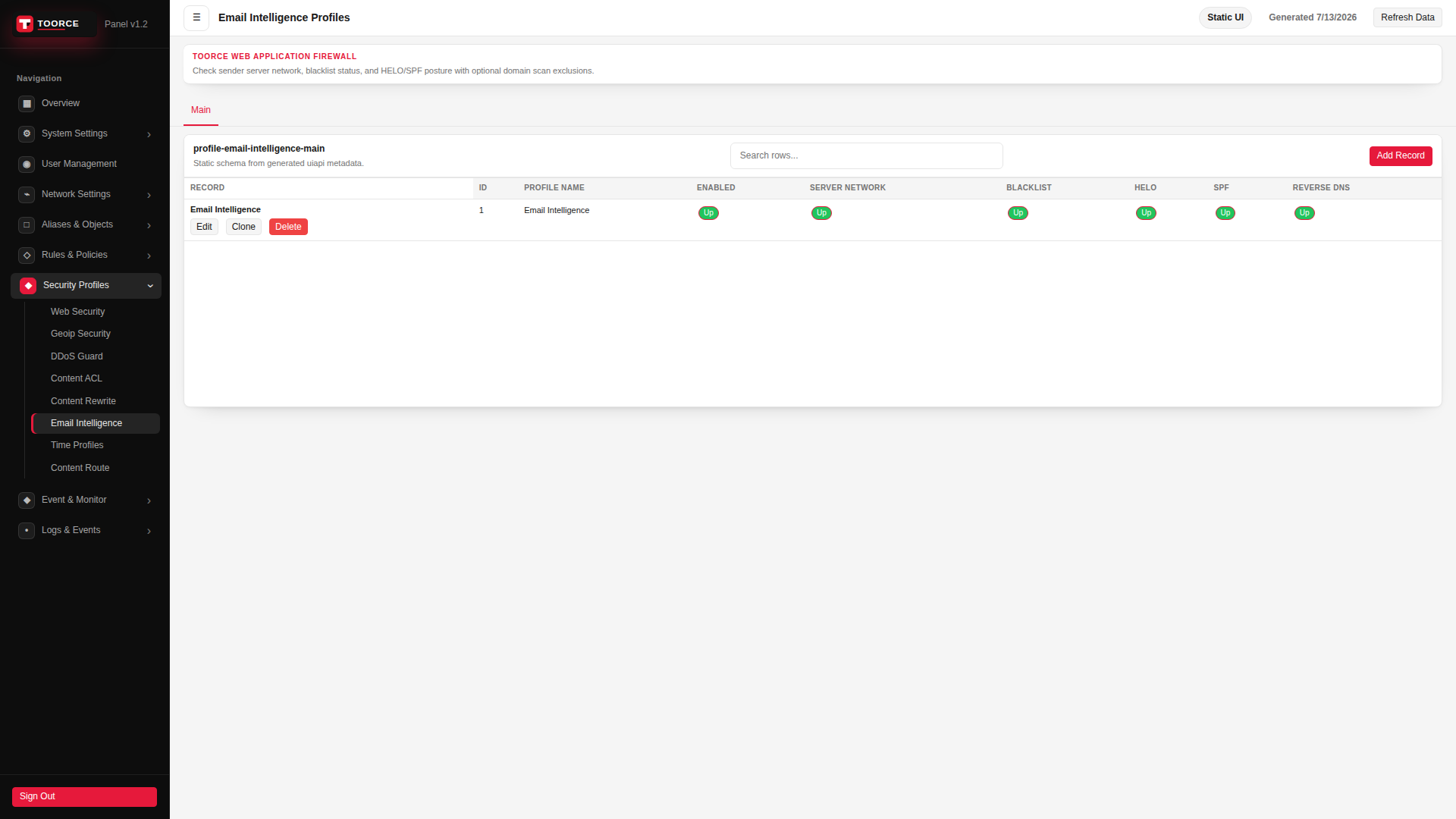
Add form — all tabs
The add dialog contains 4 tabs. Example values in the filled screenshots are for documentation only — do not save them on a production appliance.
General
| Field | Required | Description | Example | Why this data is needed |
|---|---|---|---|---|
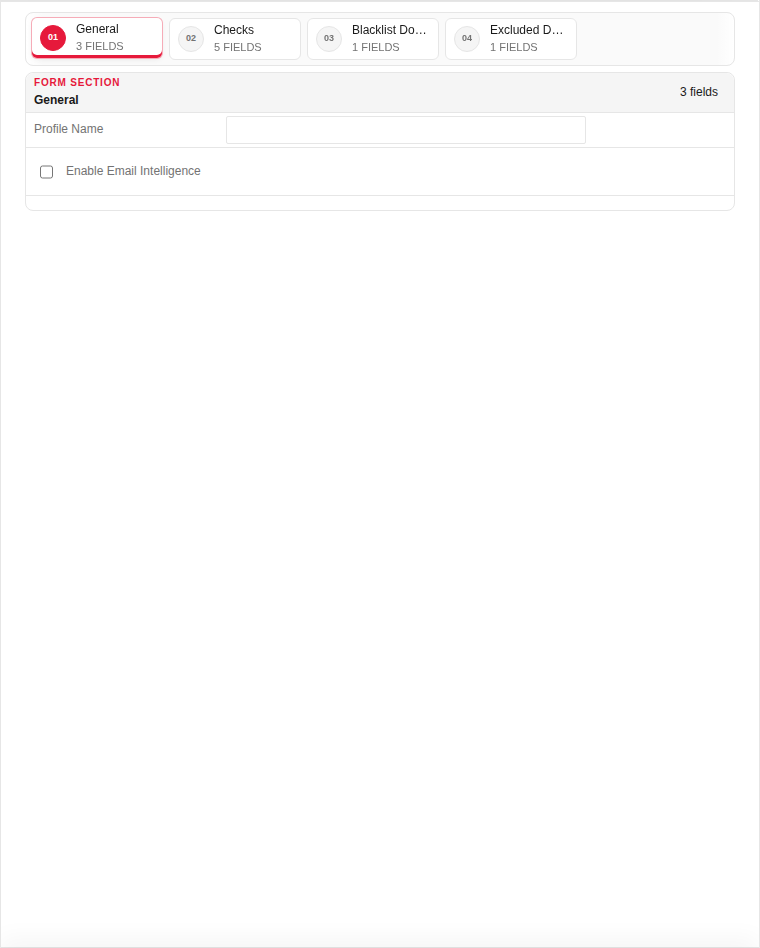
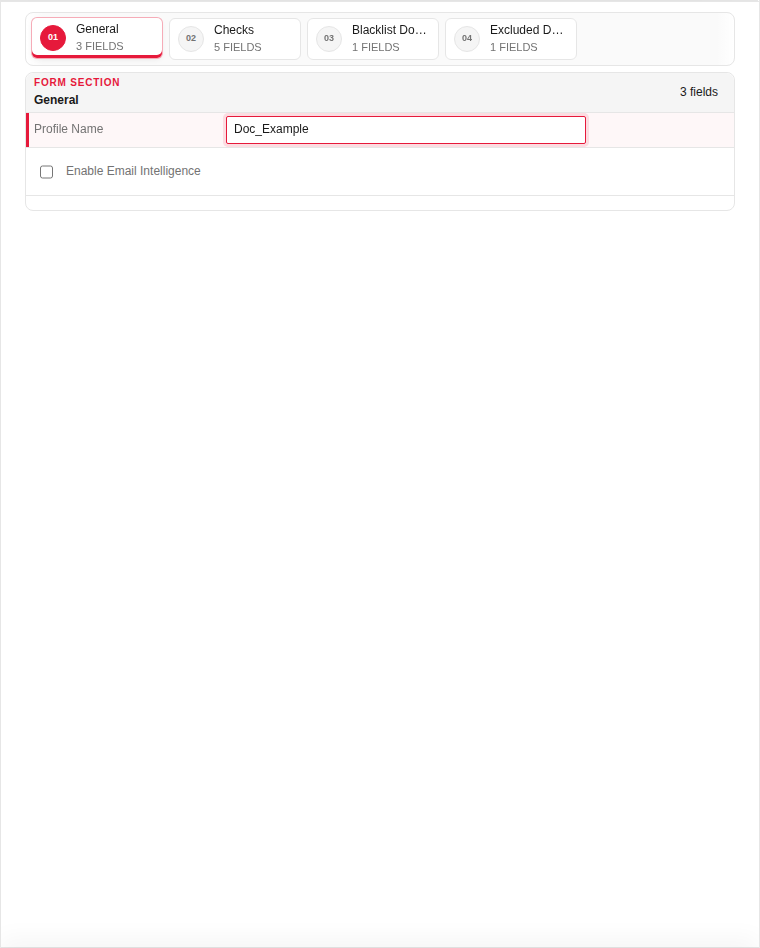
| Profile Name | Yes | Unique name for proxy rule attachment. | Email_Protect |
Required — attach to rules protecting login or contact forms. |
| Enable Email Intelligence | Yes | Master switch for email validation. | Enabled |
Must be Enabled to inspect email fields in HTTP requests. |
Empty:
Filled with example data (for illustration — shows why each field needs a value):
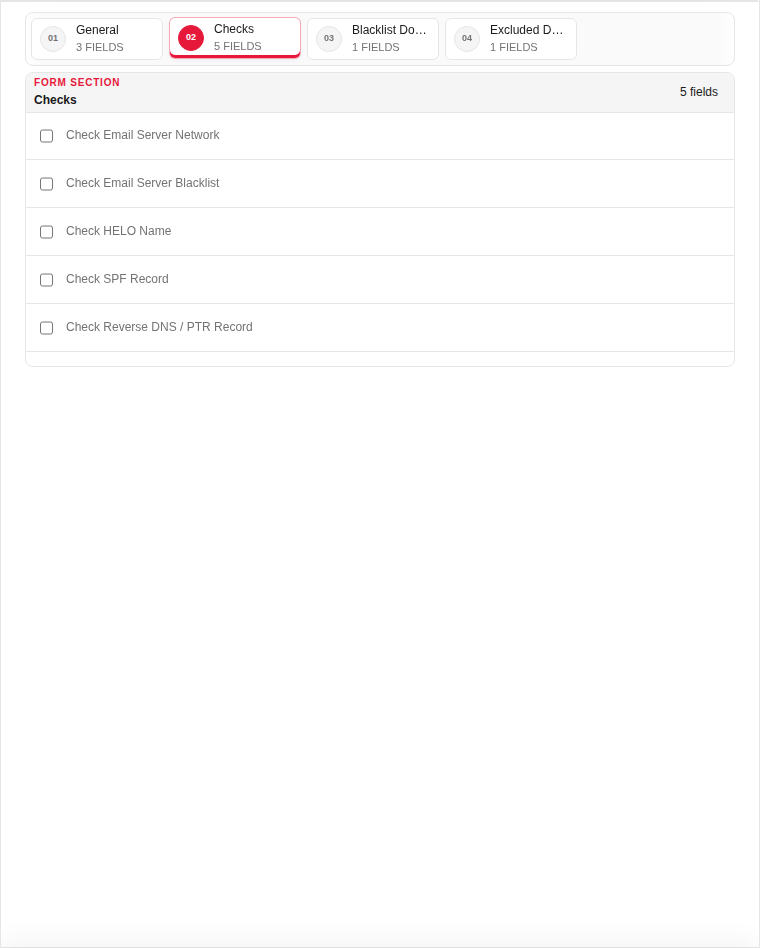
Checks
| Field | Required | Description | Example | Why this data is needed |
|---|---|---|---|---|
| Disposable Email Detection | Yes | Block temporary/throwaway email domains. | Enabled |
Stops fake sign-ups using mailinator-style addresses. |
| MX Record Validation | No | Verify the domain has valid mail servers. | Enabled |
Rejects emails from domains that cannot receive mail. |
Empty:
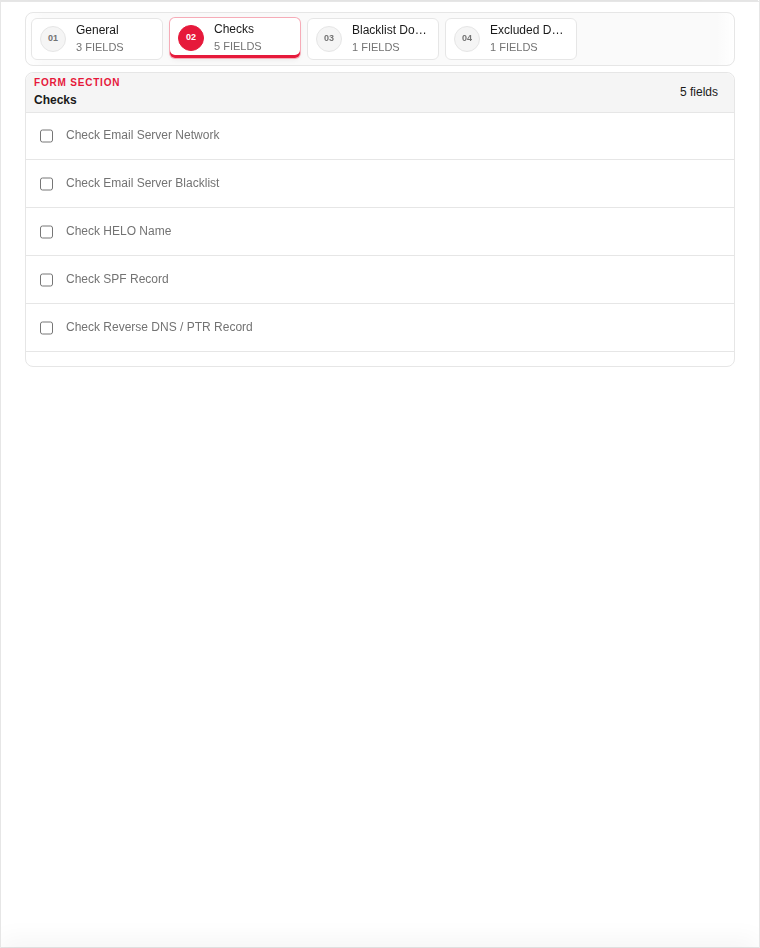
Filled with example data (for illustration — shows why each field needs a value):
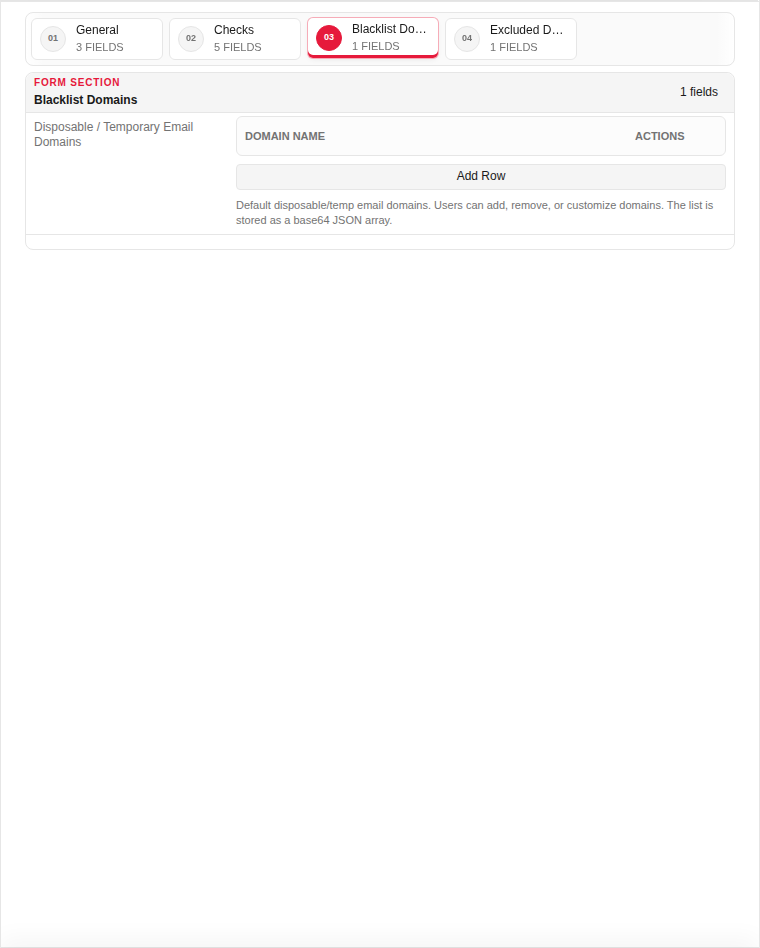
Blacklist Domains
| Field | Required | Description | Example | Why this data is needed |
|---|---|---|---|---|
| Blocked Domains | Yes | Domains never allowed in email fields. | tempmail.com, guerrillamail.com |
Required for custom block lists beyond built-in detection. |
Empty:
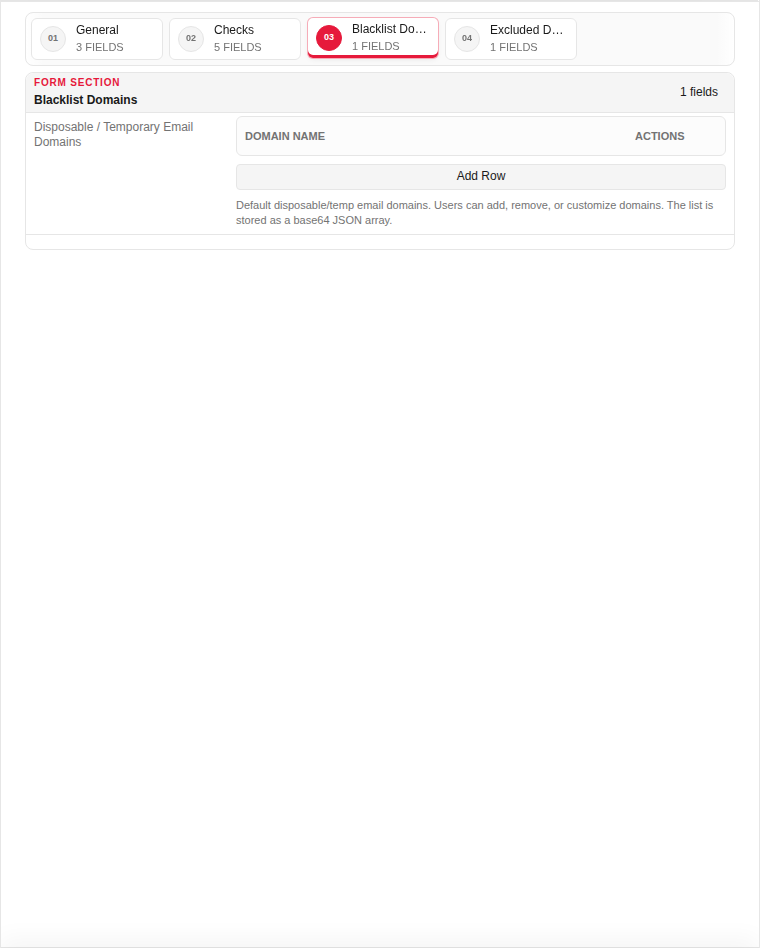
Filled with example data (for illustration — shows why each field needs a value):
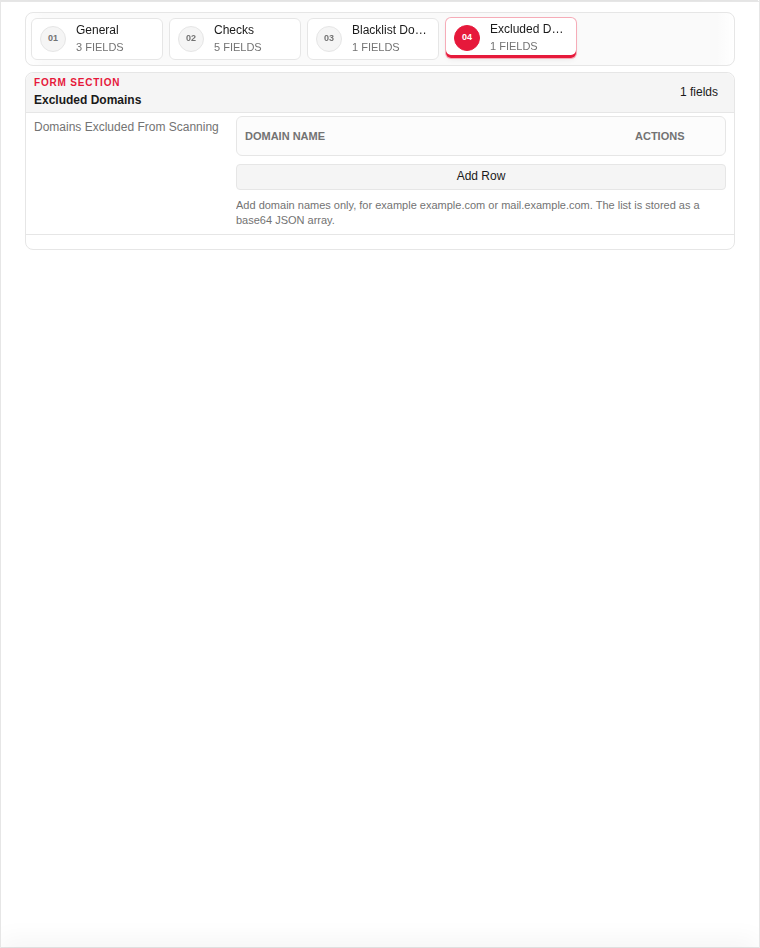
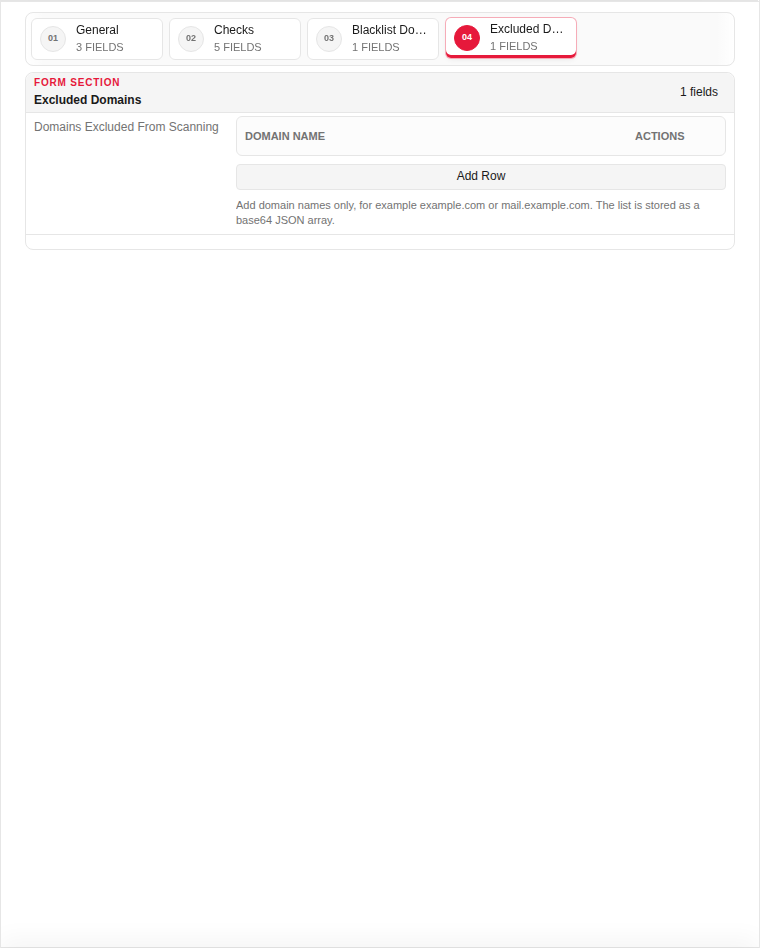
Excluded Domains
| Field | Required | Description | Example | Why this data is needed |
|---|---|---|---|---|
| Excluded Domains | No | Trusted domains exempt from checks. | company.com |
Optional — prevents false blocks on your own domain. |
Empty:
Filled with example data (for illustration — shows why each field needs a value):
Edit form — all tabs
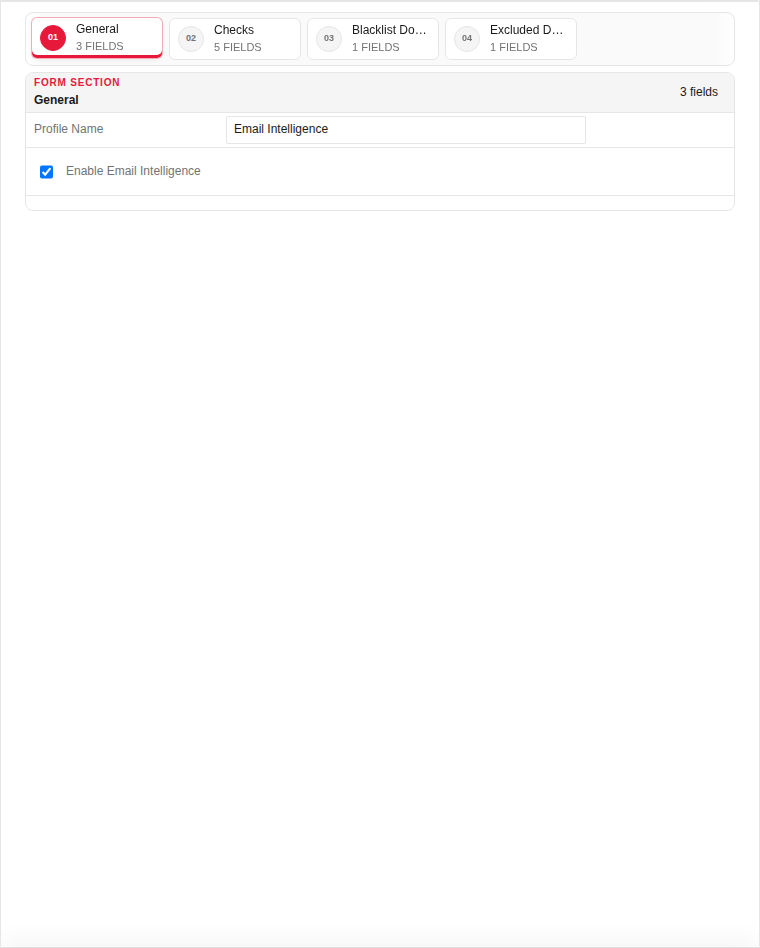
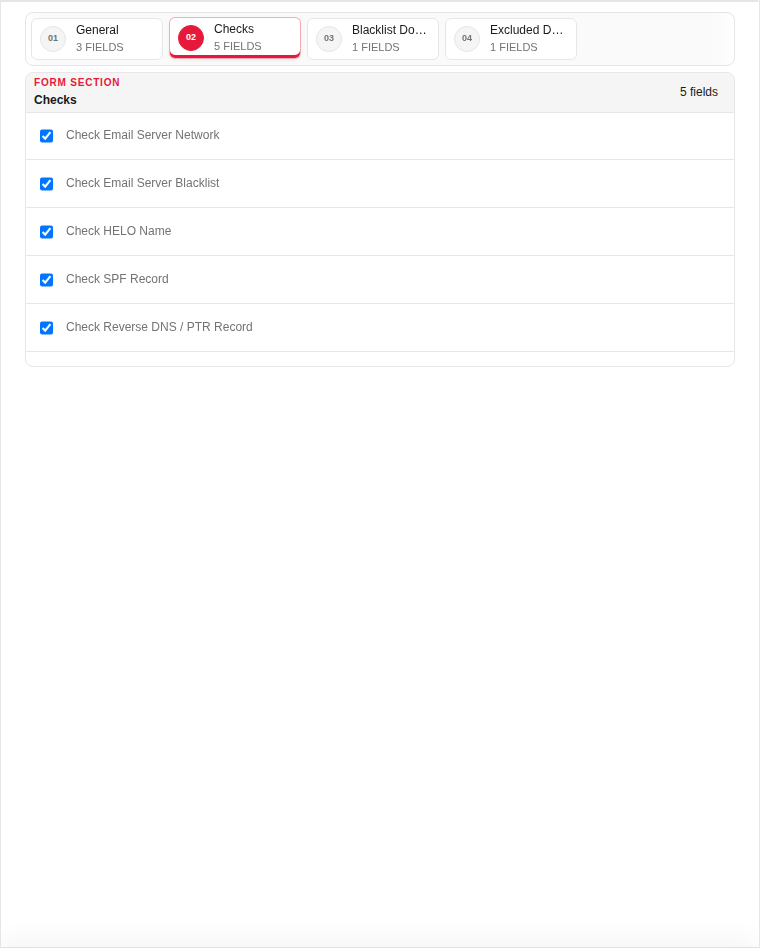
The edit dialog contains 4 tabs. Fields are the same as Add — values show the currently saved record:
General
| Field | Required | Description | Example | Why this data is needed |
|---|---|---|---|---|
| Profile Name | Yes | Unique name for proxy rule attachment. | Email_Protect |
Required — attach to rules protecting login or contact forms. |
| Enable Email Intelligence | Yes | Master switch for email validation. | Enabled |
Must be Enabled to inspect email fields in HTTP requests. |
Checks
| Field | Required | Description | Example | Why this data is needed |
|---|---|---|---|---|
| Disposable Email Detection | Yes | Block temporary/throwaway email domains. | Enabled |
Stops fake sign-ups using mailinator-style addresses. |
| MX Record Validation | No | Verify the domain has valid mail servers. | Enabled |
Rejects emails from domains that cannot receive mail. |
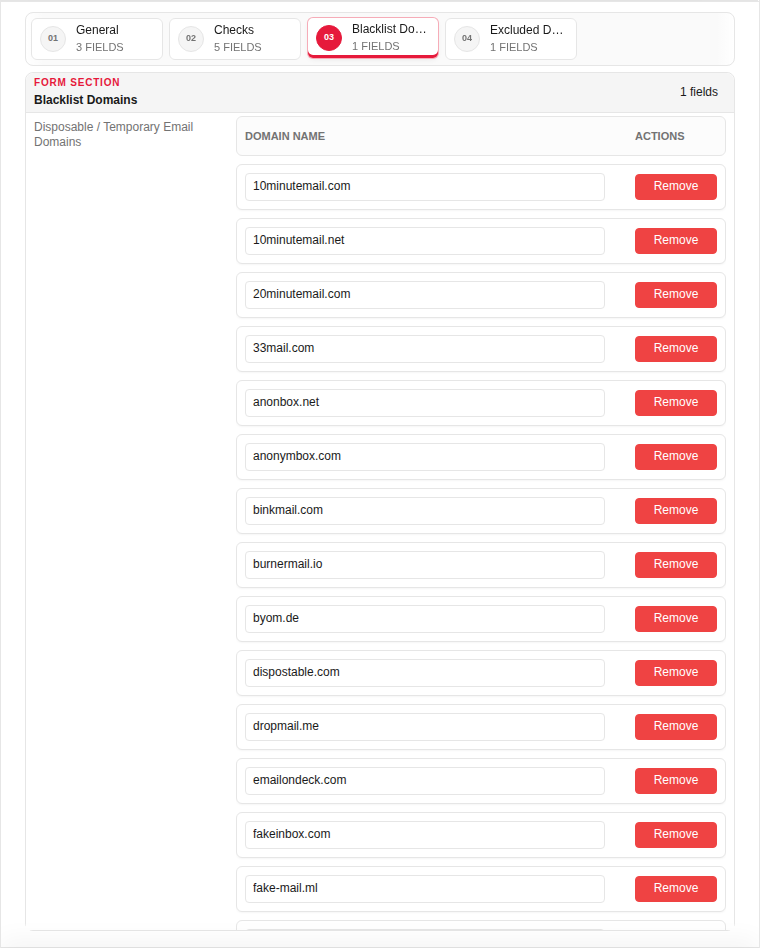
Blacklist Domains
| Field | Required | Description | Example | Why this data is needed |
|---|---|---|---|---|
| Blocked Domains | Yes | Domains never allowed in email fields. | tempmail.com, guerrillamail.com |
Required for custom block lists beyond built-in detection. |
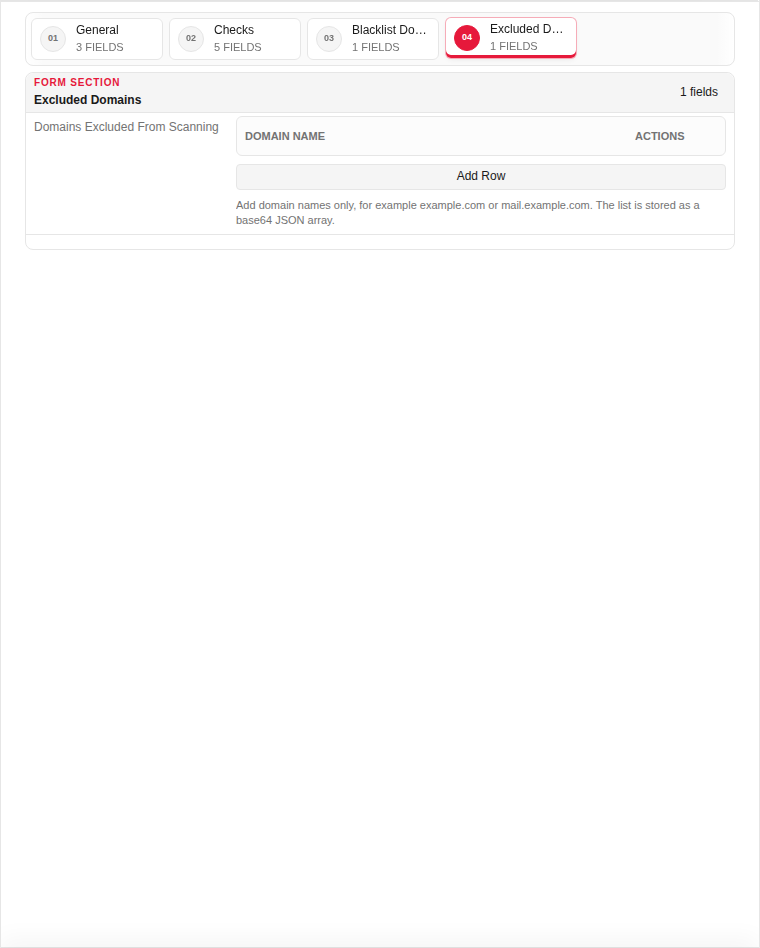
Excluded Domains
| Field | Required | Description | Example | Why this data is needed |
|---|---|---|---|---|
| Excluded Domains | No | Trusted domains exempt from checks. | company.com |
Optional — prevents false blocks on your own domain. |
Page sections
- Email Intelligence Profiles
Available actions
- ▦ Overview
- ⚙ System Settings ›
- General
- Updates
- ◉ User Management
- ⌁ Network Settings ›
- Interfaces
- Static Routs
- Static DNS
- □ Aliases & Objects ›
- Address
- Ports
- ◇ Rules & Policies ›
- Proxy Certificate
- Proxy Rules
- ◆ Security Profiles ›
- Web Security
- Geoip Security
- DDoS Guard
- Content ACL
- Content Rewrite
- Email Intelligence
- Time Profiles
- Content Route
- ◆ Event & Monitor ›
- • Logs & Events ›
- Sign Out
- Refresh Data
- Main
- Add Record
- Edit
- Clone
- Delete
Table columns
- RECORD
- ID
- PROFILE NAME
- ENABLED
- SERVER NETWORK
- BLACKLIST
- HELO
- SPF
- REVERSE DNS