Geoip Security
Navigation: Security Profiles
Static schema from generated uiapi metadata.
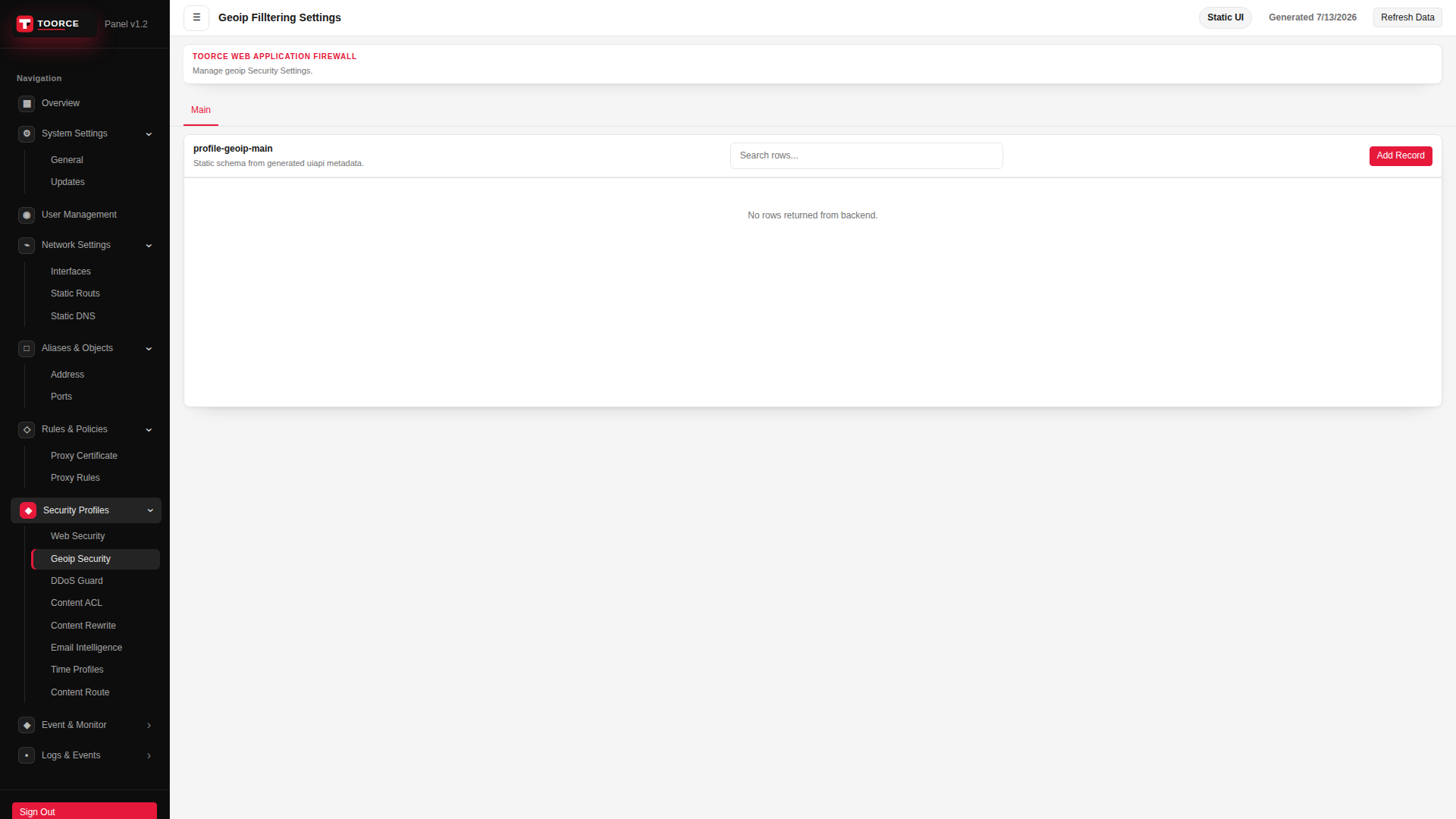
Add / Edit forms
Click + Add New to open the creation dialog, or Edit on an existing row to modify a record.
List view
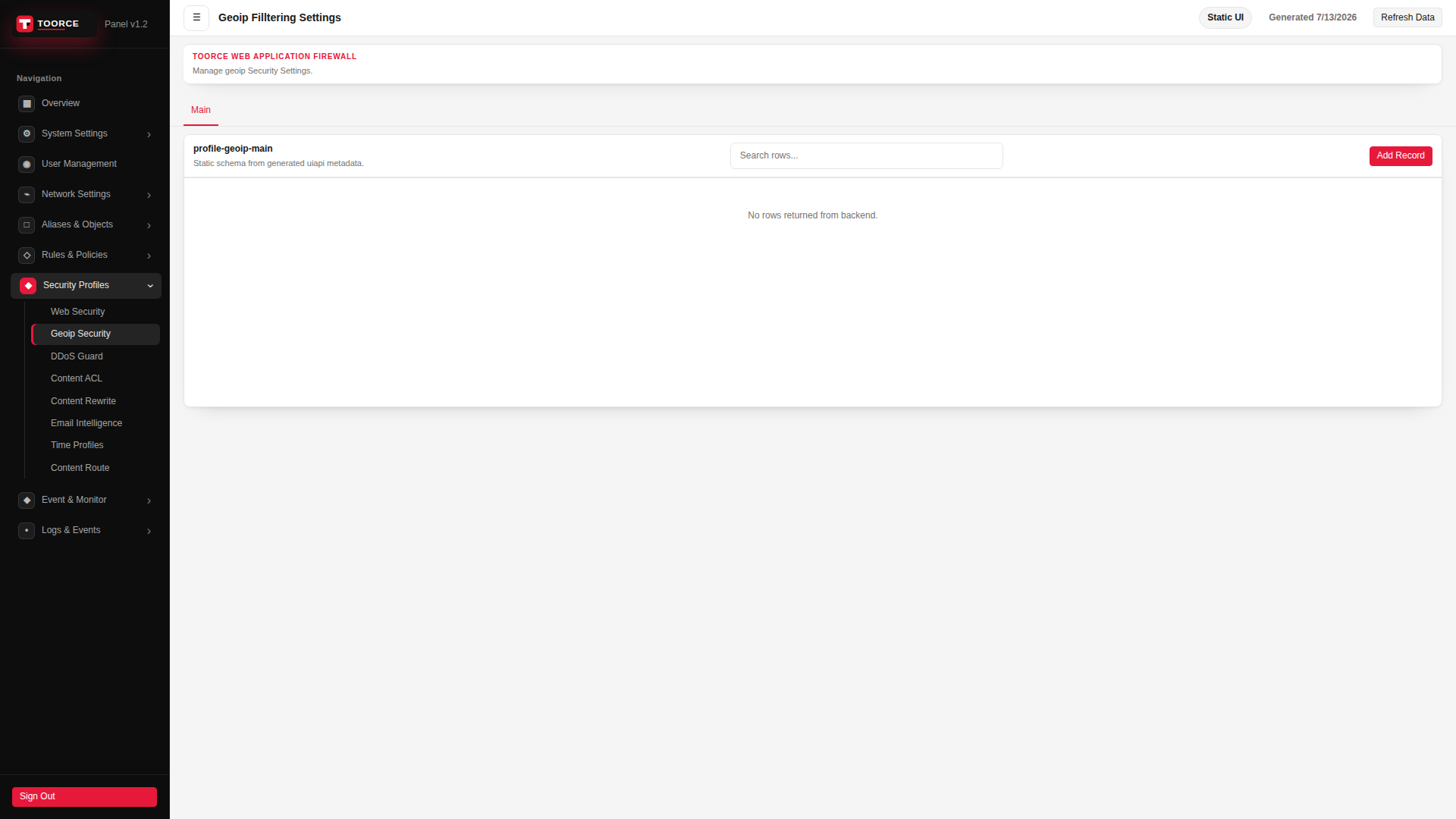
Add form — all tabs
The add dialog contains 2 tabs. Example values in the filled screenshots are for documentation only — do not save them on a production appliance.
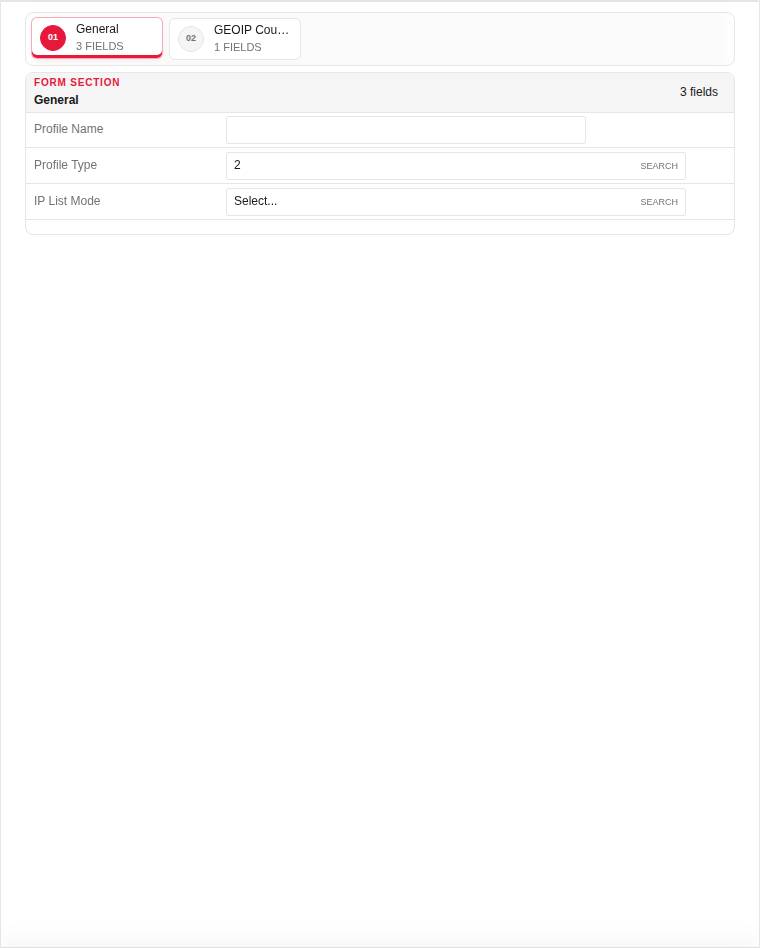
General
| Field | Required | Description | Example | Why this data is needed |
|---|---|---|---|---|
| Profile Name | Yes | Unique name for proxy rule attachment. | Block_High_Risk |
Required — referenced in Security Profiles tab of proxy rules. |
| Profile Type | Yes | Allow-list or block-list mode. | Block List |
Required — determines whether listed countries are denied or permitted. |
| IP List Mode | Yes | Match source IP, destination, or both. | Source |
Required — most policies filter by client country. |
Empty:
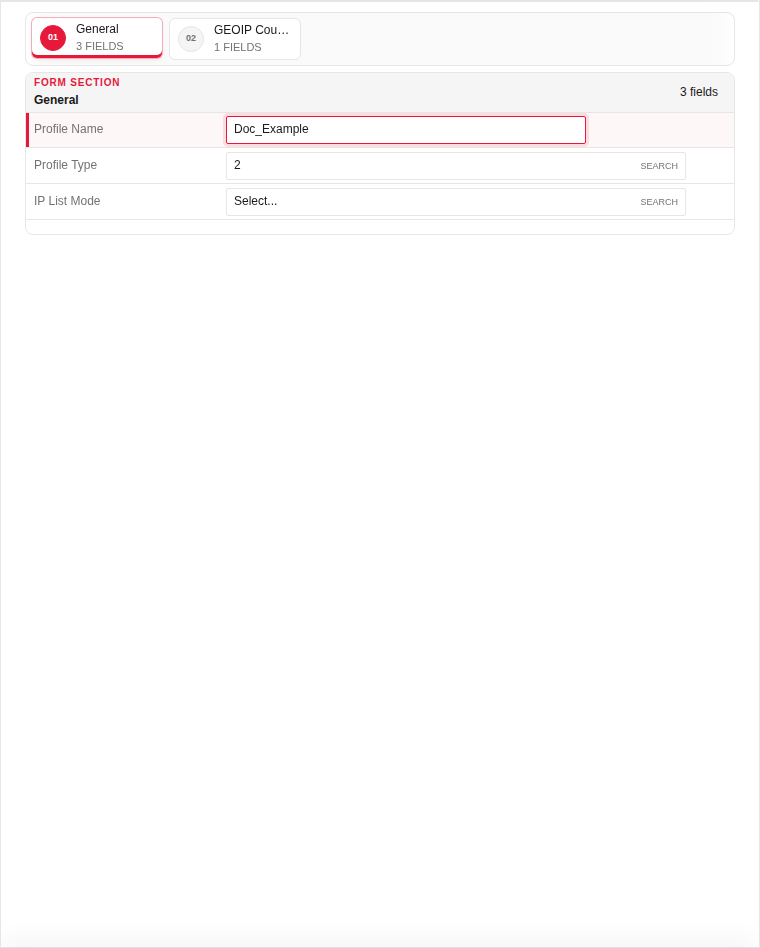
Filled with example data (for illustration — shows why each field needs a value):
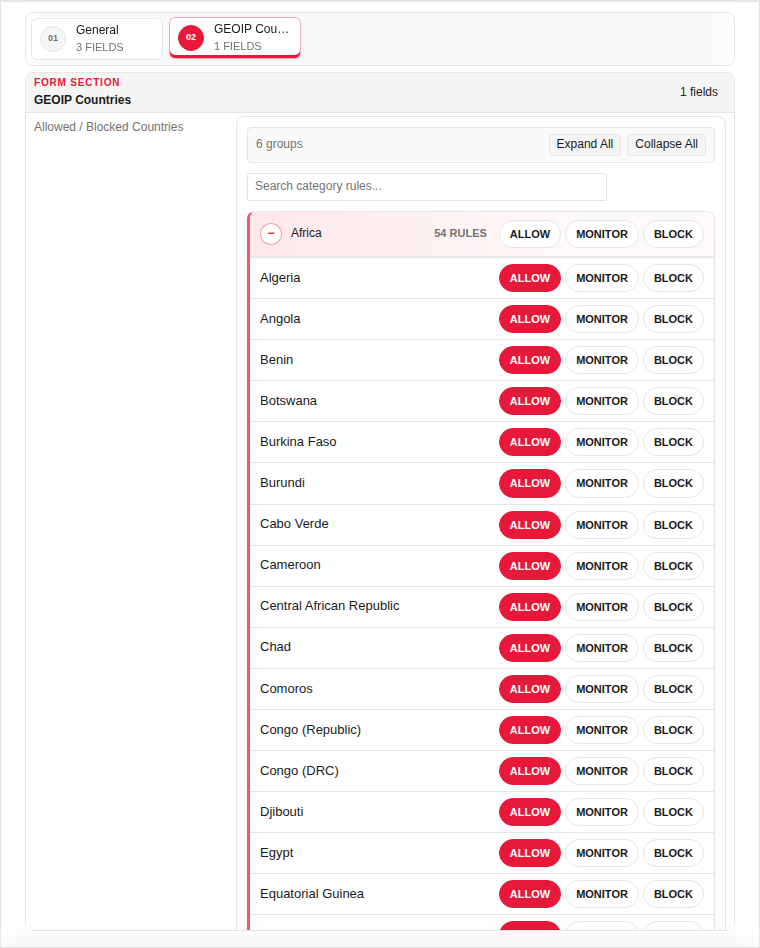
GEOIP Countries
| Field | Required | Description | Example | Why this data is needed |
|---|---|---|---|---|
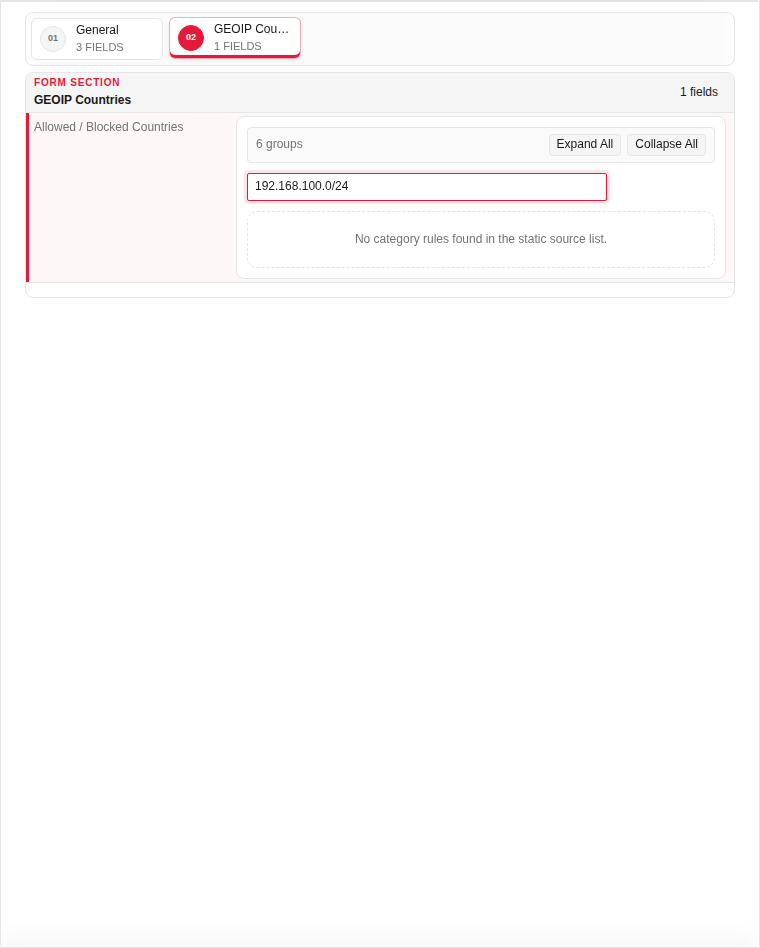
| Countries | Yes | ISO country codes to allow or block. | CN, RU, KP |
Required — the GeoIP database matches client IPs to these countries. |
| Action on Match | Yes | Block or allow when country matches. | Block |
Required — defines what happens to matched traffic. |
Empty:
Filled with example data (for illustration — shows why each field needs a value):
Page sections
- Geoip Filltering Settings
Available actions
- ▦ Overview
- ⚙ System Settings ›
- General
- Updates
- ◉ User Management
- ⌁ Network Settings ›
- Interfaces
- Static Routs
- Static DNS
- □ Aliases & Objects ›
- Address
- Ports
- ◇ Rules & Policies ›
- Proxy Certificate
- Proxy Rules
- ◆ Security Profiles ›
- Web Security
- Geoip Security
- DDoS Guard
- Content ACL
- Content Rewrite
- Email Intelligence
- Time Profiles
- Content Route
- ◆ Event & Monitor ›
- • Logs & Events ›
- Sign Out
- Refresh Data
- Main
- Add Record