Proxy Rules
Navigation: Rules & Policies
Static schema from generated uiapi metadata.
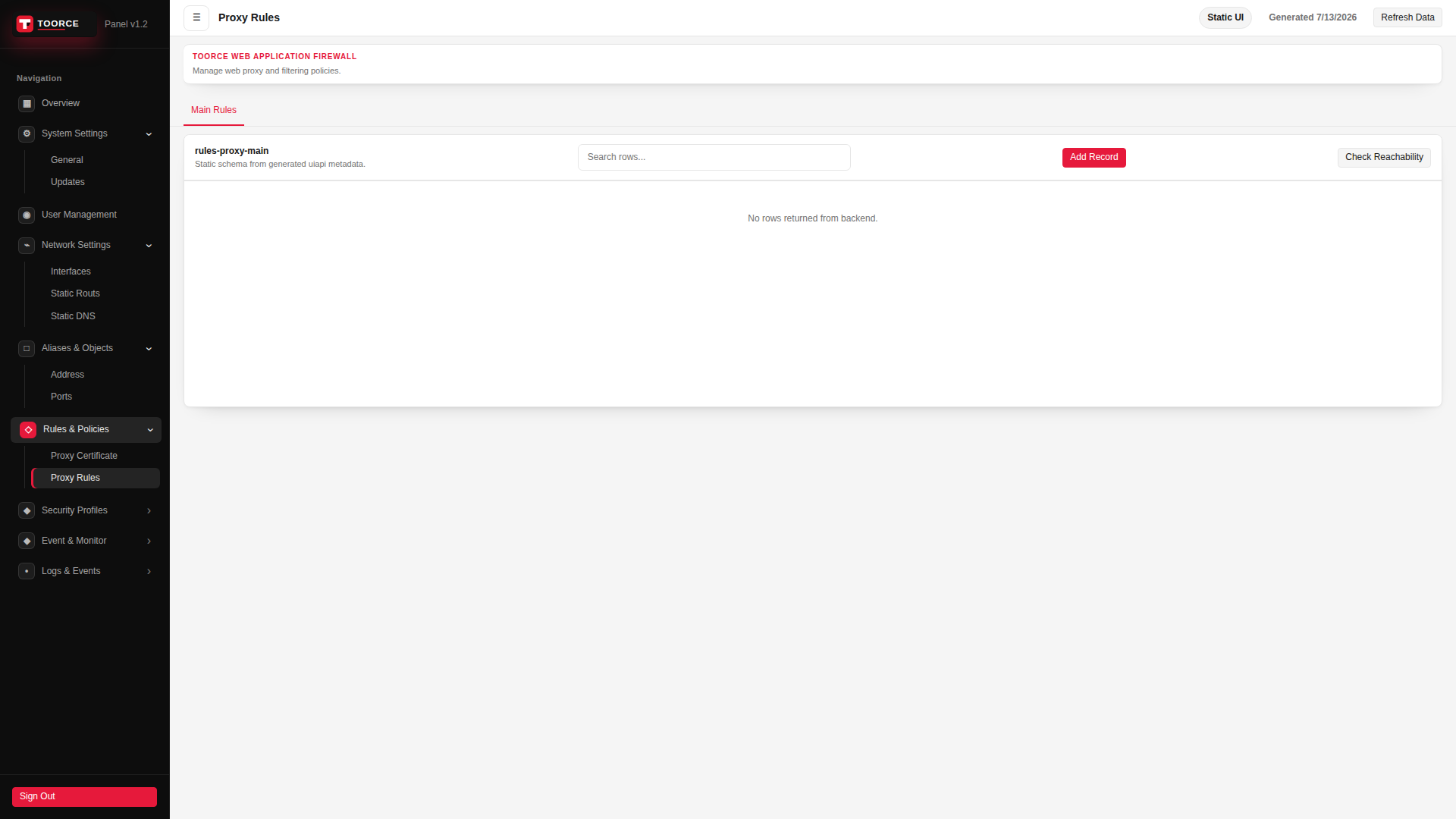
Add / Edit forms
Click + Add New to open the creation dialog, or Edit on an existing row to modify a record.
List view
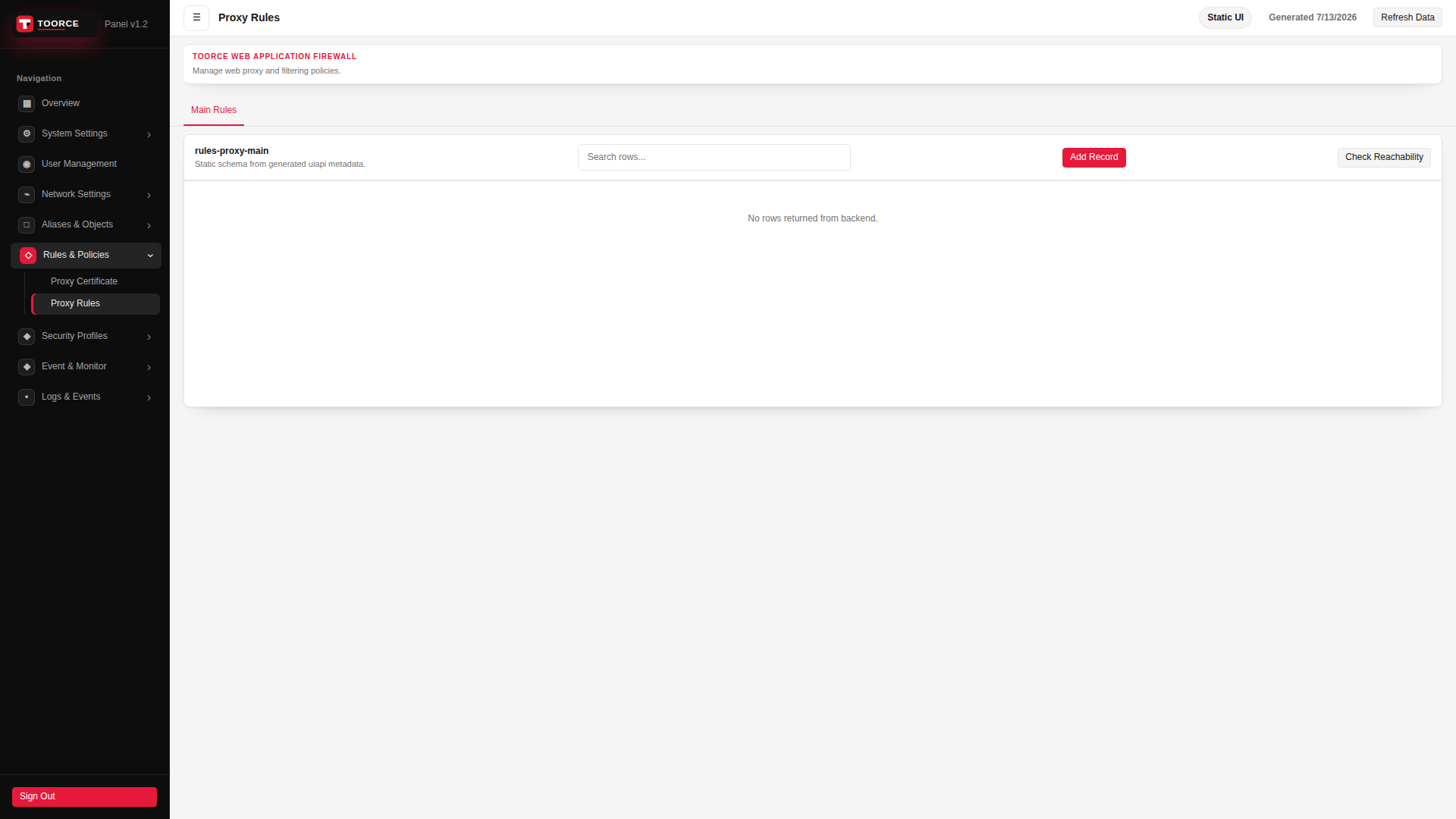
Add form — all tabs
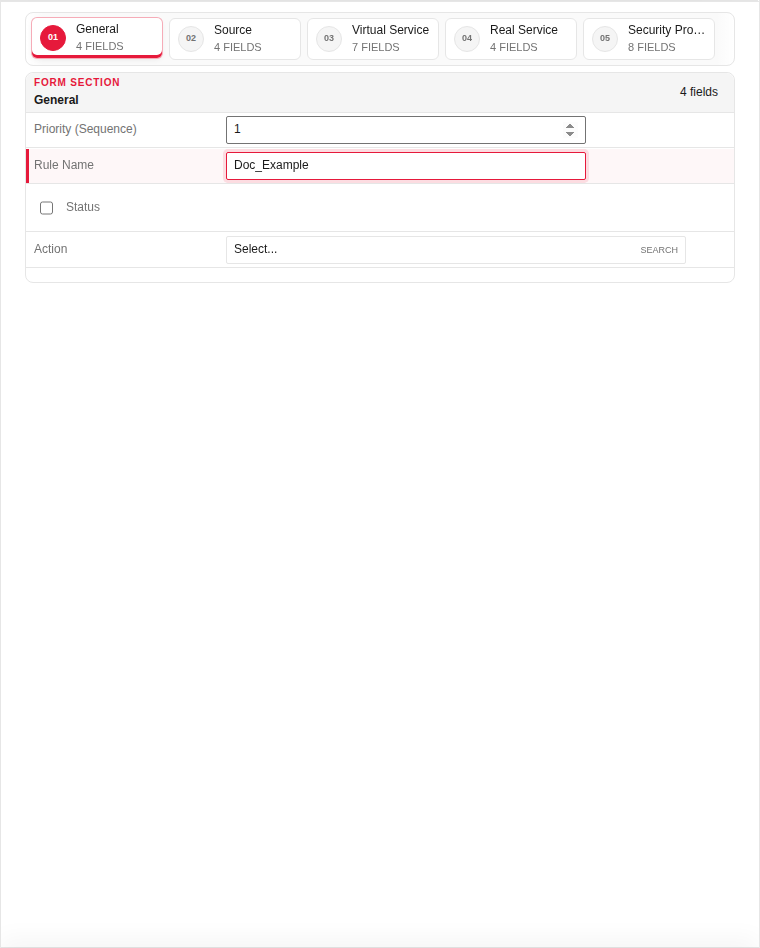
The add dialog contains 5 tabs. Example values in the filled screenshots are for documentation only — do not save them on a production appliance.
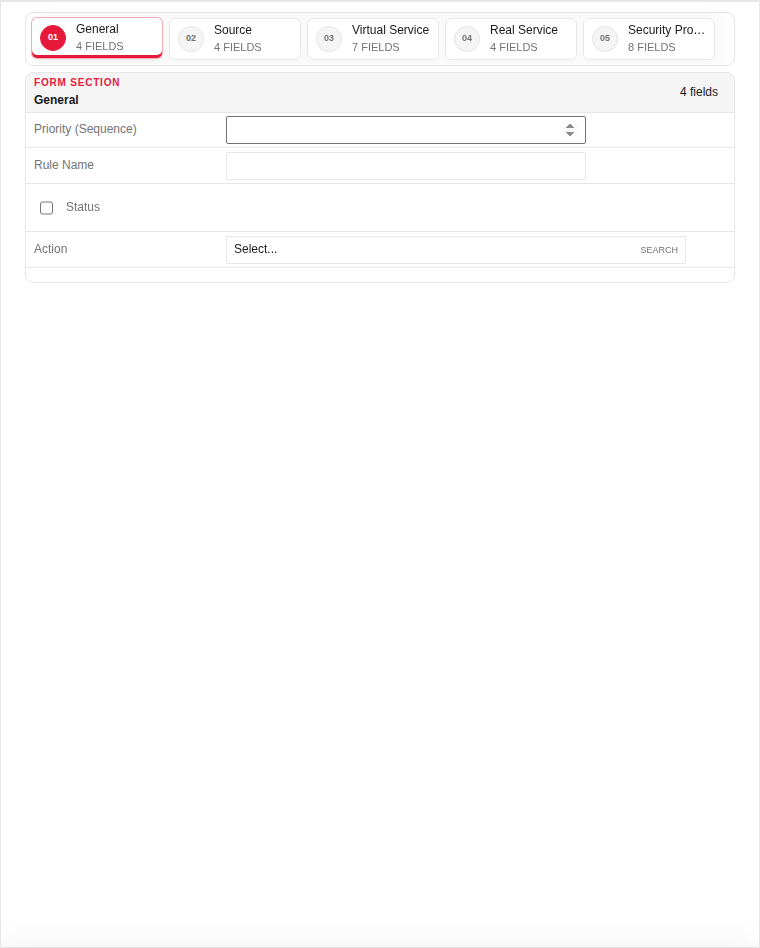
General
| Field | Required | Description | Example | Why this data is needed |
|---|---|---|---|---|
| Priority (Sequence) | Yes | Rule evaluation order — lower numbers are checked first. | 10 |
Required — determines which rule wins when multiple rules could match. |
| Rule Name | Yes | Descriptive name shown in logs and dashboards. | Public_Website |
Required — appears in Web Security logs when traffic matches this rule. |
| Status | Yes | Enable or disable this proxy rule. | Enabled |
Must be Enabled for the WAF to process traffic through this rule. |
| Action | Yes | Allow, block, or redirect matched traffic. | Allow |
Required — defines the default outcome before profile inspection. |
Empty:
Filled with example data (for illustration — shows why each field needs a value):
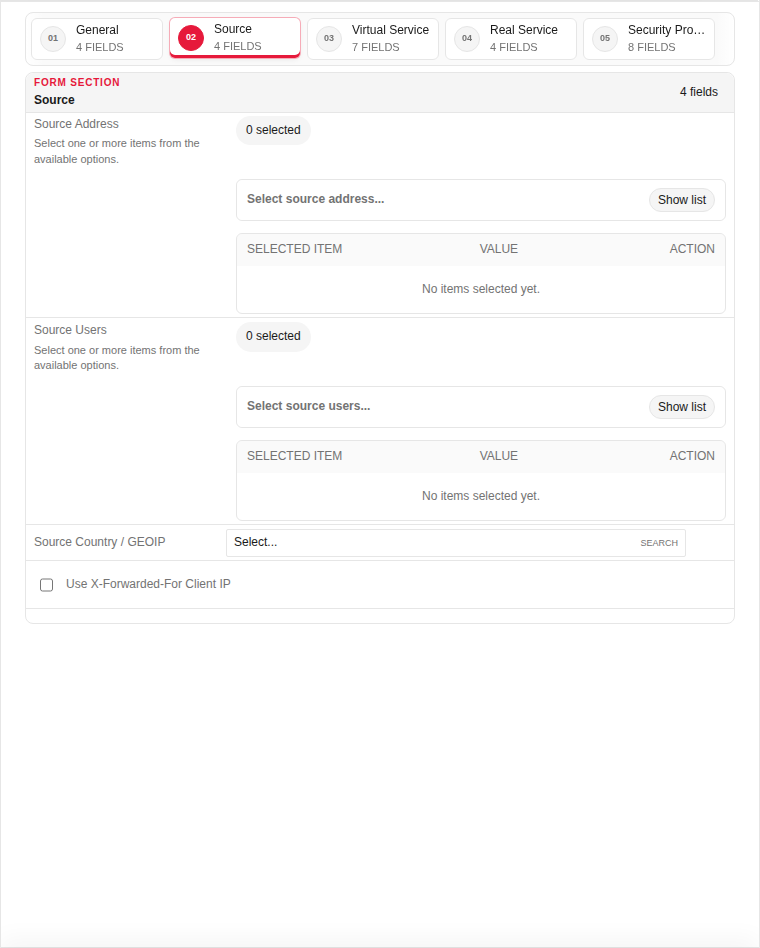
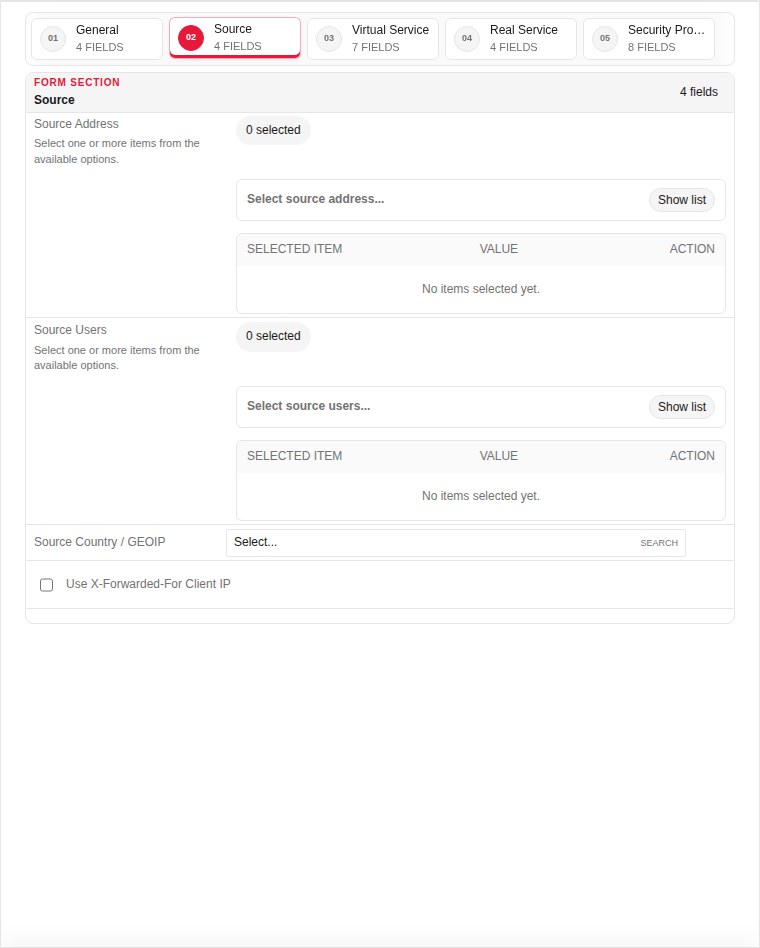
Source
| Field | Required | Description | Example | Why this data is needed |
|---|---|---|---|---|
| Source Address | No | Address object or any for client IP filtering. | Any |
Restrict which client IPs may hit this virtual service. |
| Source Port | No | Client port range (usually any). | Any |
Rarely changed — used for advanced source port policies. |
| Time Profile | No | Schedule when this rule is active. | Business_Hours |
Optional — limits the rule to specific days/times. |
Empty:
Filled with example data (for illustration — shows why each field needs a value):
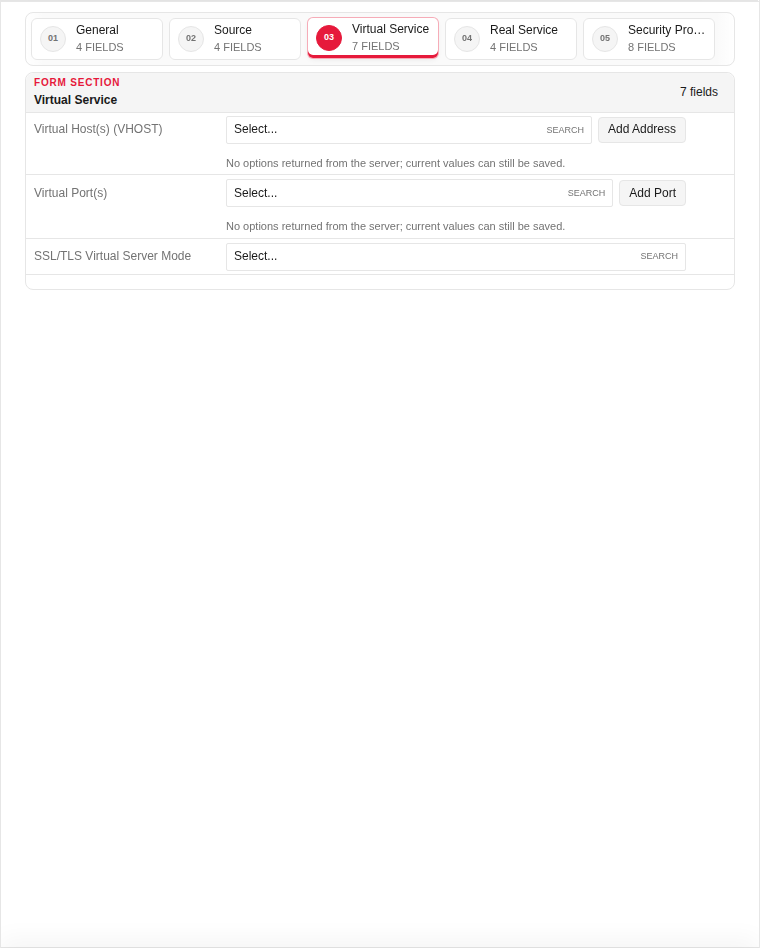
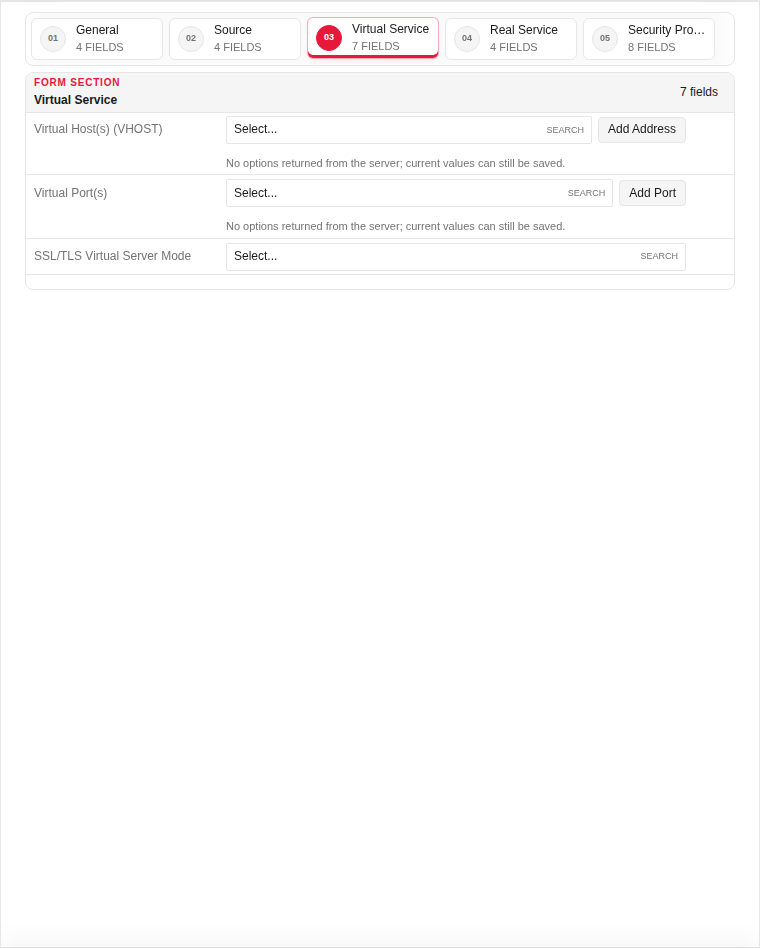
Virtual Service
| Field | Required | Description | Example | Why this data is needed |
|---|---|---|---|---|
| Listen Interface | Yes | Interface the WAF listens on for inbound traffic. | WAN |
Required — without a listener the WAF cannot receive client connections. |
| Virtual Host / Domain | Yes | Hostname clients connect to (SNI/Host header). | www.example.com |
Required — routes HTTPS requests to the correct backend rule. |
| Virtual Port | Yes | Port the WAF listens on. | 443 |
Required — typically 443 for HTTPS or 80 for HTTP. |
| Certificate | Yes | TLS certificate for HTTPS termination. | example.com-cert |
Required for HTTPS — clients need a valid cert during the TLS handshake. |
Empty:
Filled with example data (for illustration — shows why each field needs a value):
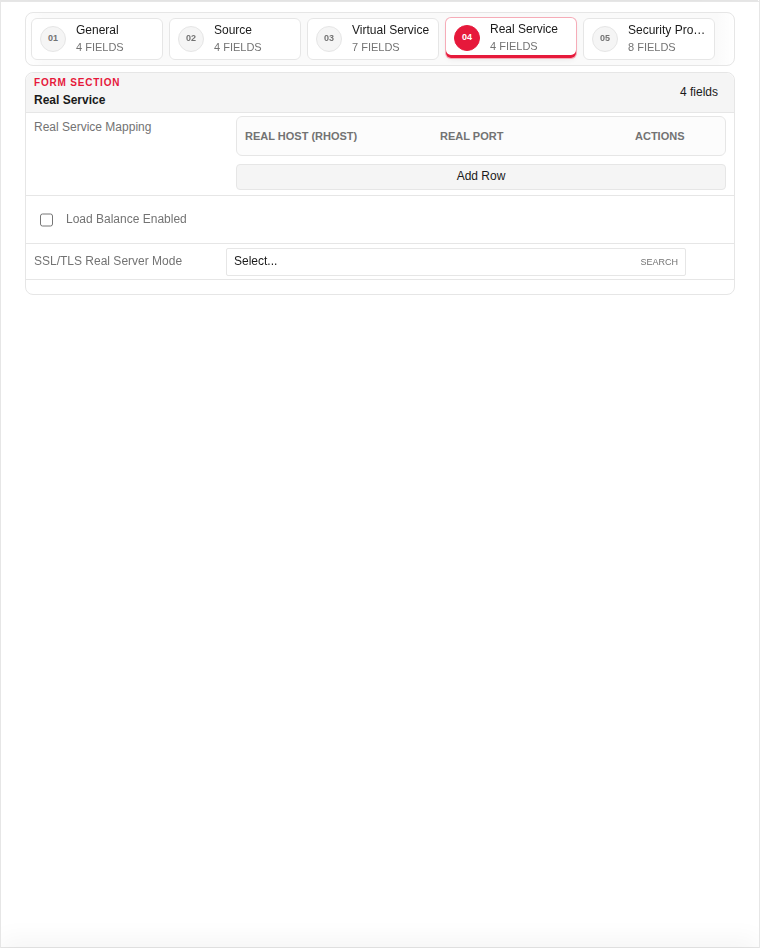
Real Service
| Field | Required | Description | Example | Why this data is needed |
|---|---|---|---|---|
| Backend Server IP / Host | Yes | Origin server address behind the WAF. | 192.168.100.50 |
Required — traffic is forwarded here after inspection. |
| Backend Port | Yes | Port on the origin server. | 8080 |
Required — must match the port your application listens on. |
| Health Check | No | Enable periodic backend reachability checks. | Enabled |
Recommended — removes unreachable backends from rotation. |
| Load Balance Mode | No | Round-robin, least-conn, or single server. | Round Robin |
Required when multiple backends are configured. |
Empty:
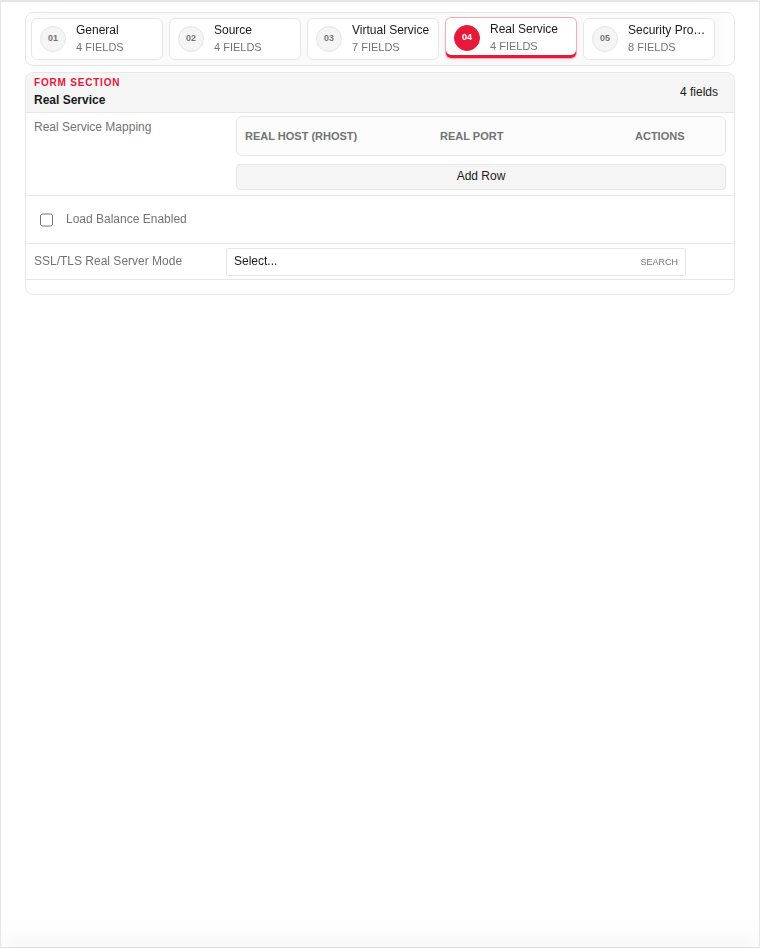
Filled with example data (for illustration — shows why each field needs a value):
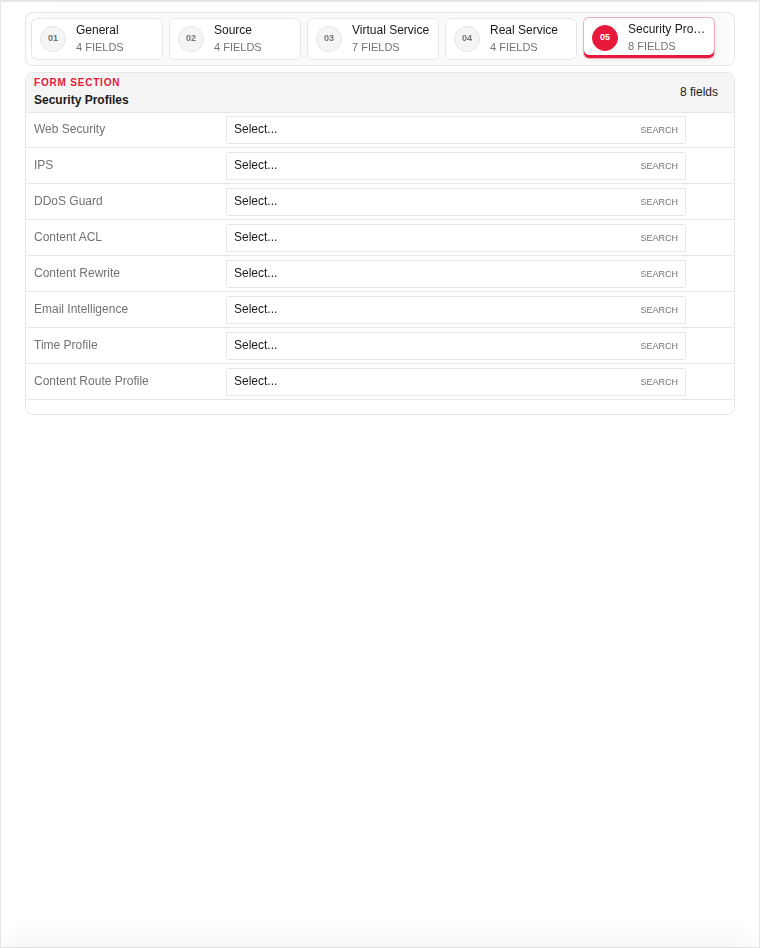
Security Profiles
| Field | Required | Description | Example | Why this data is needed |
|---|---|---|---|---|
| Web Security Profile | No | OWASP / bot protection profile. | Default_Web |
Attach WAF inspection — blocks SQLi, XSS, and bots. |
| DDoS Guard Profile | No | Rate limiting and flood protection. | Default_DDoS |
Protects against volumetric and slow-rate attacks. |
| GeoIP Profile | No | Country-based allow/block list. | Block_High_Risk |
Optional — restricts access by source country. |
| Content ACL Profile | No | URL/path access control list. | (none) |
Optional — fine-grained URI allow/deny rules. |
Empty:
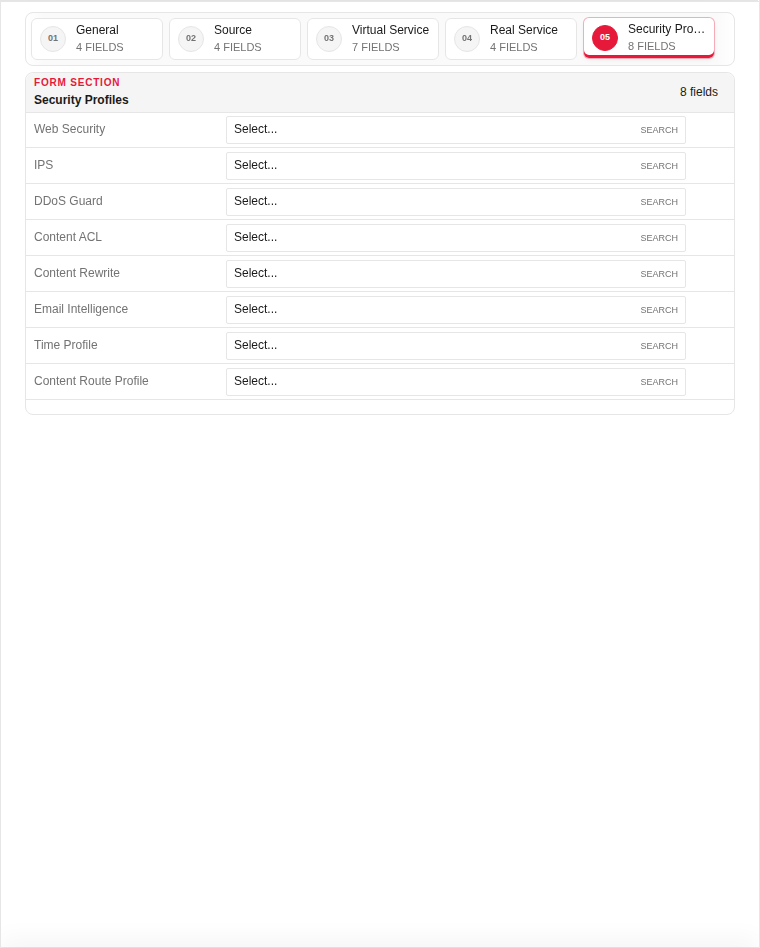
Filled with example data (for illustration — shows why each field needs a value):
Technical background
Proxy Rules define how inbound traffic is handled by the WAF reverse proxy. Each rule maps a virtual host or listener to backend servers and attaches security profiles (Web Security, DDoS Guard, GeoIP, etc.). Rules are evaluated in order — place more specific rules above general catch-all rules.
Page sections
Available actions
- ▦ Overview
- ⚙ System Settings ›
- General
- Updates
- ◉ User Management
- ⌁ Network Settings ›
- Interfaces
- Static Routs
- Static DNS
- □ Aliases & Objects ›
- Address
- Ports
- ◇ Rules & Policies ›
- Proxy Certificate
- Proxy Rules
- ◆ Security Profiles ›
- ◆ Event & Monitor ›
- • Logs & Events ›
- Sign Out
- Refresh Data
- Main Rules
- Add Record
- Check Reachability