Access Profiles
Navigation: User Management
Centralized protection, traffic control, and security policy management for your applications.
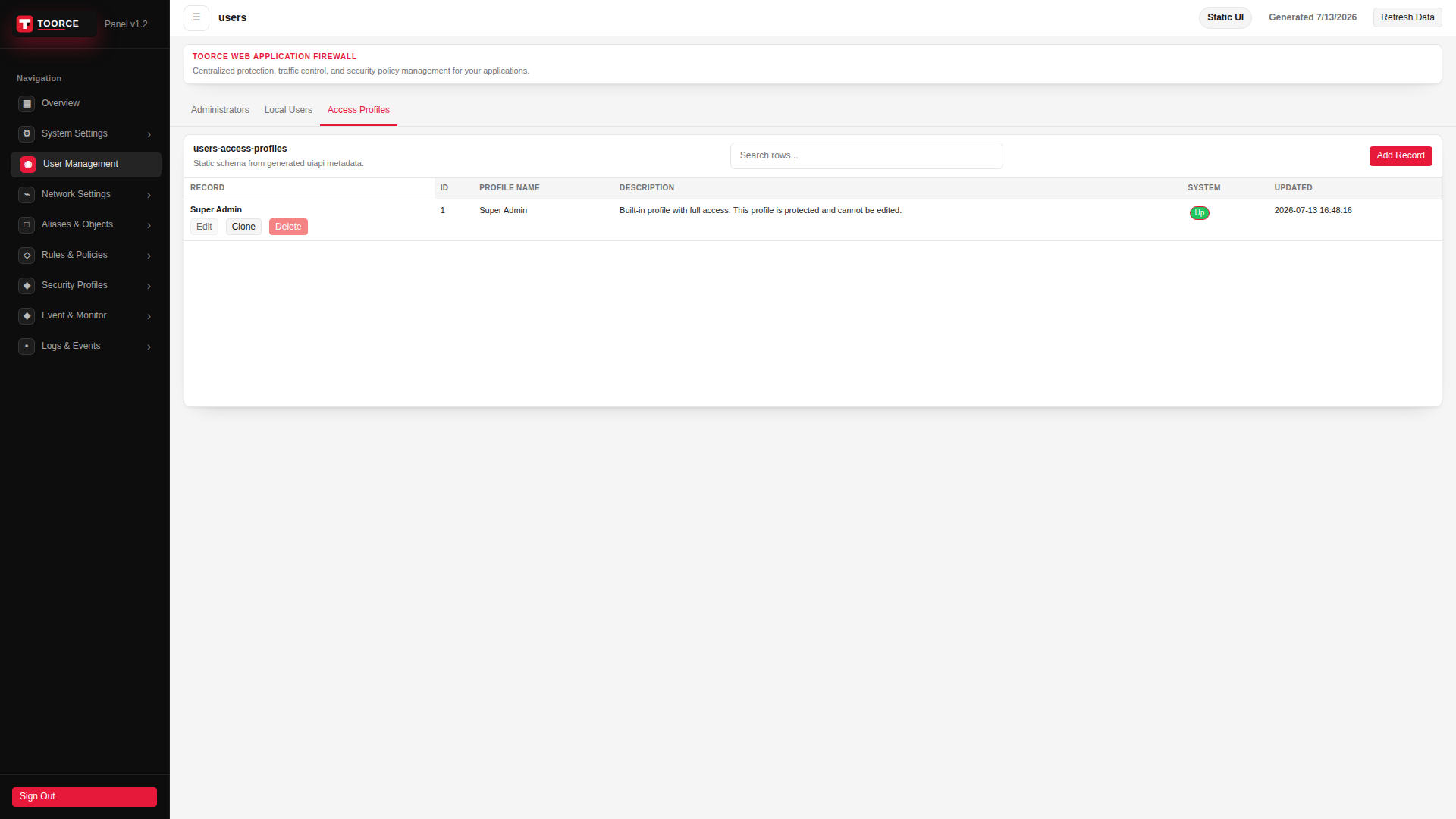
Add / Edit forms
Click + Add New to open the creation dialog, or Edit on an existing row to modify a record.
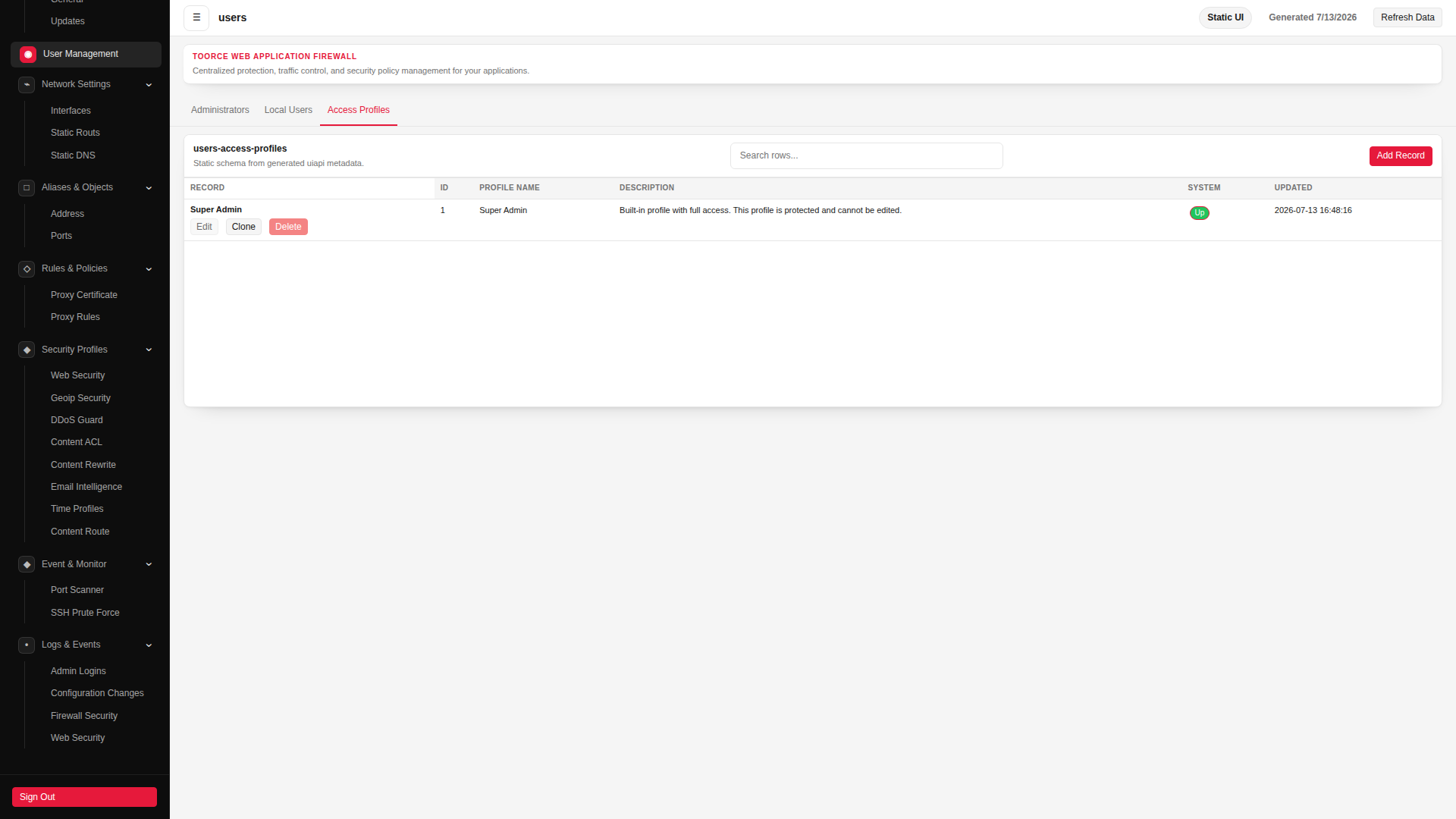
List view
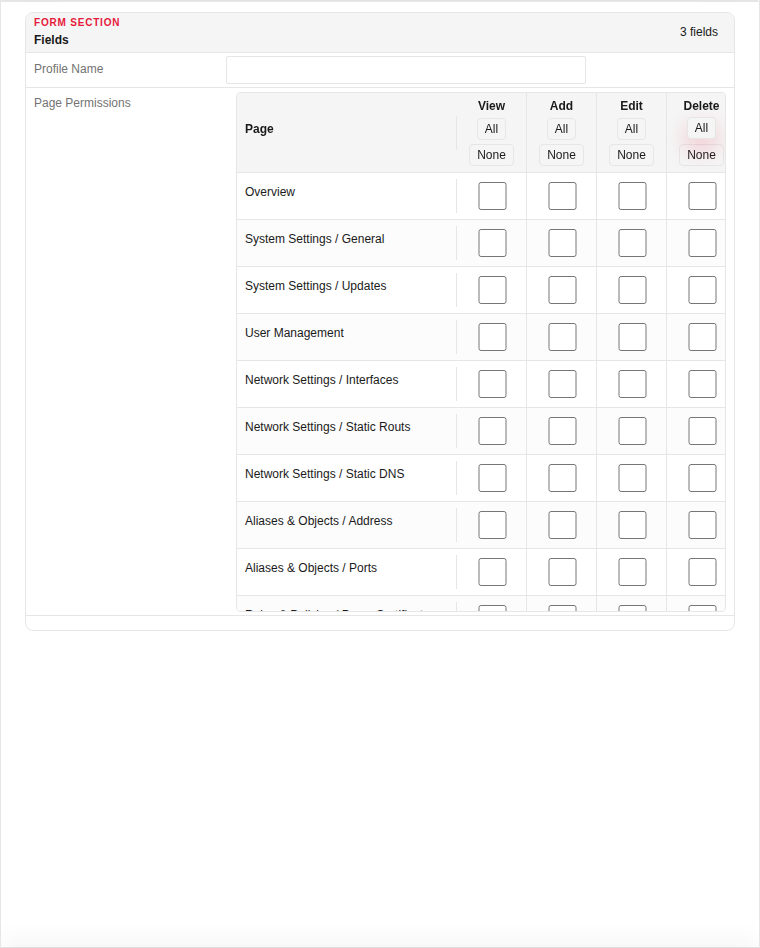
Add form
| Field | Required | Description | Example | Why this data is needed |
|---|---|---|---|---|
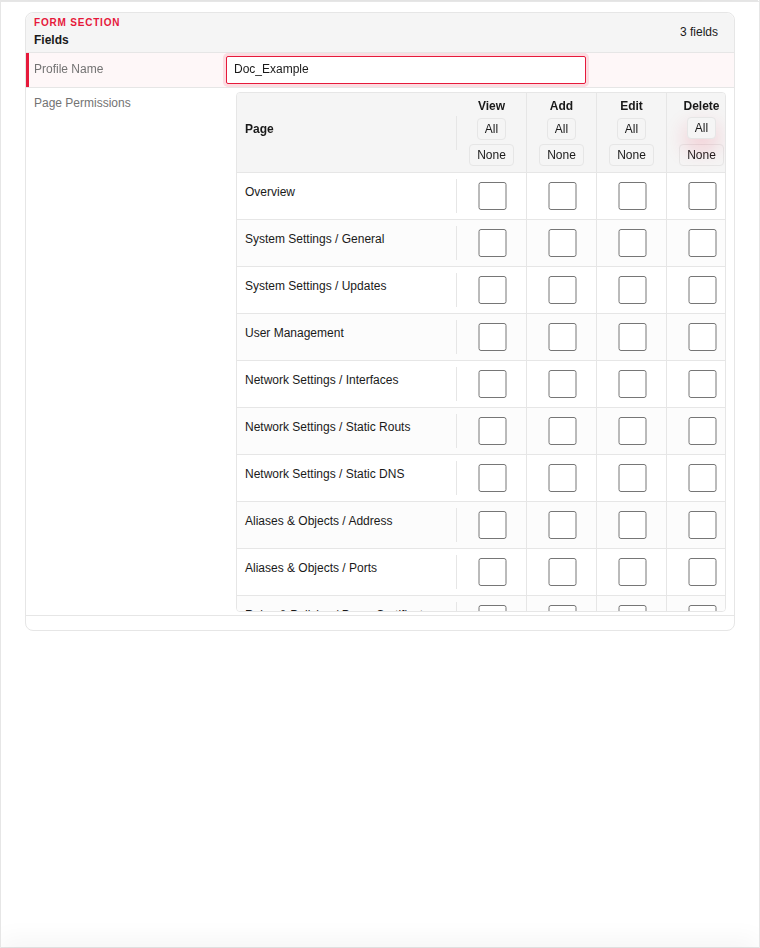
| Profile Name | Yes | Unique name assigned to administrators for RBAC. | Security_Team |
Required — administrators reference this name in their Profile field. |
| Page Permissions | Yes | Checkboxes for each sidebar section this profile may access. | Rules, Profiles, Logs |
Defines the minimum permissions needed — grant only sections required for the role. |
Empty form after clicking + Add New:
Same form filled with example data (do not save in production):
Page sections
- users
Available actions
- ▦ Overview
- ⚙ System Settings ›
- General
- Updates
- ◉ User Management
- ⌁ Network Settings ›
- Interfaces
- Static Routs
- Static DNS
- □ Aliases & Objects ›
- Address
- Ports
- ◇ Rules & Policies ›
- Proxy Certificate
- Proxy Rules
- ◆ Security Profiles ›
- Web Security
- Geoip Security
- DDoS Guard
- Content ACL
- Content Rewrite
- Email Intelligence
- Time Profiles
- Content Route
- ◆ Event & Monitor ›
- Port Scanner
- SSH Prute Force
- • Logs & Events ›
- Admin Logins
- Configuration Changes
- Firewall Security
- Sign Out
- Refresh Data
- Administrators
- Local Users
- Access Profiles
- Add Record
- Edit
- Clone
- Delete
Table columns
- RECORD
- ID
- PROFILE NAME
- DESCRIPTION
- SYSTEM
- UPDATED