Address Objects
Navigation: Aliases & Objects → Address
Manage IP addresses, networks, ranges, and address lists as reusable objects. Address objects are referenced by firewall rules, NAT policies, and VPN configurations — create them before building inline rules.
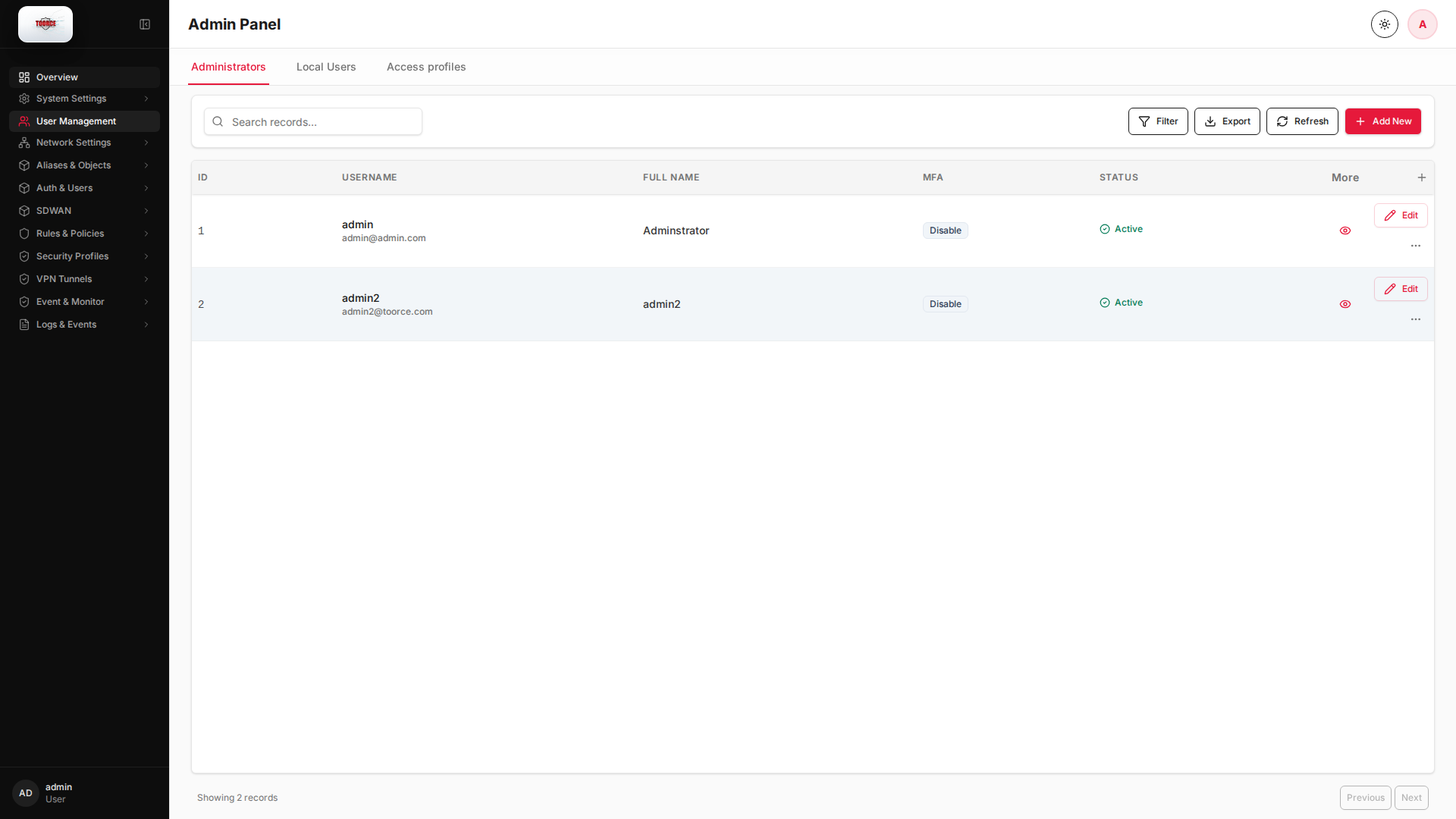
Add / Edit forms
Click + Add New to open the creation dialog, or Edit on an existing row to modify a record.
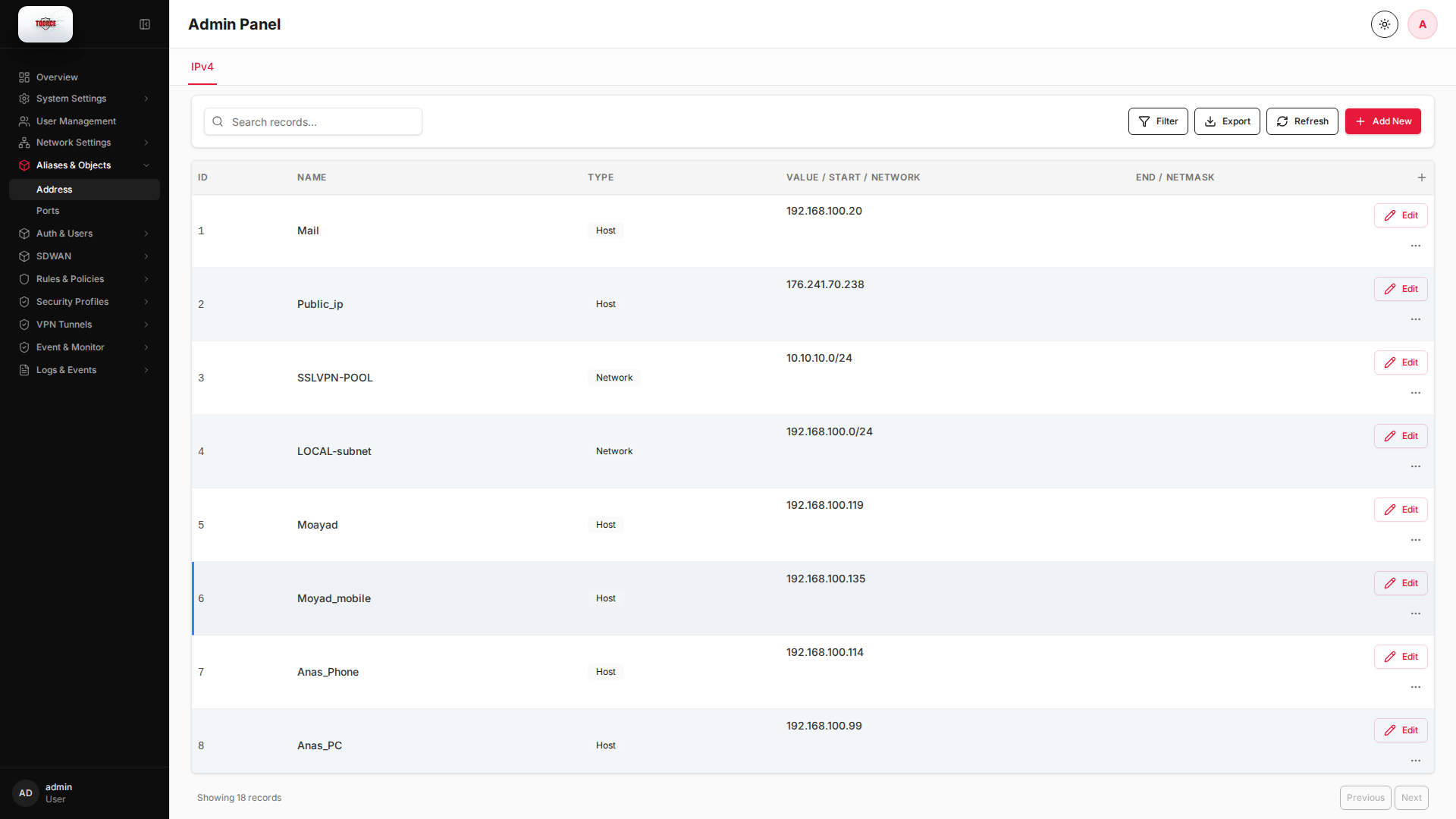
List view
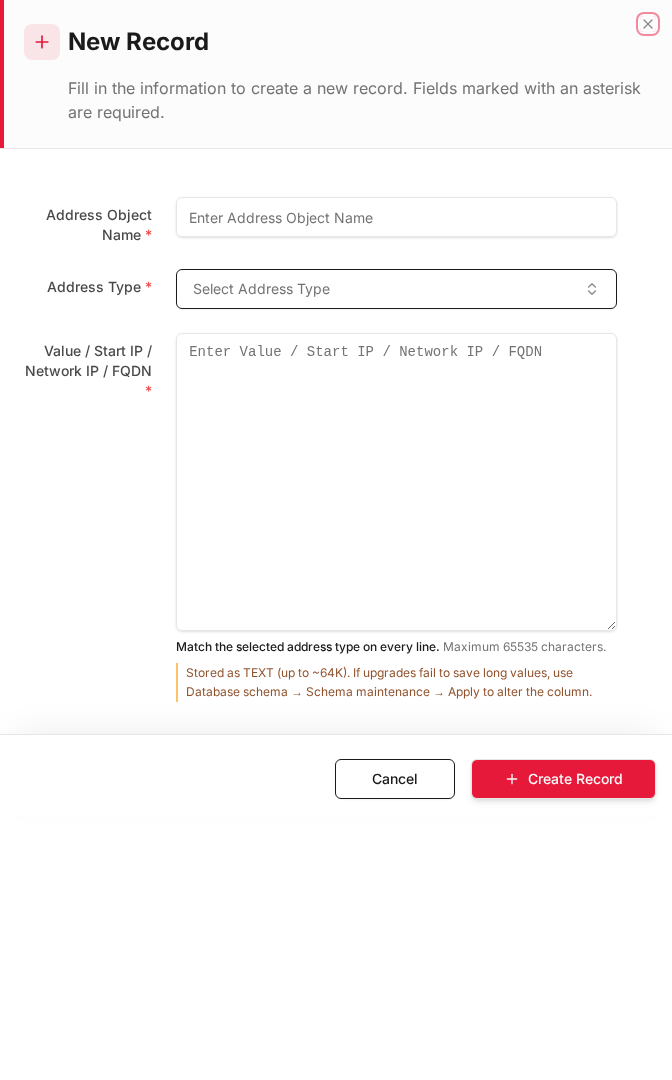
Add form
Empty form after clicking + Add New:
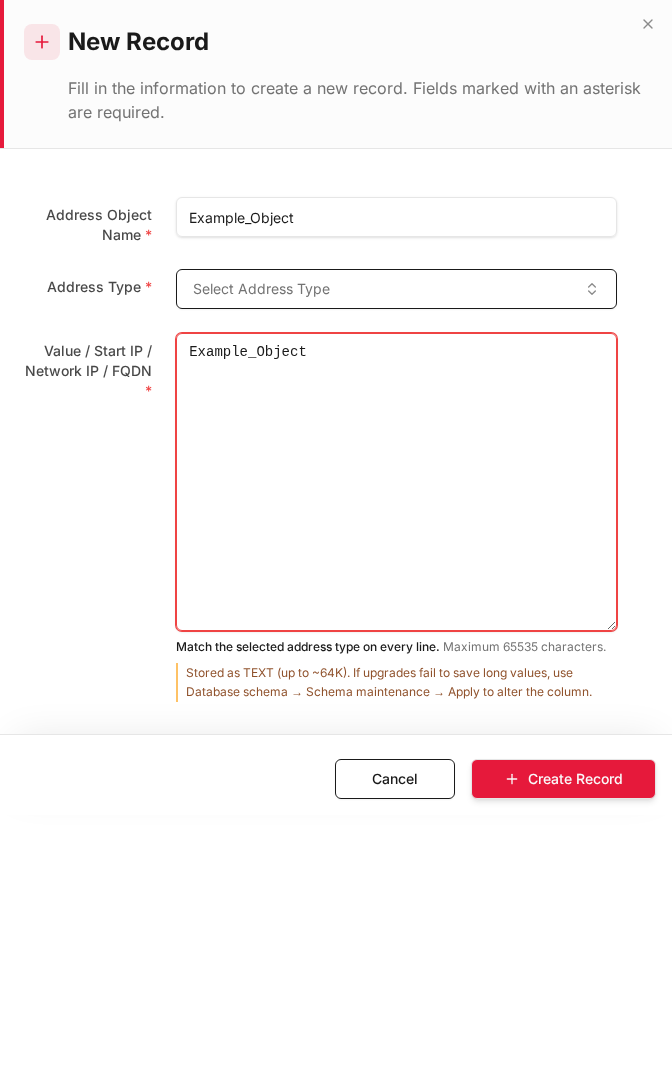
Same form filled with example data (do not save in production):
Edit form
Existing record opened with Edit:
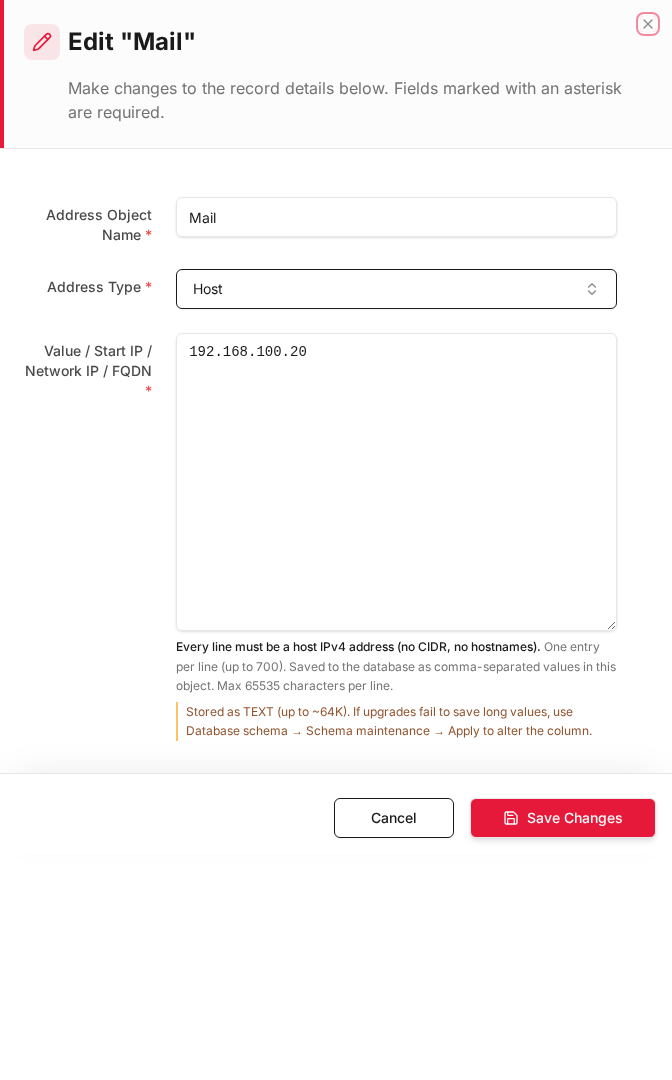
Form fields explained
Dialog title: New Record — Address Object
| Field | Required | Description | Example value |
|---|---|---|---|
| Address Object Name | Yes | Unique name referenced in firewall rules | LAN_Network |
| Address Type | Yes | Host, Network/CIDR, Range, or FQDN list | Network |
| Value / Start IP / Network IP / FQDN | Yes | IP, CIDR, range, or one entry per line (max 65535 chars) | 192.168.100.0/24 |
Technical background
What is an address object?
An address object is a named, reusable definition of one or more IP addresses. In enterprise firewalls (FortiGate, Sophos, Palo Alto), address objects decouple IP literals from policy rules so you can update a subnet in one place and have every rule reflect the change.
Network concepts
| Concept | Explanation |
|---|---|
| Host | Single IPv4/IPv6 address (192.168.100.20) |
| Network | Subnet defined by IP + netmask or CIDR (192.168.100.0/24) |
| Range | Contiguous IPs (192.168.100.10 – 192.168.100.50) |
| FQDN | Dynamic resolution of hostname to IP (if supported) |
Security relevance
Address objects are the foundation of least-privilege firewall rules. Instead of allowing any → any, you define LAN_Subnet → Mail_Server on port 25 only. This implements the principle of least privilege at Layer 3/4.
OSI layer
Address objects operate at Layer 3 (Network) of the OSI model. They identify who is communicating but not what service (that is port objects).
When to use
| Scenario | Address Type | Value example |
|---|---|---|
| Single server | Host | 192.168.100.20 |
| Entire subnet | Network | 192.168.100.0 / 255.255.255.0 |
| IP range | Range | 192.168.100.10 – 192.168.100.50 |
| Multiple hosts | List | Comma-separated IPs |
Table columns
| Column | Description |
|---|---|
| ID | Auto-assigned record ID |
| Name | Object name (used in rule dropdowns) |
| Type | Host, Network, Range, or List |
| Value / Start / Network | Primary IP or network address |
| End / Netmask | Range end or subnet mask |
How to add an address object
- Go to Aliases & Objects → Address.
- Click Add New.
- Fill in the form:
| Field | Required | What to enter |
|---|---|---|
| Name | Yes | Descriptive name, e.g. Mail_Server |
| Address Type | Yes | Select Host, Network, Range, or List |
| Value / Start / Network | Yes | IP address or network base |
| End / Netmask | Depends on type | Netmask for Network; end IP for Range |
- Click Save.
Example: LAN subnet
| Field | Value |
|---|---|
| Name | LAN_Network |
| Address Type | Network |
| Value | 192.168.100.0 |
| End / Netmask | 255.255.255.0 |
Example: Mail server host
| Field | Value |
|---|---|
| Name | Mail_Server |
| Address Type | Host |
| Value | 192.168.100.20 |
Where this object is used
| Location | Field |
|---|---|
| Rules & Policies → Inline Rules | Source Address Objects, Destination Address Objects |
| Rules & Policies → Inline Rules (DNAT) | DNAT source/destination address fields |
| VPN Tunnels | Local/remote network selectors |
Tip: Use consistent naming like
LAN_*,DMZ_*,WAN_*to make rule building easier.