Geoip Security
Navigation: Security Profiles
Configure and manage geoip security settings in the TOORCE Firewall admin panel.
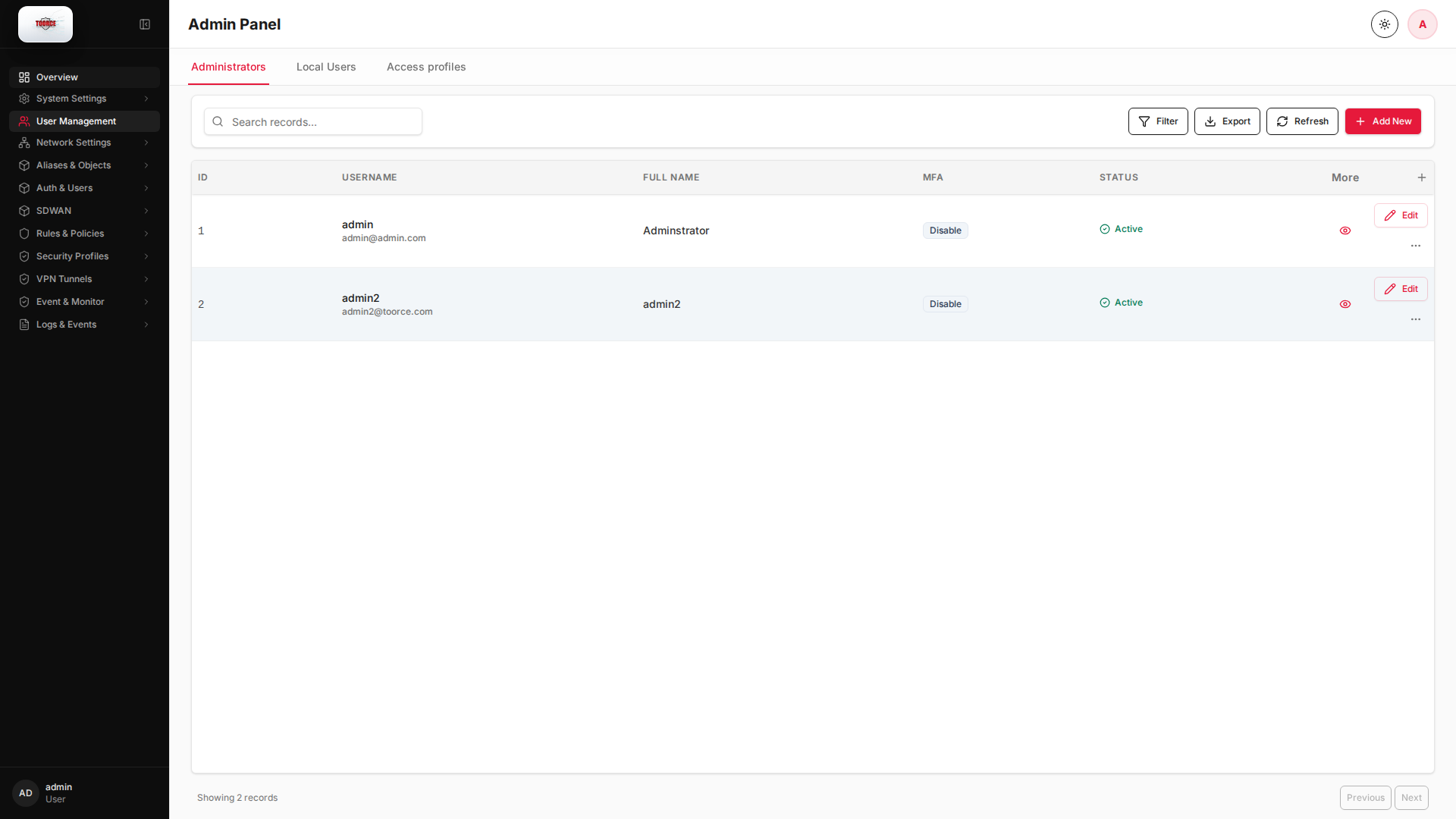
Add / Edit forms
Click + Add New to open the creation dialog, or Edit on an existing row to modify a record.
List view
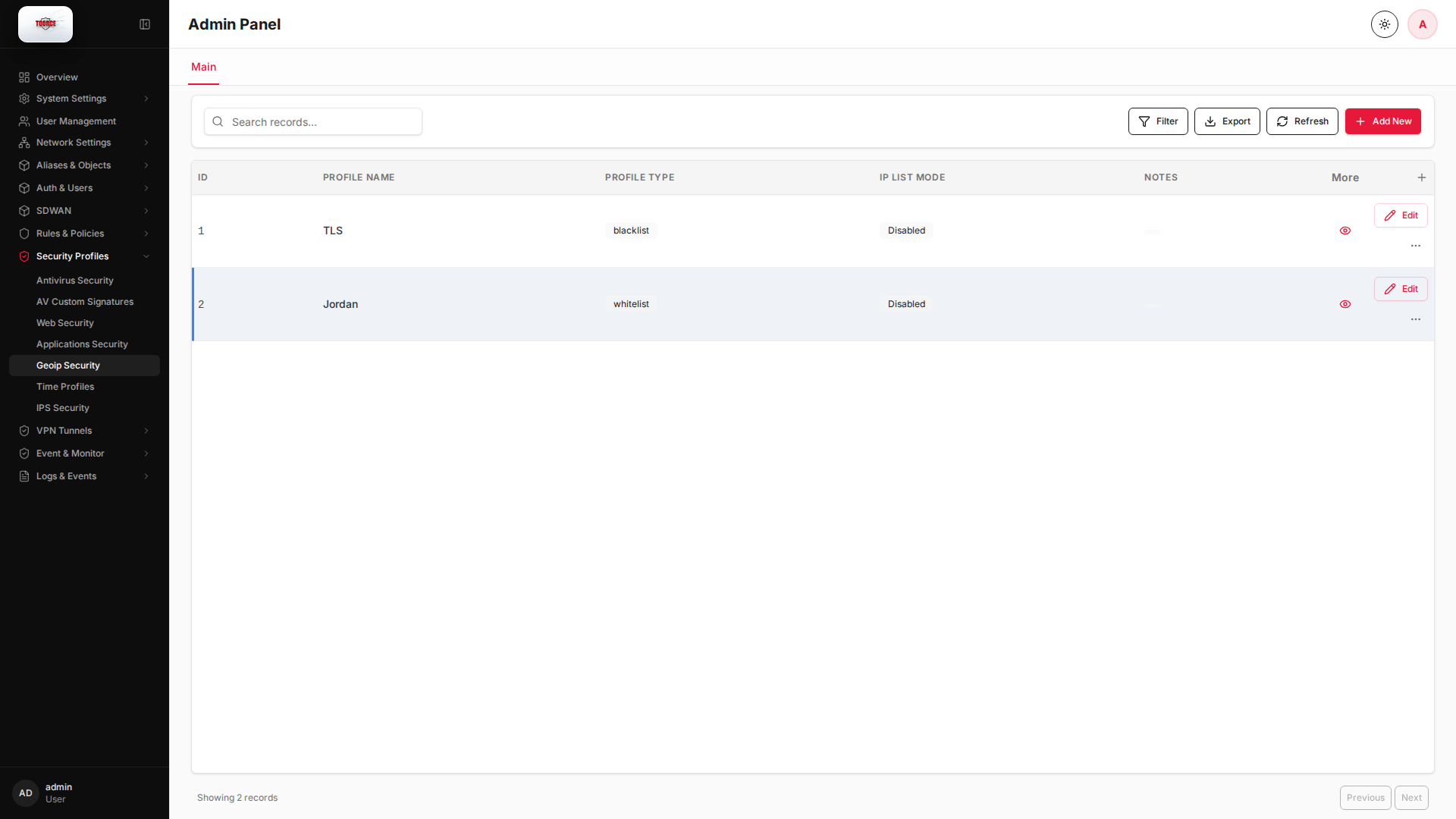
Add form
Empty form after clicking + Add New:
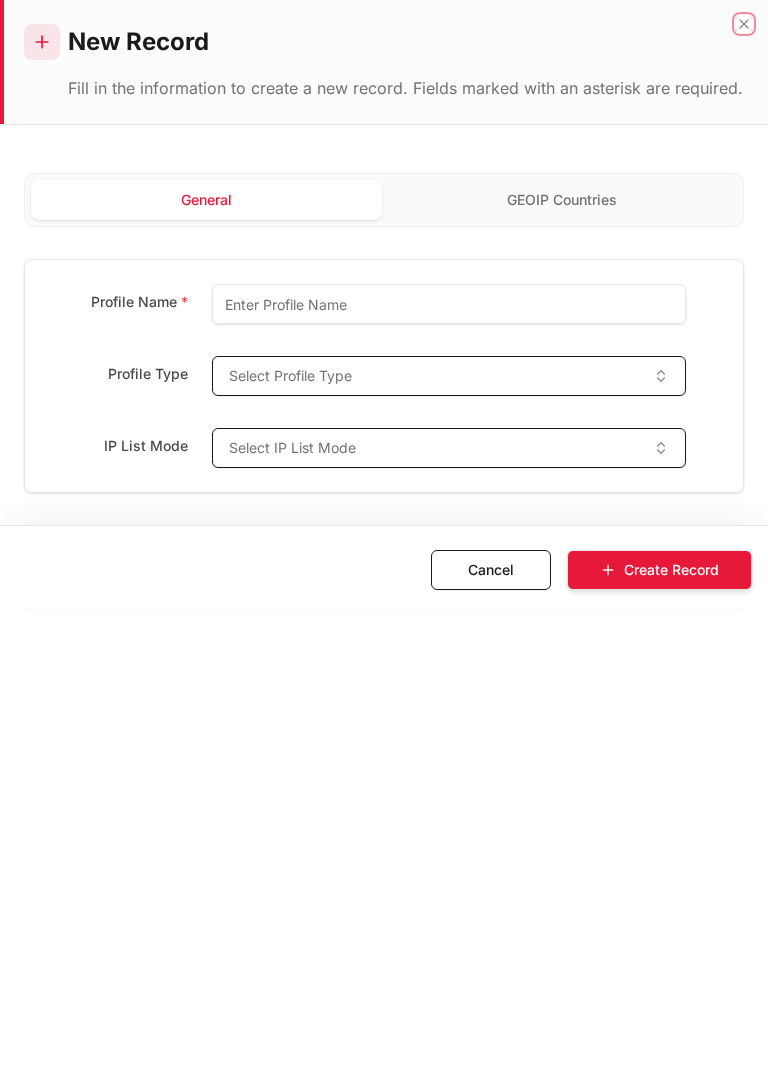
Same form filled with example data (do not save in production):
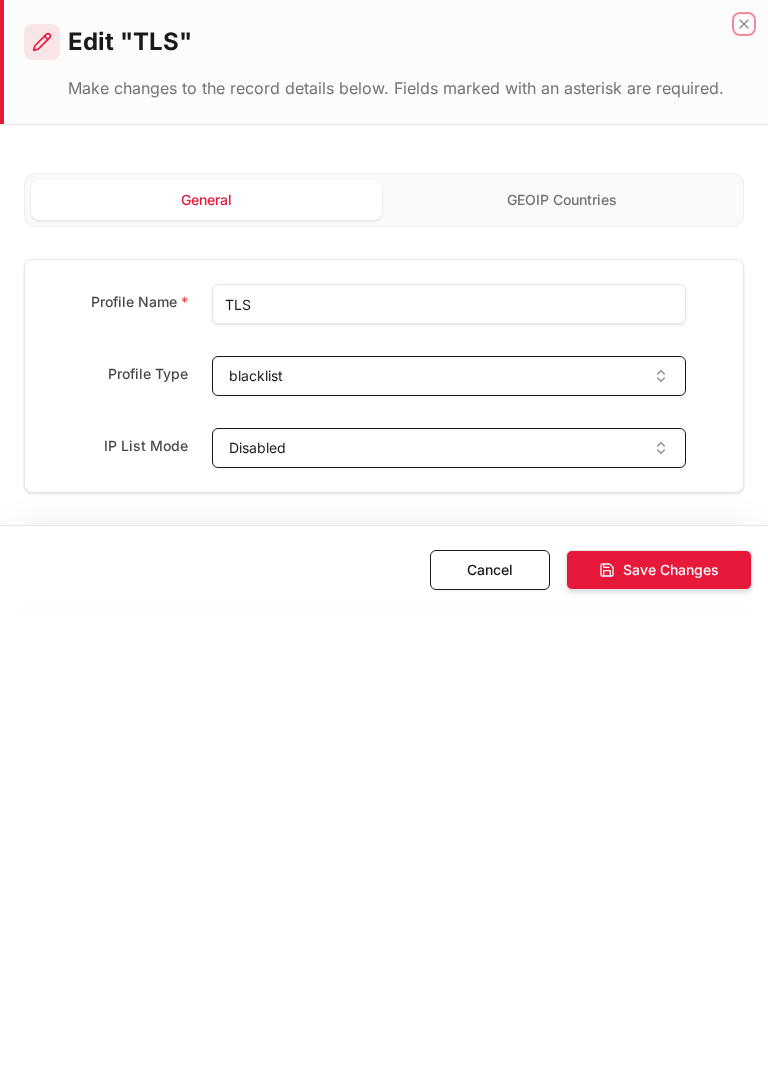
Edit form
Existing record opened with Edit:
Form fields explained
Dialog title: New Record — GeoIP Profile
| Field | Required | Description | Example value |
|---|---|---|---|
| Profile Name | Yes | Name referenced in inline rules | Block_High_Risk |
| Direction | Yes | Filter source, destination, or both | Source |
| Countries | Yes | Countries to allow or block | CN, RU, KP |
| Action | Yes | Allow or deny matched GeoIP | Deny |
Technical background
GeoIP filtering
GeoIP maps IP addresses to countries using MaxMind-style databases. Policies can block or allow traffic based on source or destination country.
Use cases
- Block traffic from high-risk countries
- Allow only domestic access to admin interfaces
- Comply with data residency requirements
Limitations
GeoIP is approximate — VPNs and proxies can bypass country identification. Use GeoIP as one layer, not the only control.
Available actions
- Administrators
- Local Users
- Access profiles
- Filter
- Export
- Refresh
- Add New
- Column Options
- Add Column
- View Details
- Edit
- Open menu
- Previous
- Next
Table columns
- ID Column Options
- USERNAME Column Options
- FULL NAME Column Options
- MFA Column Options
- STATUS Column Options
- More
- Add Column