Port Objects
Navigation: Aliases & Objects → Ports
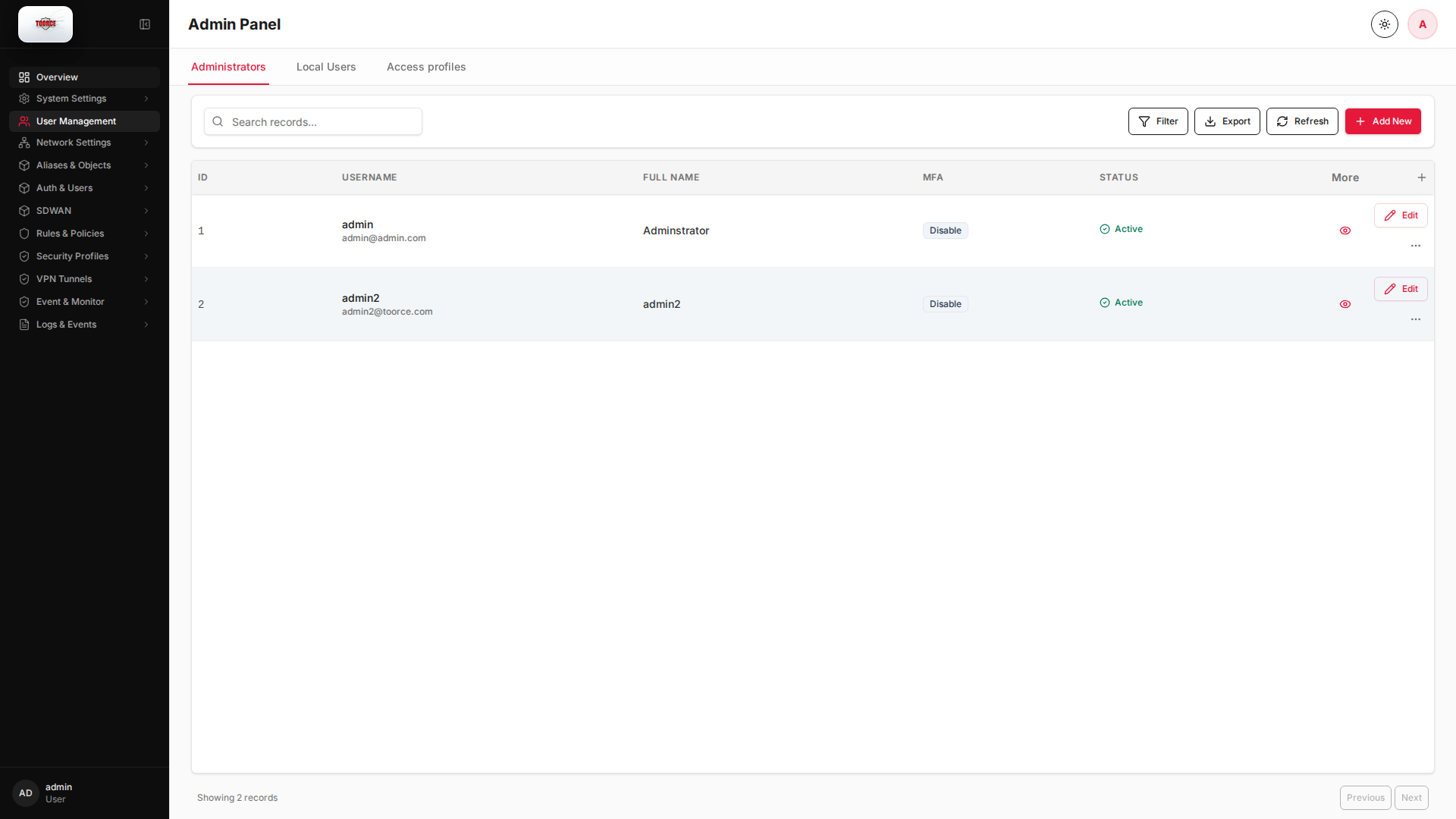
Define services and port ranges as reusable objects. Port objects are selected in firewall rules instead of typing port numbers manually.
Add / Edit forms
Click + Add New to open the creation dialog, or Edit on an existing row to modify a record.
List view
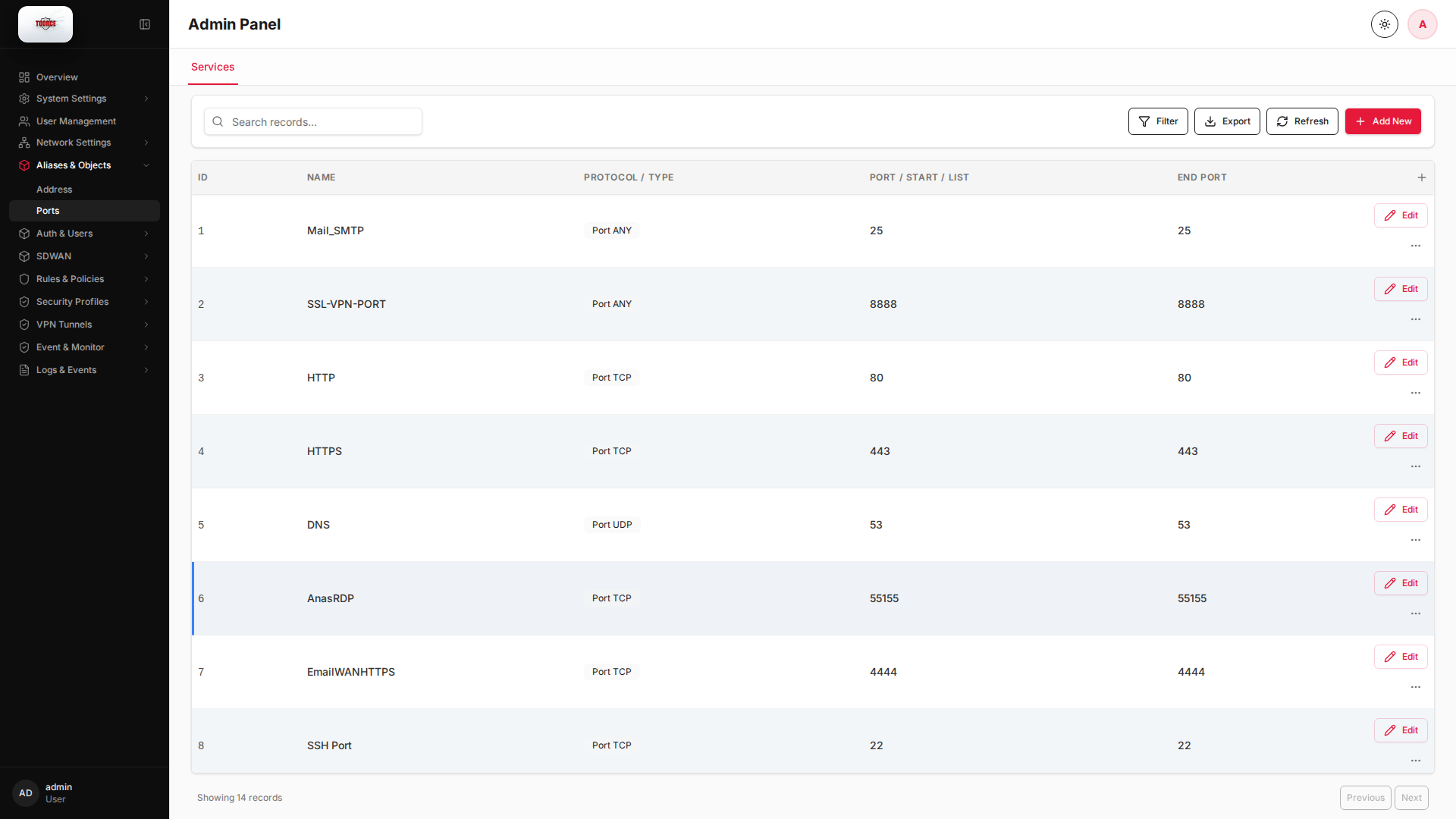
Add form
Empty form after clicking + Add New:
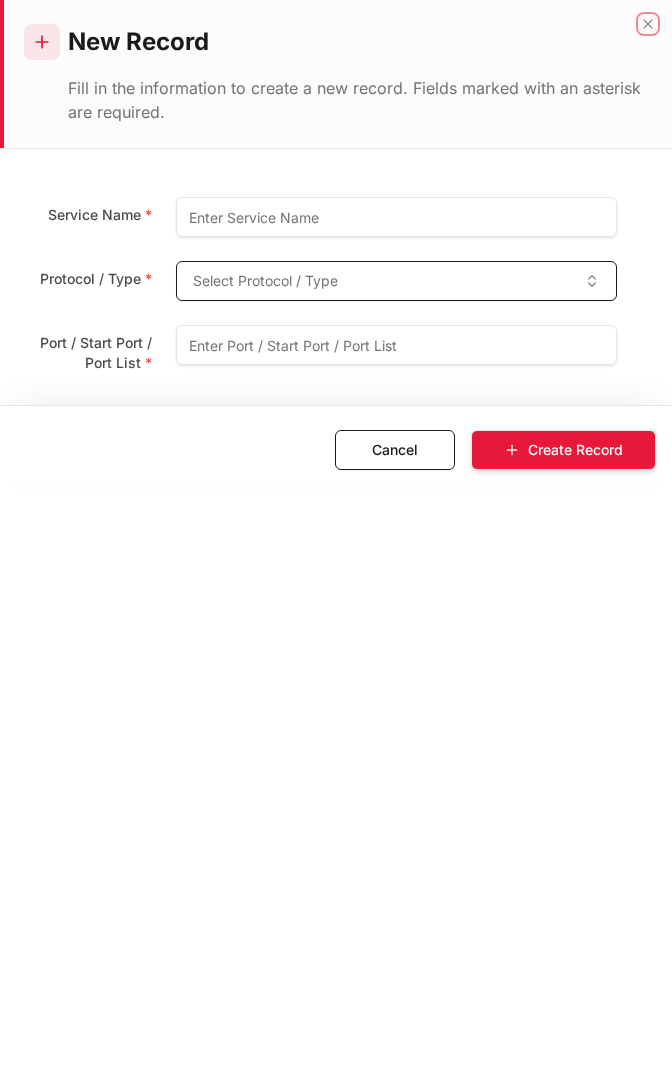
Same form filled with example data (do not save in production):
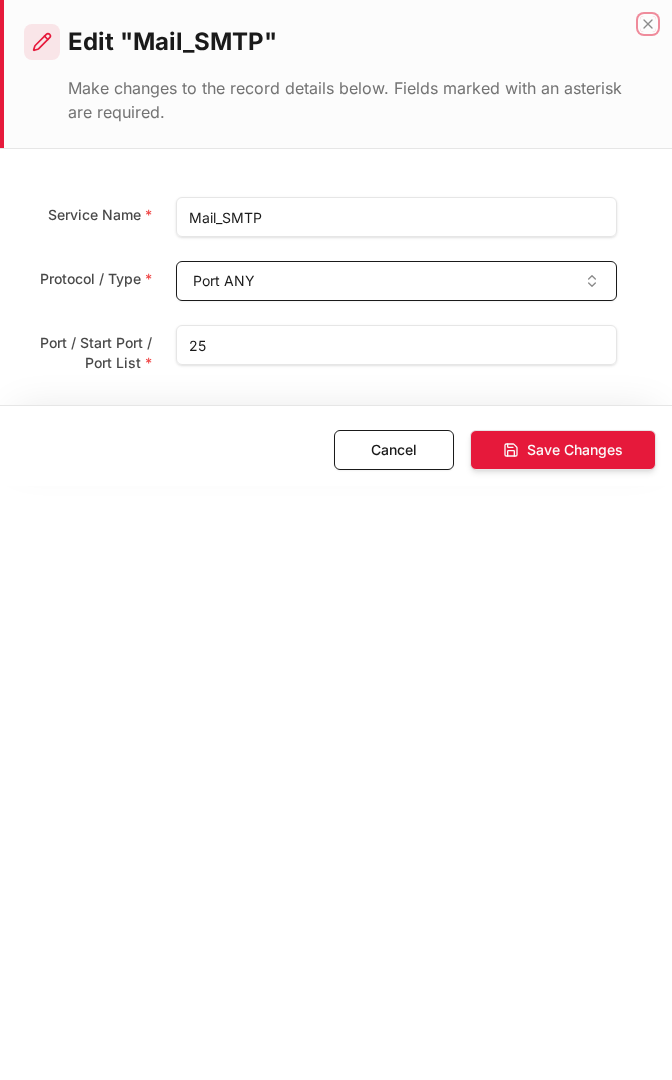
Edit form
Existing record opened with Edit:
Form fields explained
Dialog title: New Record — Port Object
| Field | Required | Description | Example value |
|---|---|---|---|
| Name | Yes | Service name used in rules | HTTPS |
| Protocol / Type | Yes | TCP, UDP, ICMP, or port list | TCP |
| Port / Start / List | Yes | Port number or range start | 443 |
| End Port | No | End of port range (leave empty for single port) | `` |
Technical background
What is a port/service object?
A port object (service object) names a protocol and port number or range. It maps to Layer 4 (Transport) — TCP, UDP, or ICMP — so rules can allow HTTPS (TCP/443) without permitting all TCP traffic.
Common well-known ports
| Port | Protocol | Service |
|---|---|---|
| 22 | TCP | SSH |
| 25 | TCP | SMTP |
| 53 | UDP/TCP | DNS |
| 80 | TCP | HTTP |
| 443 | TCP | HTTPS |
| 3389 | TCP | RDP |
Security relevance
Combining address + port objects creates precise ACL entries. For example: Source: LAN, Destination: DMZ_Mail, Port: SMTP allows only mail relay traffic, blocking lateral movement on other ports.
Table columns
| Column | Description |
|---|---|
| ID | Auto-assigned record ID |
| Name | Service name (e.g. HTTPS, SSH, RDP) |
| Protocol / Type | TCP, UDP, ICMP, or port list |
| Port / Start / List | Port number or range start |
| End Port | Range end (leave empty for single port) |
How to add a port object
- Go to Aliases & Objects → Ports.
- Click Add New.
- Fill in:
| Field | Required | What to enter |
|---|---|---|
| Name | Yes | Service name, e.g. Web_HTTPS |
| Protocol / Type | Yes | TCP, UDP, or ICMP |
| Port / Start / List | Yes | Port number, e.g. 443 |
| End Port | No | End of range, e.g. 444 for 443–444 |
- Click Save.
Common examples
| Name | Protocol | Port |
|---|---|---|
HTTP |
TCP | 80 |
HTTPS |
TCP | 443 |
SSH |
TCP | 22 |
DNS |
UDP | 53 |
RDP |
TCP | 3389 |
SMTP |
TCP | 25 |
Where this object is used
| Location | Field |
|---|---|
| Rules & Policies → Inline Rules | Source Service/Port Objects, Destination Service/Port Objects |
| DNAT Rules | Source/Destination Port Start/End |