General System Settings
Navigation: System Settings → General
Configure hostname, admin ports, DNS, SMTP notifications, syslog forwarding, and system configuration.
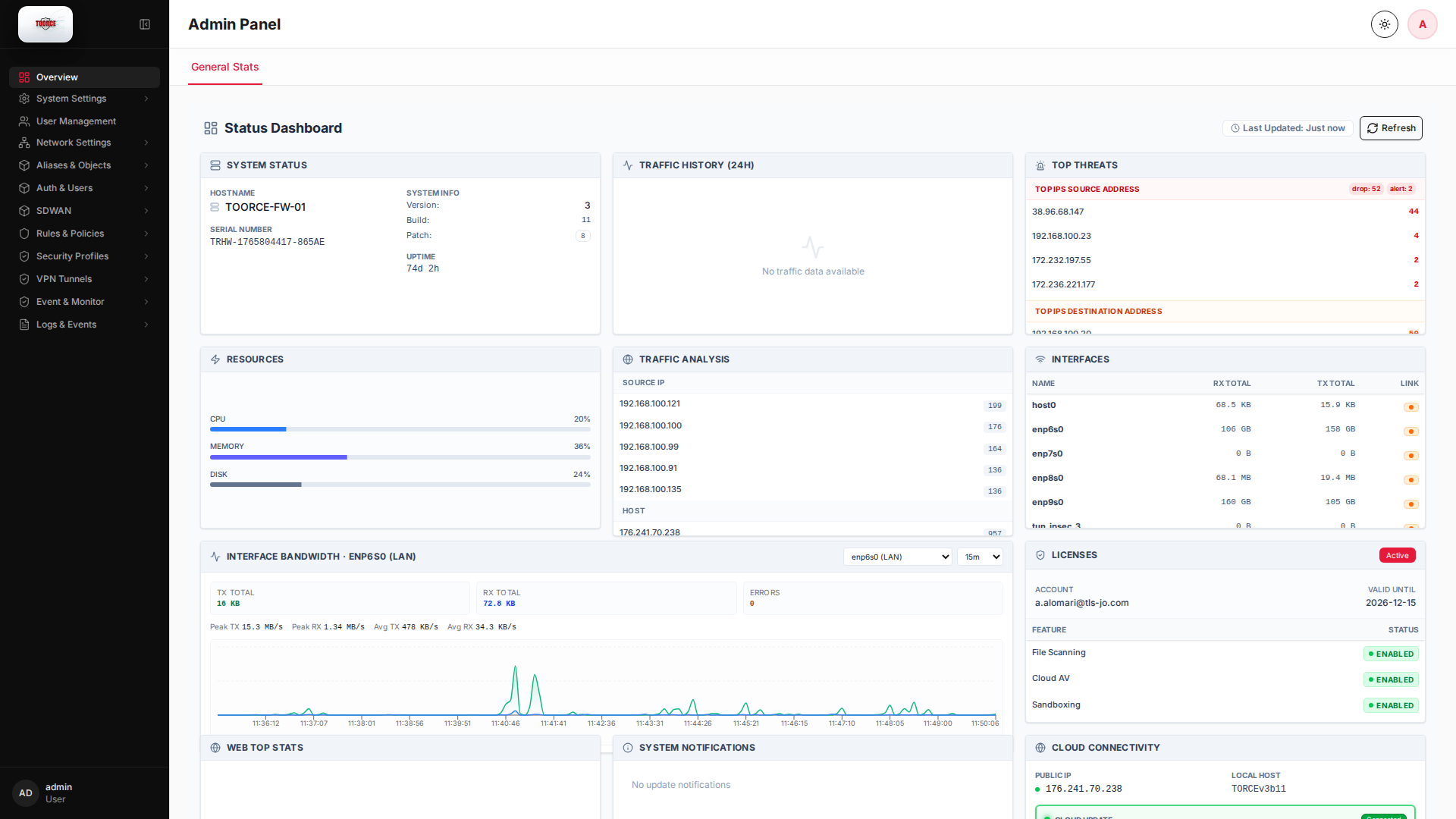
Add / Edit forms
System Settings uses tabs (General, SMTP, Syslog, etc.). Click Edit on a settings row to open the configuration dialog — there is no separate + Add New for the main system record.
List view
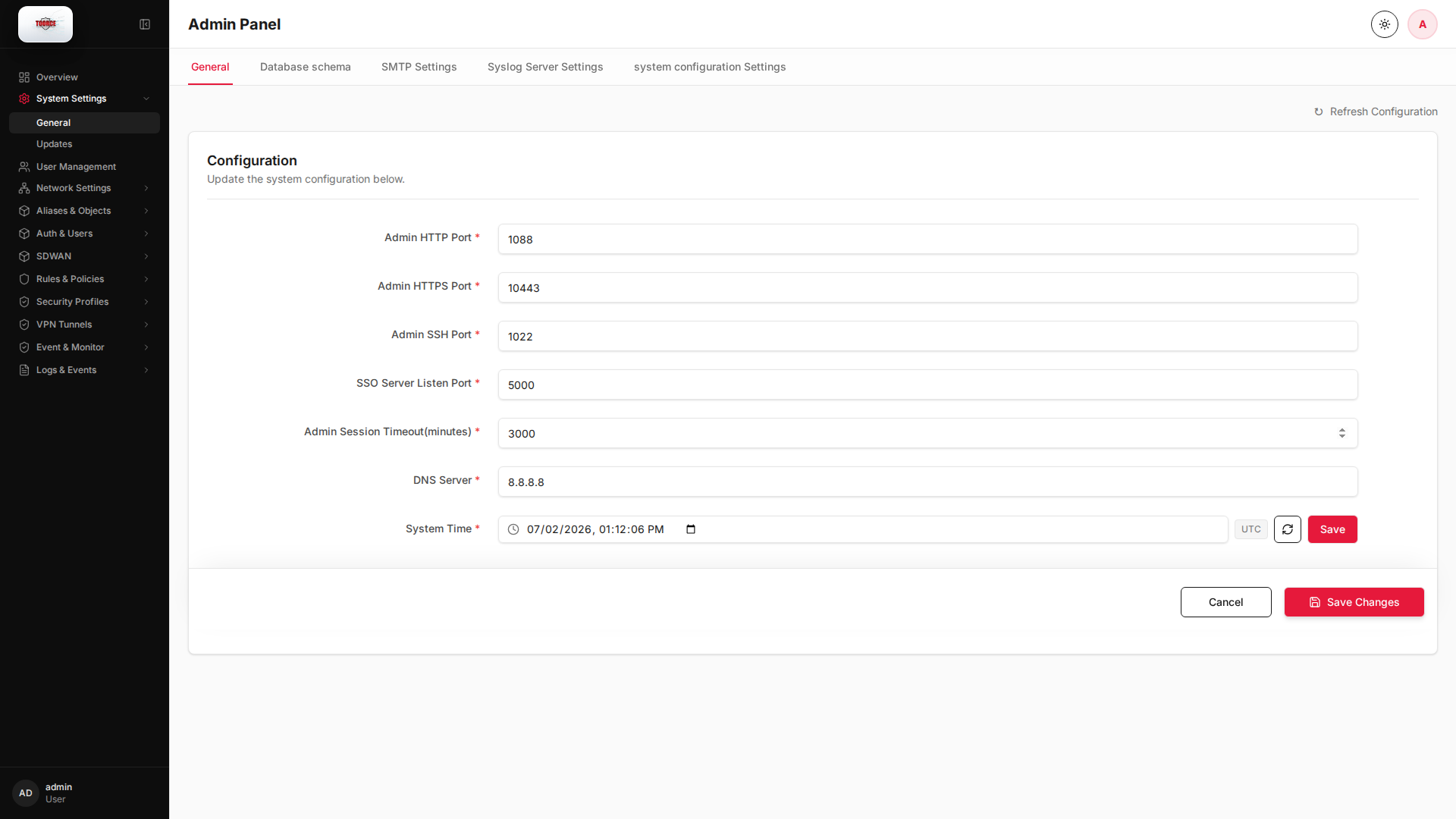
Configuration dialog
Dialog opened with Edit (empty fields):
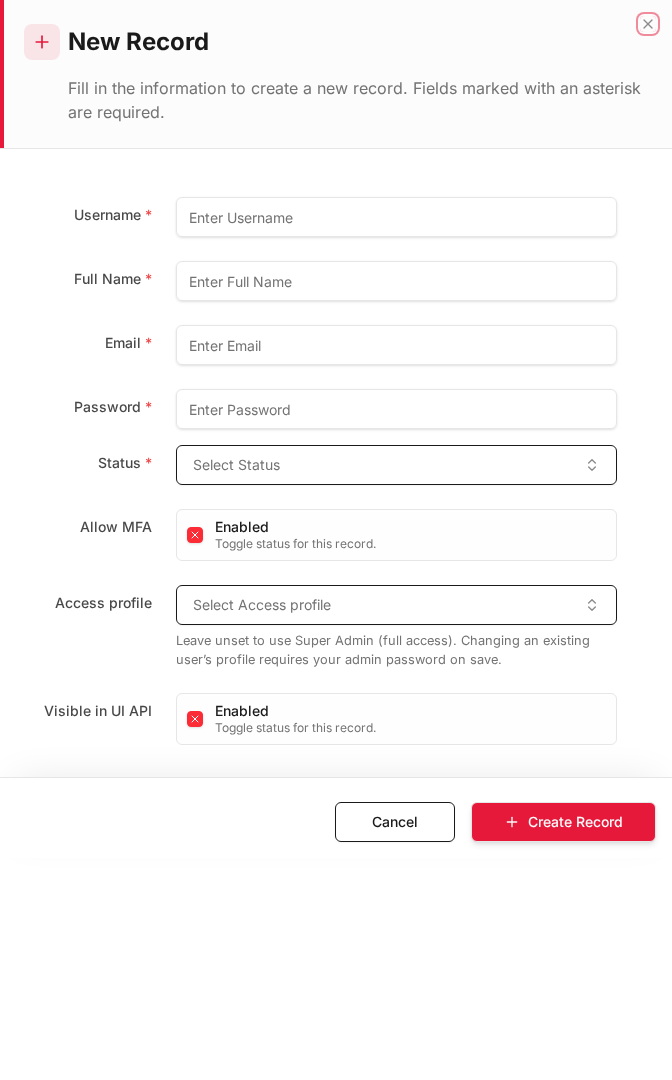
Same dialog with example values:
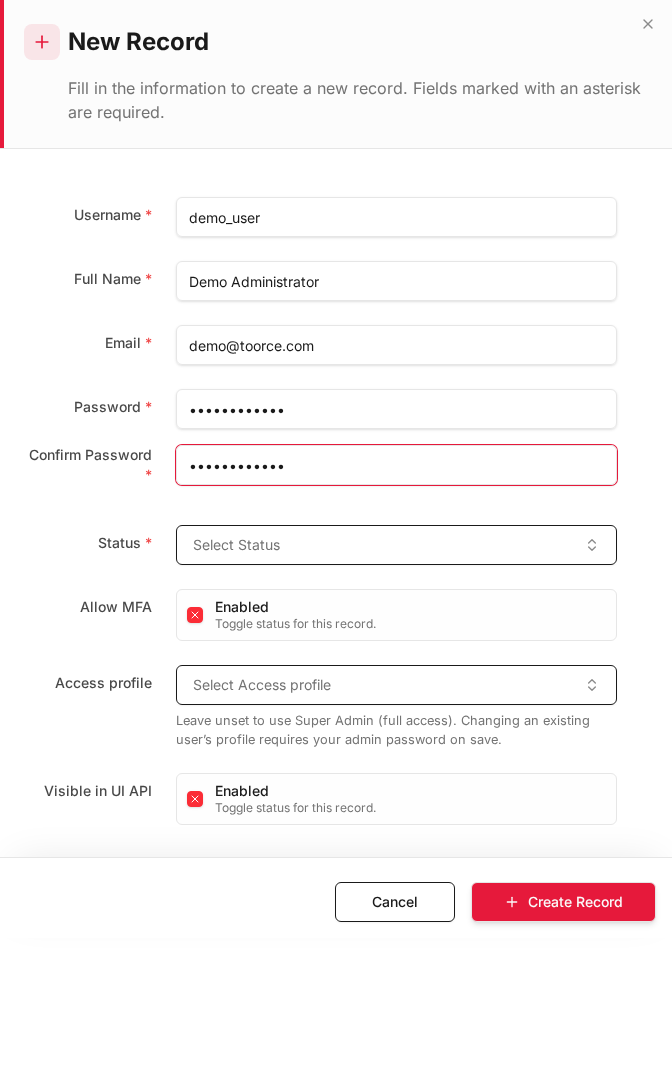
Edit form
Existing record opened with Edit:
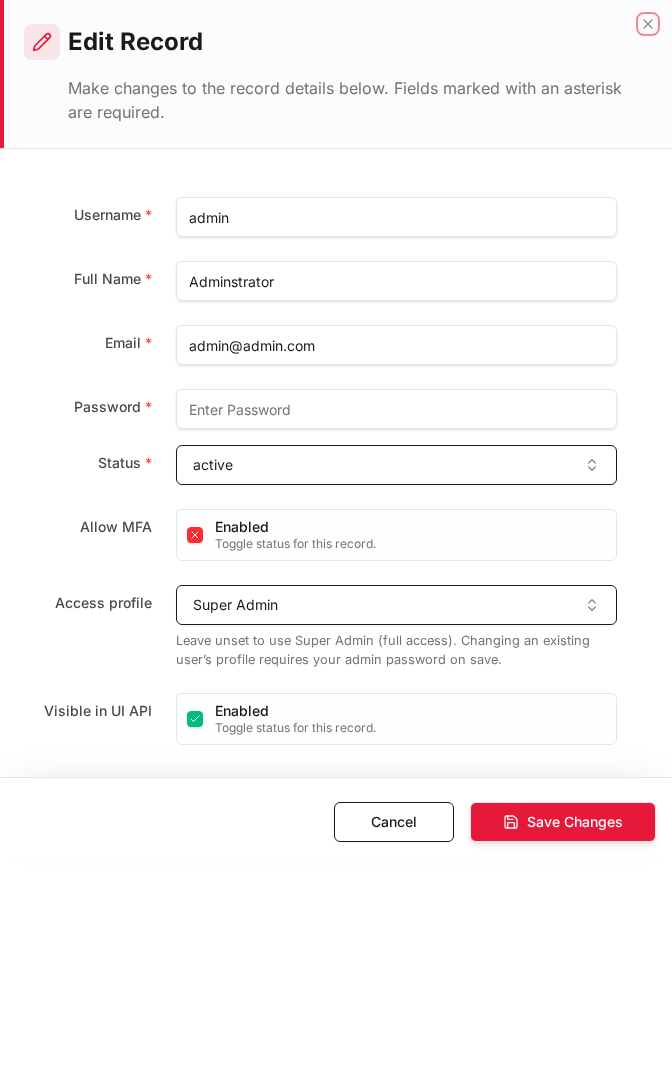
Form fields explained
Dialog title: Edit — System Settings
Tabs: General · Database schema · SMTP Settings · Syslog Server Settings · system configuration Settings
| Field | Required | Description | Example value |
|---|---|---|---|
| Admin HTTP/HTTPS Port | Yes | Web admin listener port | 10443 |
| Admin SSH Port | Yes | SSH management port | 22 |
| System DNS Server | Yes | DNS resolver used by the firewall | 8.8.8.8 |
| Admin Session Timeout | Yes | Idle logout time in minutes | 30 |
| SMTP Server / Port | No | Mail server for alert emails | smtp.toorce.com:587 |
| Syslog Server | No | Remote syslog collector IP | 192.168.100.50 |
Technical background
System-wide parameters
General system settings control how administrators reach the firewall (ports, session timeout), how the appliance resolves DNS, and how it sends alerts (SMTP) and forwards logs (syslog).
Hardening
- Change default admin ports only after confirming access on the new port
- Use trusted management networks for admin access
- Forward logs to a SIEM for retention and correlation
Tabs
| Tab | Purpose |
|---|---|
| General | Hostname, admin ports, DNS |
| Database schema | Schema health check and repair |
| SMTP Settings | Email alerts and notifications |
| Syslog Server Settings | Forward logs to external syslog |
| system configuration Settings | Advanced system parameters |
General tab
| Field | Description | Example |
|---|---|---|
| Admin HTTP Port | HTTP admin port | 10443 (or disabled) |
| Admin HTTPS Port | HTTPS admin port | 10443 |
| Admin SSH Port | SSH management port | 22 |
| SSO Server Listen Port | SSO authentication port | 8443 |
| System DNS Server | DNS resolver for firewall | 8.8.8.8 |
| Admin Session Timeout (minutes) | Auto-logout idle admins | 30 |
How to configure
- Go to System Settings → General → General tab.
- Click Edit on the settings row.
- Update values and click Save.
SMTP Settings tab
Used for email alerts (license expiry, update notifications, security alerts).
| Field | Description | Example |
|---|---|---|
| Enabled | Turn SMTP on/off | ✓ |
| SMTP Server | Mail server hostname | smtp.toorce.com |
| SMTP Port | Port | 587 |
| Encryption | TLS / SSL / None | TLS |
| SMTP Username | Auth username | alerts@toorce.com |
| SMTP Password | Auth password | — |
| From Email | Sender address | firewall@toorce.com |
| To Email | Alert recipient | admin@toorce.com |
Syslog Server Settings tab
Forward firewall logs to a SIEM or syslog collector.
| Field | Description | Example |
|---|---|---|
| Enabled | Activate forwarding | ✓ |
| Syslog Host | Remote syslog server IP | 192.168.100.50 |
| Port | Syslog port | 514 |
| Protocol | UDP / TCP | UDP |
| Facility | Syslog facility | local0 |
| Severity | Minimum severity | info |
| Description | Label | SIEM_Server |
Database schema tab
| Action | Description |
|---|---|
| Check schema | Verify database tables match expected schema |
| Apply fixes | Auto-repair schema drift |
Use this if admin pages show database errors or missing tables.
Related topics
- Updates
- Local Logs
- Interfaces
- DNS Security — client DNS inspection, DNSSEC, and filtering (separate from System DNS Server)