Local Users
Navigation: User Management → Local Users
Manage local user accounts used for VPN access, captive portal, and user-based firewall policies. These are end-user identities stored on the firewall — distinct from Administrators who manage the panel.
Add / Edit forms
Click + Add New to open the creation dialog, or Edit on an existing row to modify a record.
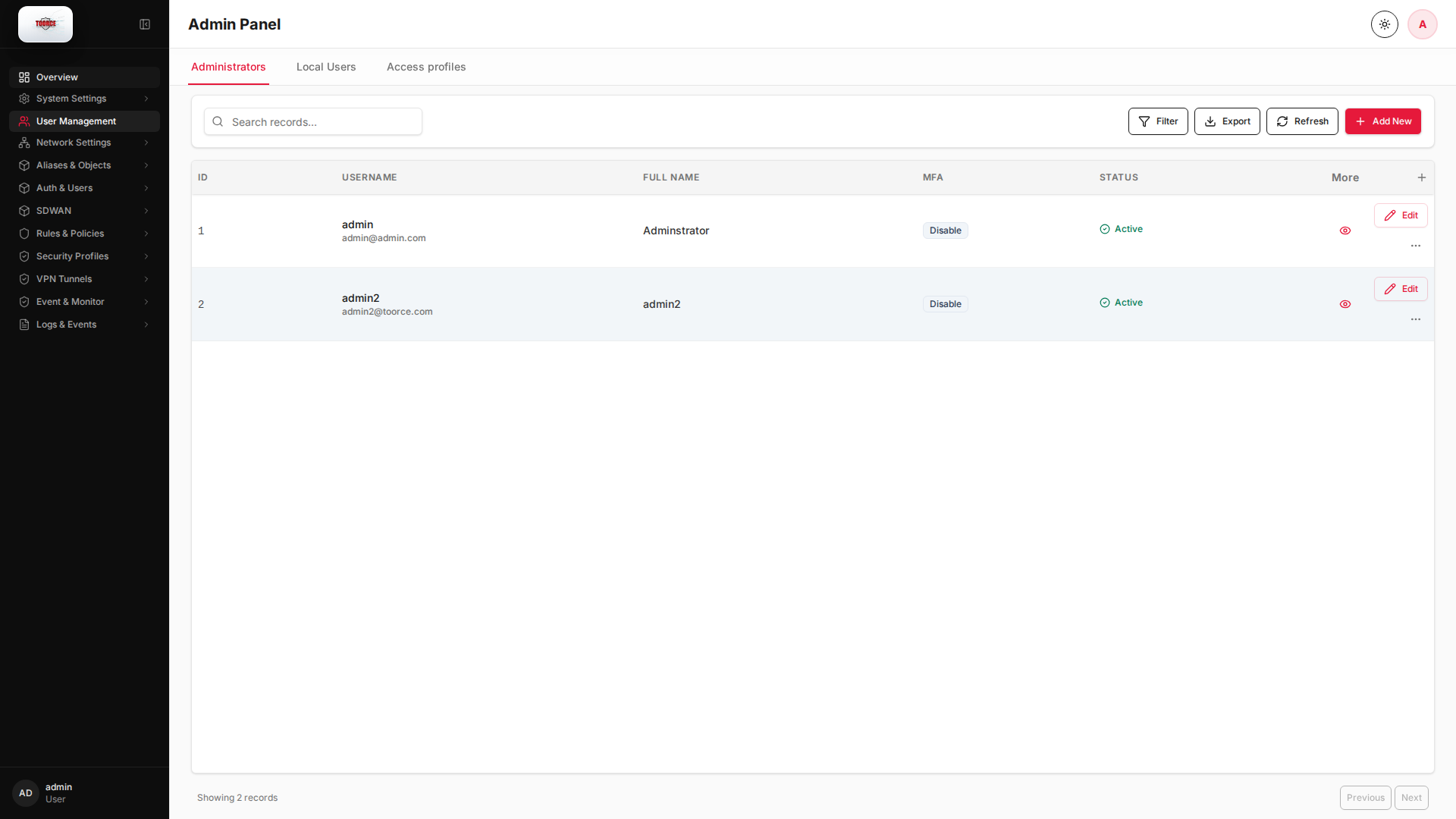
List view
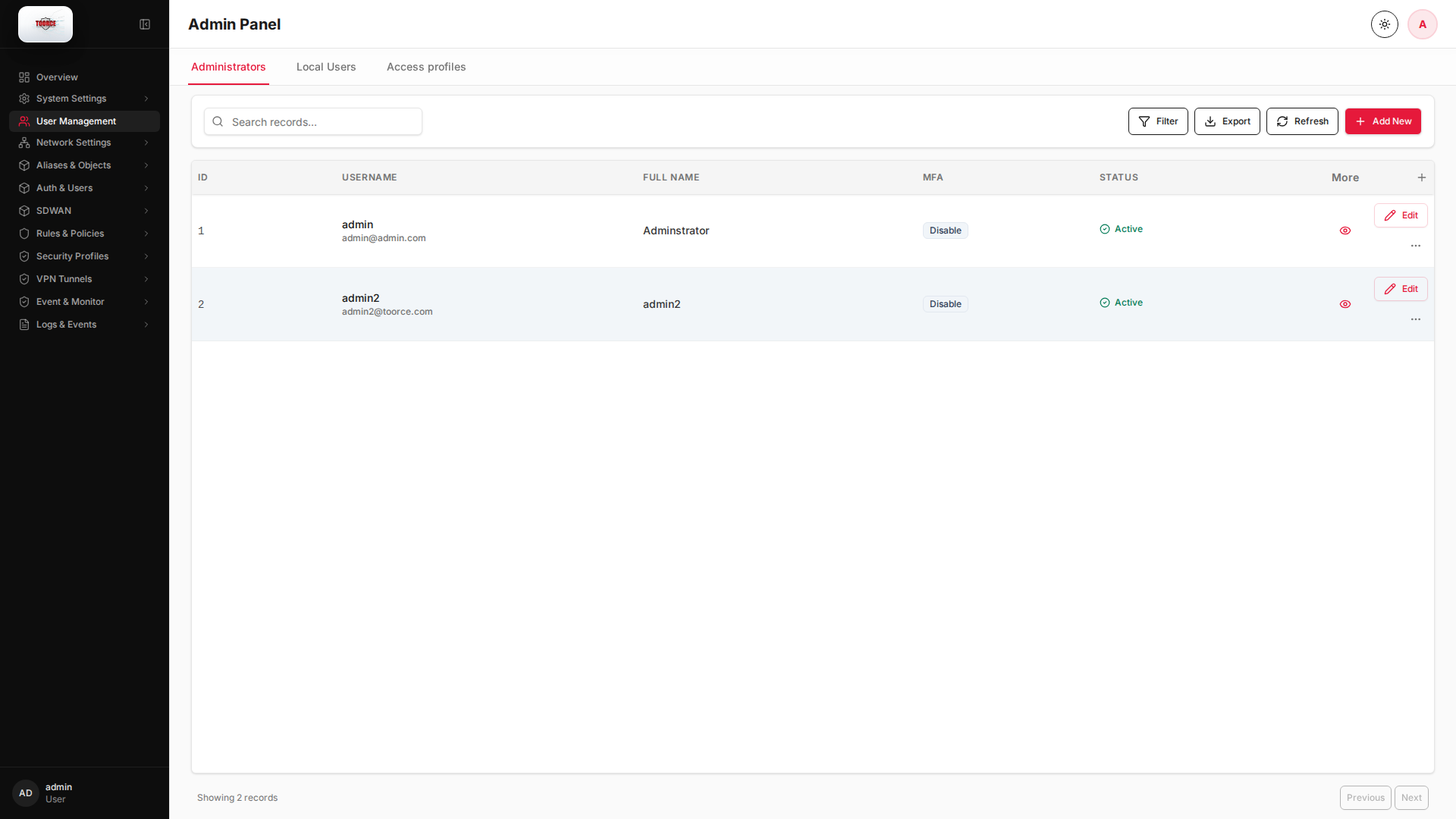
Add form
Empty form after clicking + Add New:
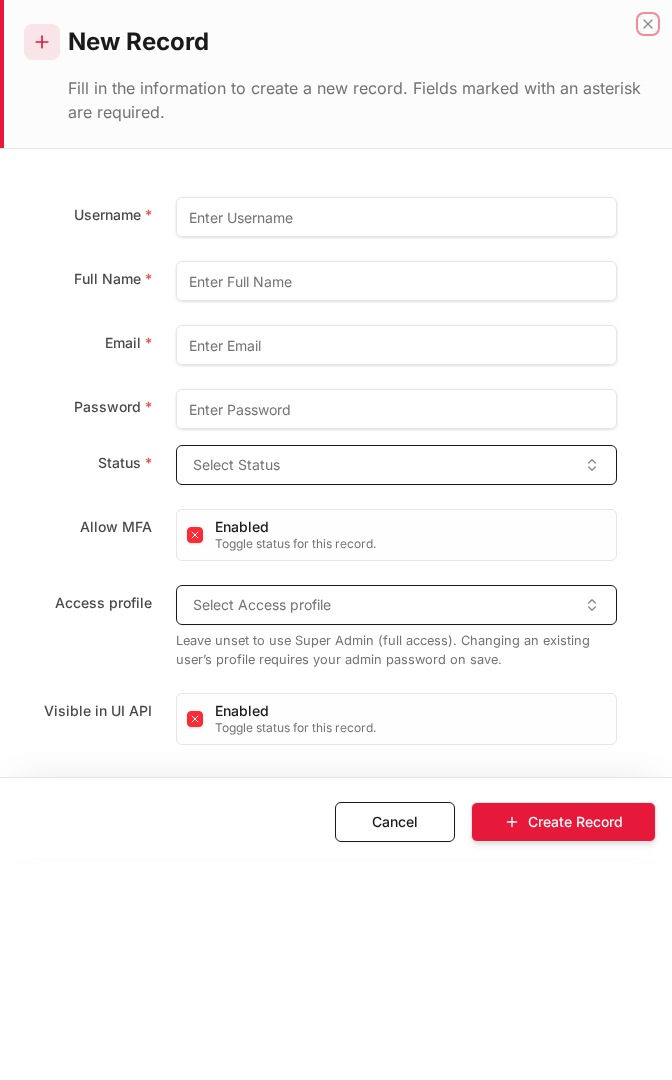
Same form filled with example data (do not save in production):
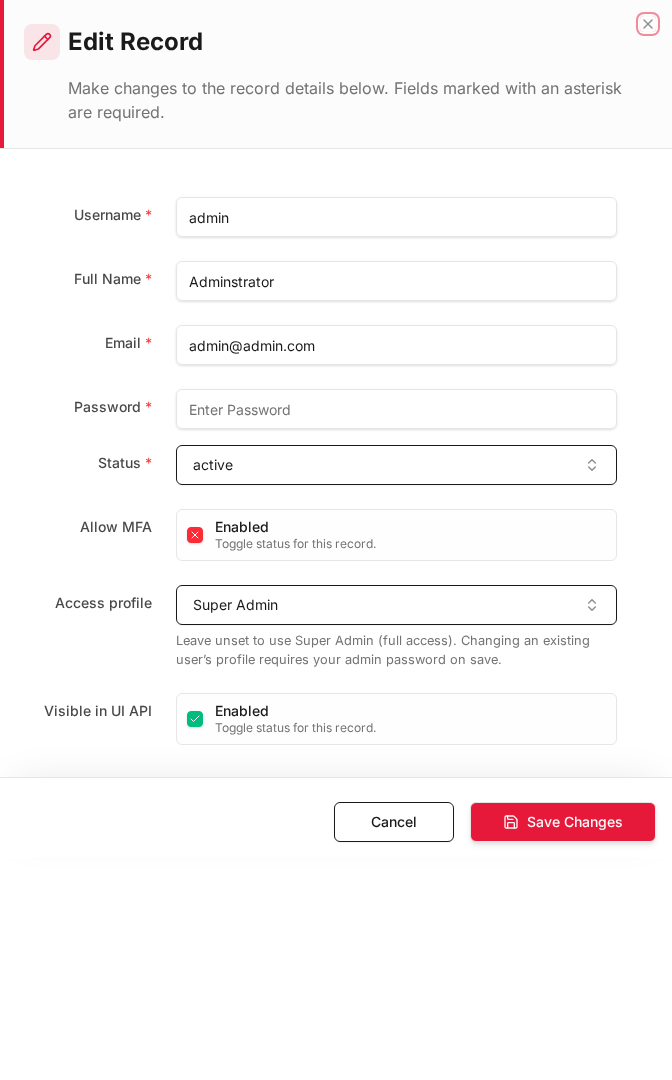
Edit form
Existing record opened with Edit:
Form fields explained
Dialog title: New Record — Local User
| Field | Required | Description | Example value |
|---|---|---|---|
| Username | Yes | Login name for VPN and user-based policies | vpn_user1 |
| Full Name | Yes | Display name | Remote Employee |
| Yes | User email address | user@toorce.com |
|
| Password | Yes | Authentication password | (secure password) |
| Confirm Password | Yes | Must match Password | (same as password) |
| Status | Yes | Active or Inactive | Active |
| Allow MFA | No | Require MFA for this user at login | Enabled |
| Visible in UI API | No | Expose record in UI API responses | Enabled |
Technical background
End-user identities
Local users in User Management are accounts stored on the firewall for authentication (VPN, captive portal) and user-aware policies. They are separate from administrator accounts and from AD users synced under Auth & Users.
Security relevance
User-based rules enable identity-aware firewalling — allowing vpn_users group to reach internal apps while blocking guests. Pair with MFA for remote access.
Table columns
| Column | Description |
|---|---|
| ID | User record ID |
| Username | Login name |
| Full Name | Display name |
| MFA | Multi-factor authentication status |
| Status | Active or Inactive |
How to add a local user
- Go to User Management → Local Users tab.
- Click + Add New.
- Fill in the New Record dialog (see form screenshots below).
- Click + Create Record.
How to edit a local user
- Click Edit on the user row.
- Update fields (leave password blank to keep the current password).
- Click Save.
Where local users are used
| Location | Usage |
|---|---|
| SSL/ZTA VPN | Allowed VPN users |
| Inline Rules | Source Users field |
| Auth & Users — Local Users/Groups | Group membership |