IPSec VPN
Navigation: VPN Tunnels → IPSec VPN
Configure site-to-site IPSec VPN tunnels for secure connectivity between offices or to cloud networks.
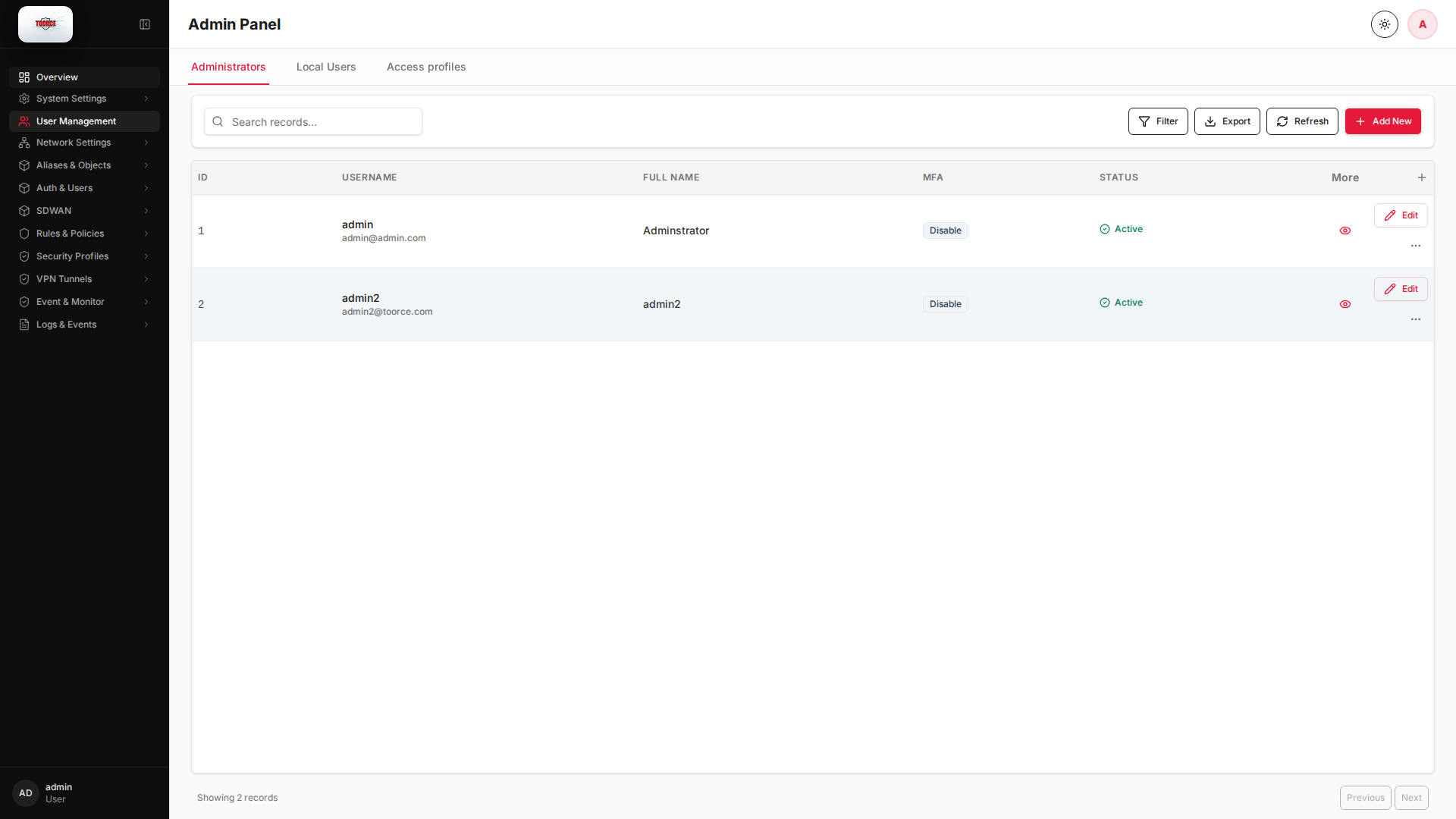
Add / Edit forms
Click + Add New to open the creation dialog, or Edit on an existing row to modify a record.
List view
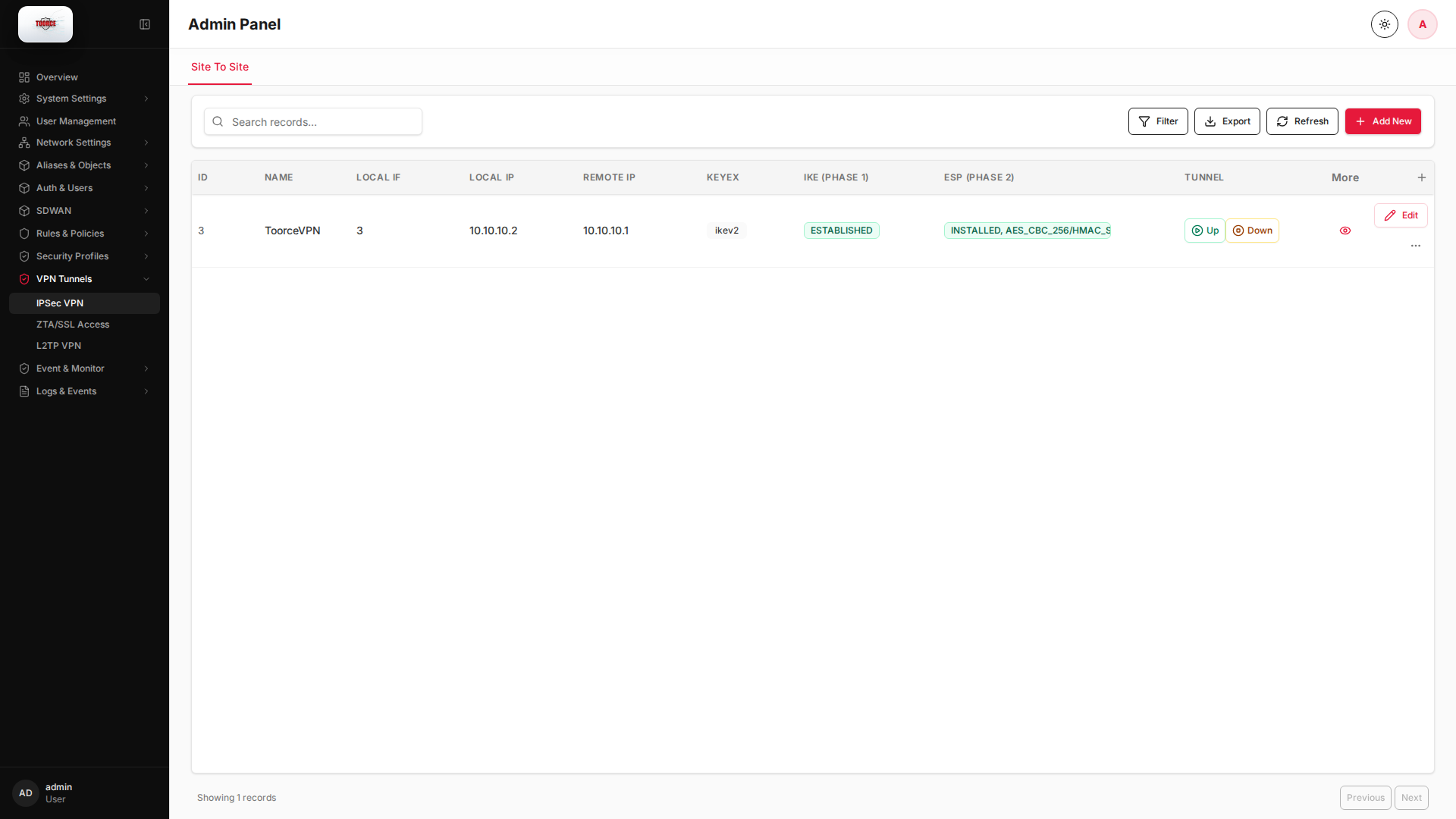
Add form
Empty form after clicking + Add New:
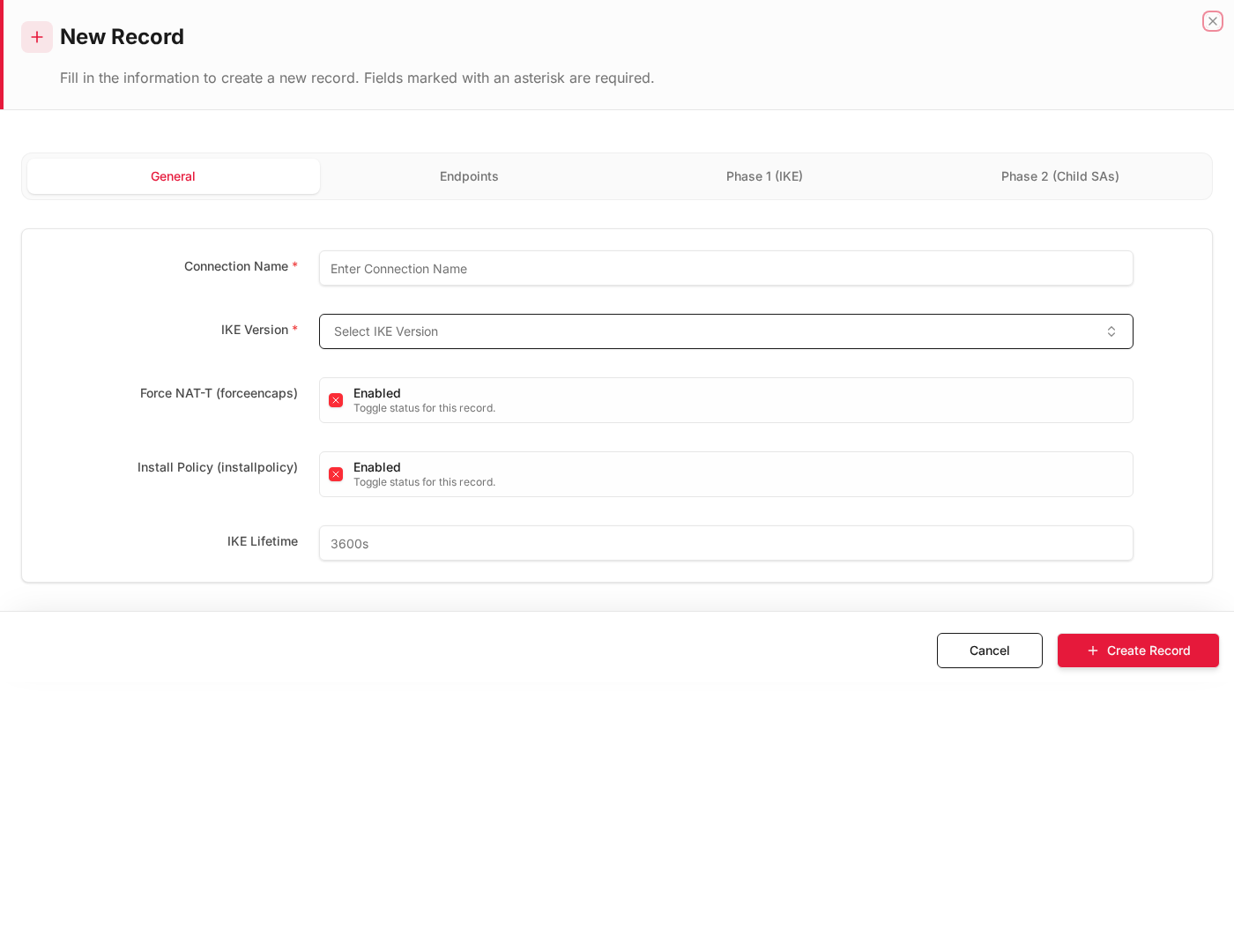
Same form filled with example data (do not save in production):
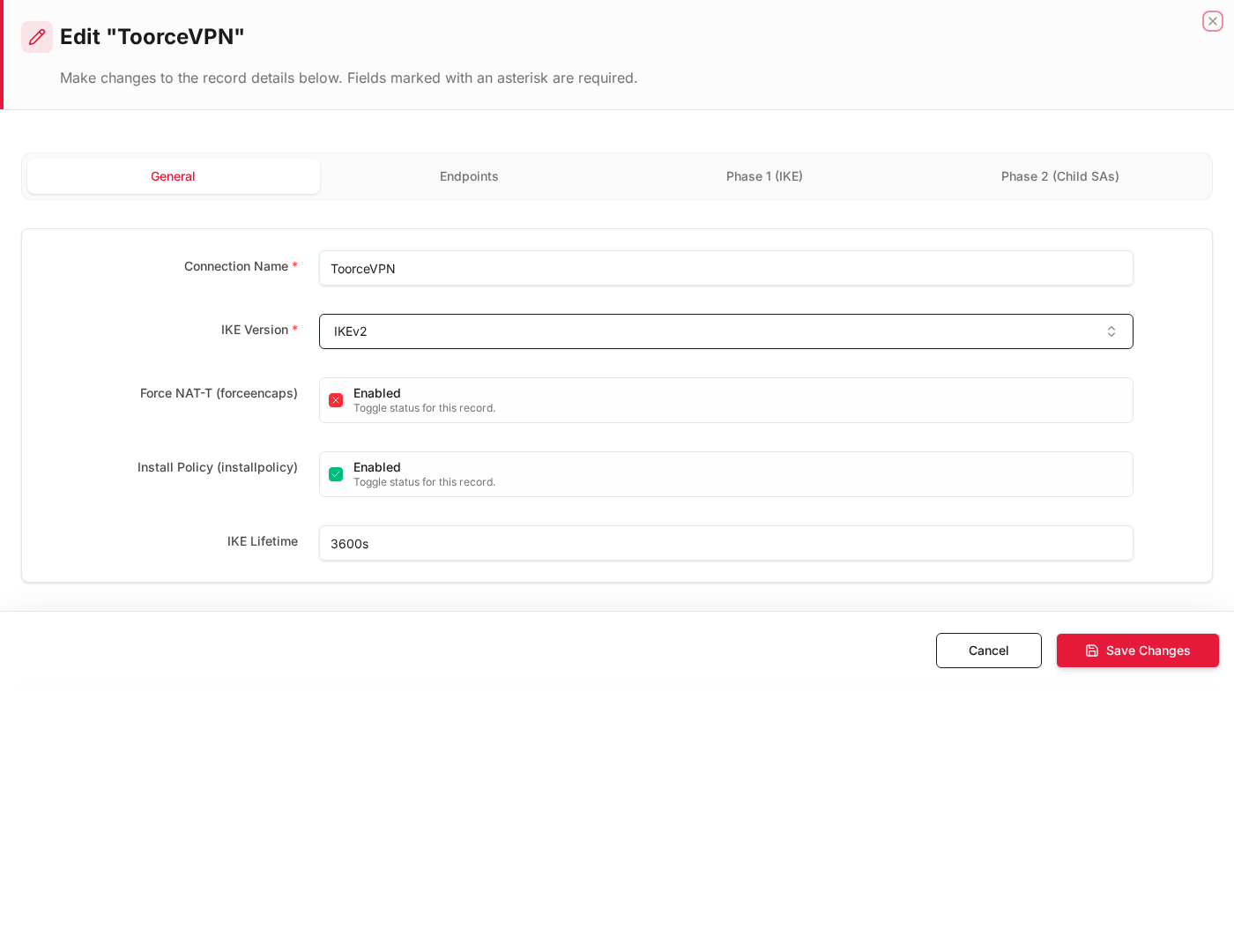
Edit form
Existing record opened with Edit:
Form fields explained
Dialog title: New Record — IPSec VPN
| Field | Required | Description | Example value |
|---|---|---|---|
| Name | Yes | Tunnel name (appears on tun_ipsec interface) | Branch_VPN |
| Remote Gateway | Yes | Peer public IP or hostname | 203.0.113.10 |
| Pre-Shared Key (PSK) | Yes | Shared secret — must match remote peer | (strong secret) |
| IKE Lifetime | No | Phase 1 SA lifetime in seconds | 28800 |
| Install Policy | No | Auto-create firewall rules for VPN traffic | Enabled |
Technical background
IPSec VPN
IPSec provides encrypted site-to-site tunnels at Layer 3. Two phases:
| Phase | Protocol | Purpose |
|---|---|---|
| Phase 1 (IKE) | IKEv1/IKEv2 | Authenticate peers, establish encrypted channel |
| Phase 2 (ESP) | ESP | Encrypt actual data traffic |
Authentication methods
- Pre-Shared Key (PSK) — shared secret, simpler setup
- Certificates — PKI-based, stronger for large deployments
NAT-T
NAT Traversal (NAT-T) encapsulates IPSec in UDP 4500 when a peer is behind NAT — essential for most internet VPN deployments.
Prerequisites
- Interfaces configured on WAN and LAN
- Address Objects for local and remote networks
- Remote peer IP address and pre-shared key (PSK) or certificates
How to create an IPSec VPN tunnel
- Go to VPN Tunnels → IPSec VPN.
- Click Add New.
- Fill in:
Phase 1 (IKE)
| Field | Description | Example |
|---|---|---|
| Name | Tunnel name | ToorceVPN |
| Remote Gateway | Peer public IP or hostname | 203.0.113.10 |
| Pre-Shared Key (PSK) | Shared secret | Strong random key |
| IKE Lifetime | Phase 1 lifetime (seconds) | 28800 |
| Key Exchange | DH group | 14 |
| Force NAT-T | Enable if peer behind NAT | ✓ if needed |
Phase 2 (IPSec)
| Field | Description | Example |
|---|---|---|
| Local Network | Address Object | LAN_Network |
| Remote Network | Address or CIDR | 10.10.0.0/16 |
| Install Policy | Auto-add firewall rules | ✓ |
| Enabled | Activate tunnel | ✓ |
- Click Save.
Example: Site-to-site to branch office
| Field | Value |
|---|---|
| Name | Branch_VPN |
| Remote Gateway | 198.51.100.1 |
| PSK | (strong secret) |
| Local Network | 192.168.100.0/24 |
| Remote Network | 10.20.0.0/16 |
| Interface | enp9s0 (WAN) |
Where VPN is referenced
| Location | Usage |
|---|---|
| Dashboard → Interfaces | tun_ipsec_* interface appears when tunnel is up |
| Inline Rules | Traffic to/from VPN networks |
| Firewall Logs | VPN traffic logged by policy |
Troubleshooting
| Symptom | Check |
|---|---|
| Tunnel down | Remote gateway reachable? PSK matches? |
| No traffic | Install Policy enabled? Routes added? |
| NAT issues | Enable Force NAT-T on both sides |