Active Directory (AD)
Navigation: Auth & Users
Configure and manage active directory (ad) settings in the TOORCE Firewall admin panel.
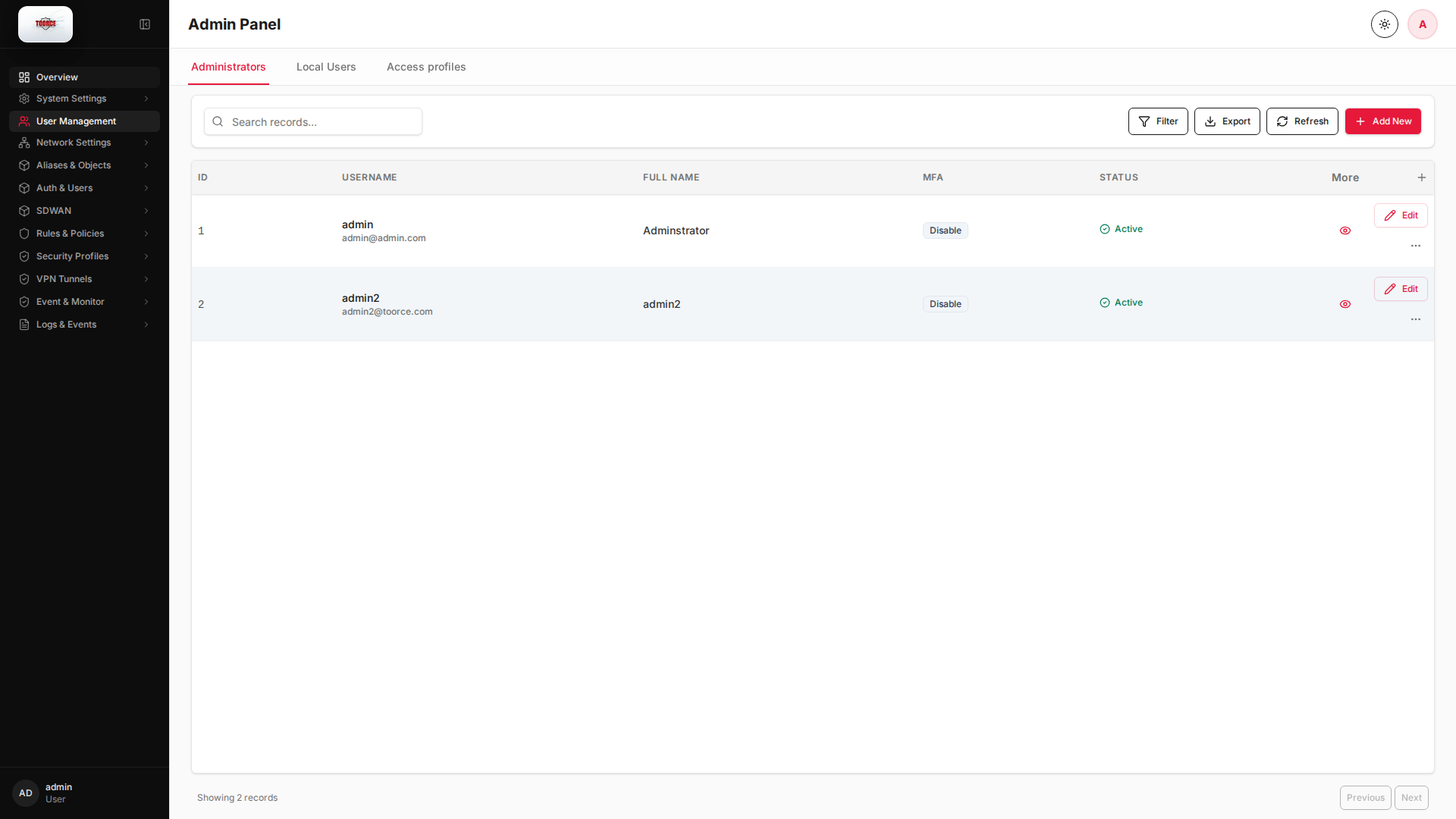
Add / Edit forms
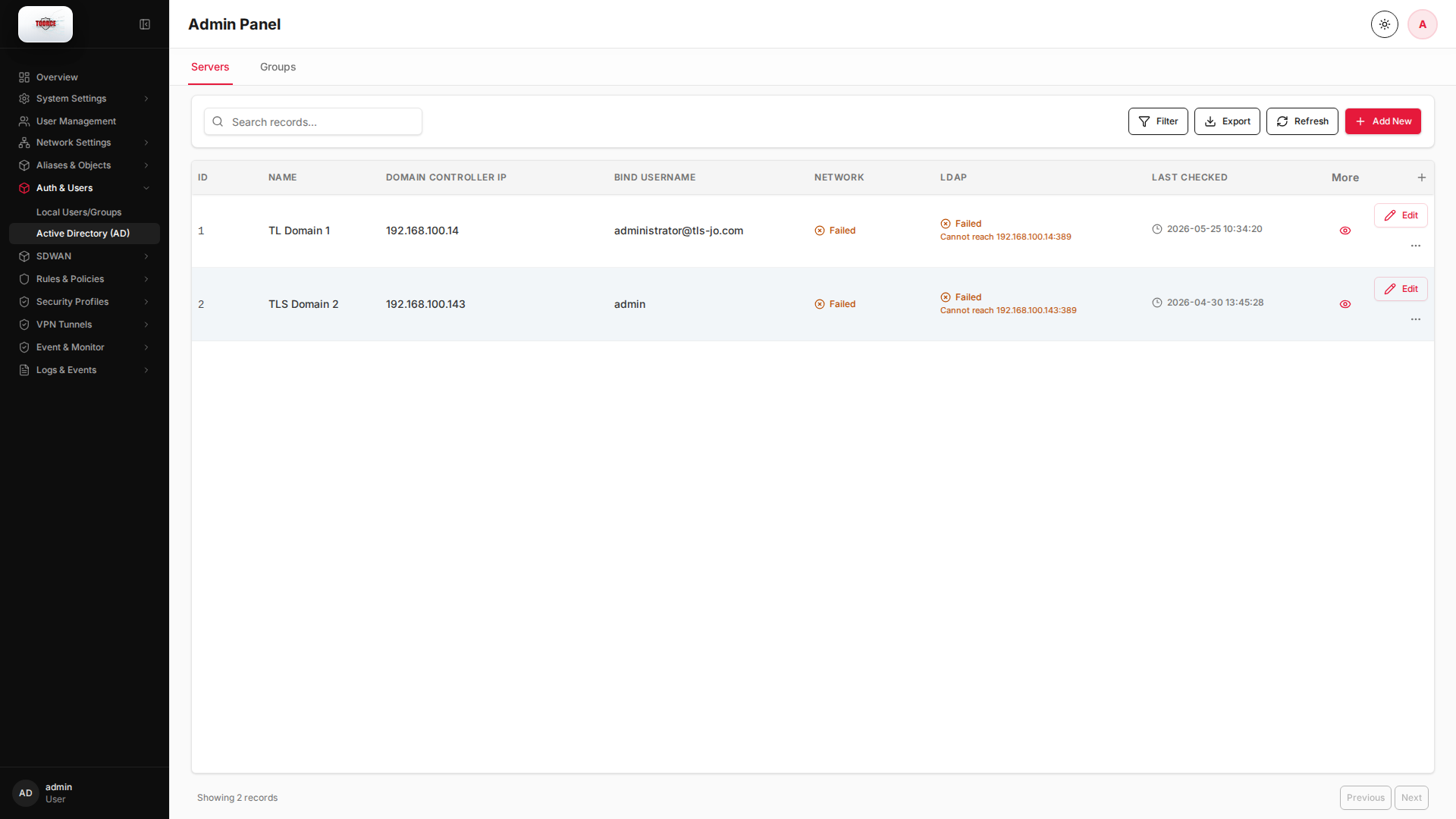
Click + Add New to open the creation dialog, or Edit on an existing row to modify a record.
List view
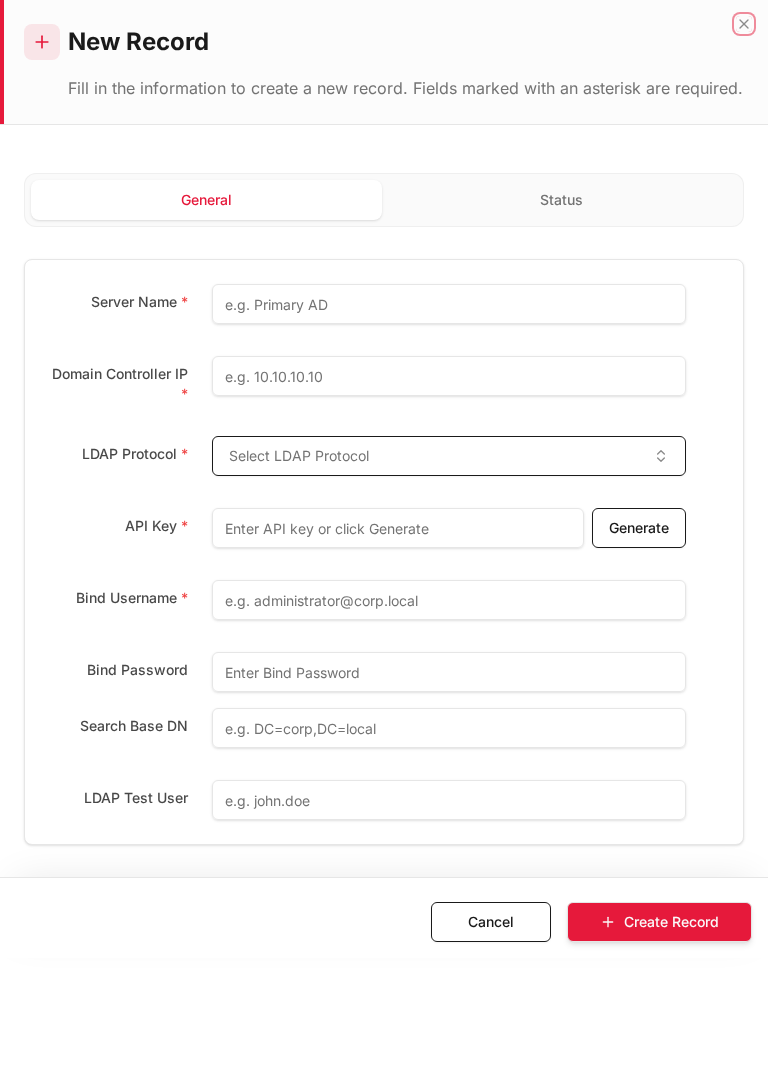
Add form
Empty form after clicking + Add New:
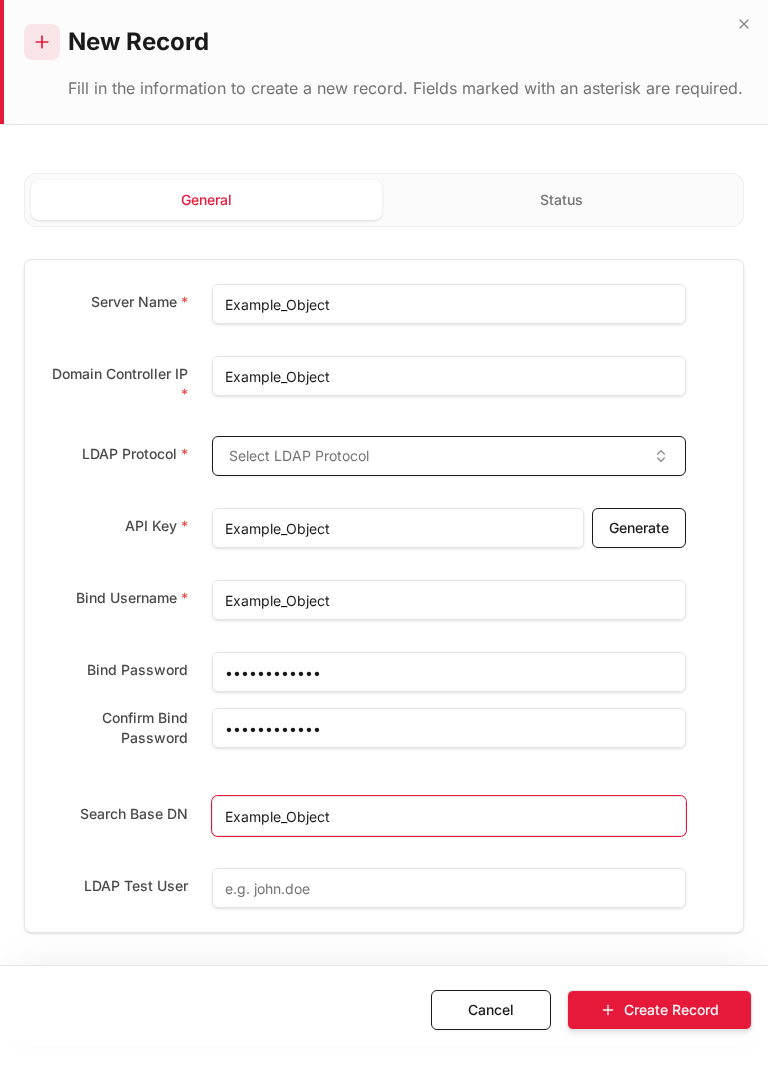
Same form filled with example data (do not save in production):
Edit form
Existing record opened with Edit:
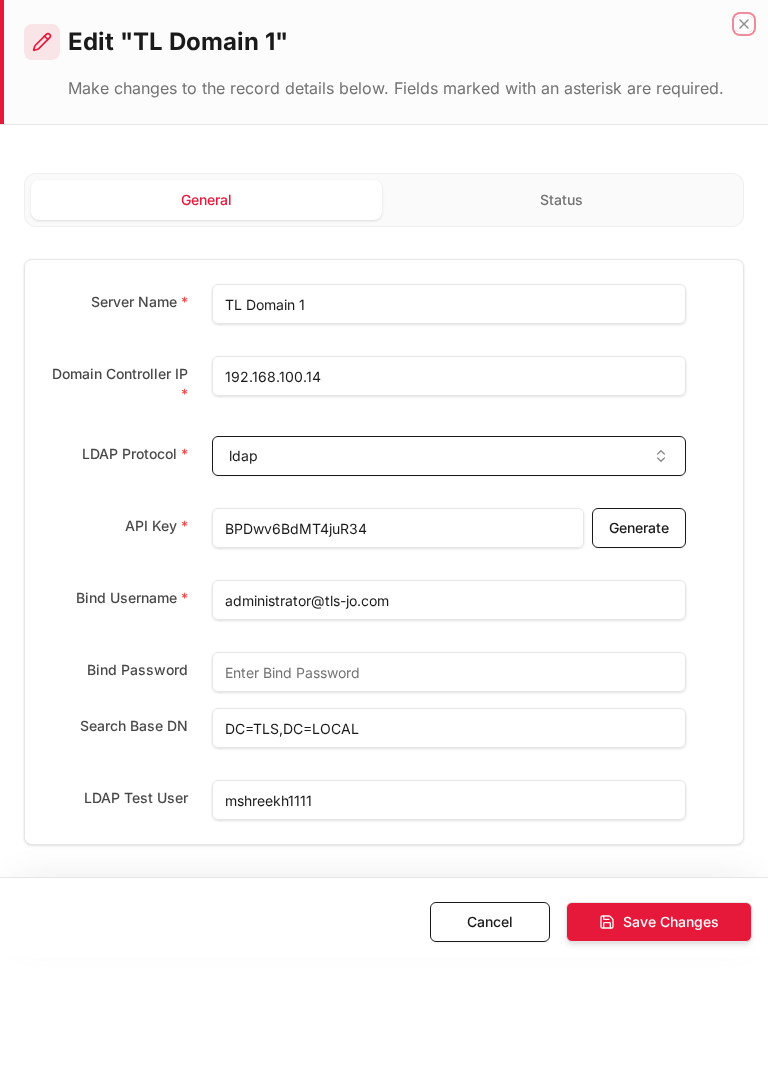
Form fields explained
Dialog title: New Record — Active Directory
| Field | Required | Description | Example value |
|---|---|---|---|
| Name | Yes | Domain controller profile name | Corp_AD |
| Domain Controller IP | Yes | AD server IP address | 192.168.100.10 |
| Bind Username | Yes | LDAP service account | CN=svc_fw,OU=Service,DC=corp,DC=local |
| Bind Password | Yes | Service account password | (secret) |
| Search Base | Yes | LDAP DN root for user queries | DC=corp,DC=local |
Technical background
Active Directory integration
LDAP/Kerberos integration allows the firewall to authenticate users against Windows AD domain controllers. Users log in with domain credentials; group membership is read from AD OUs.
Components
| Field | Purpose |
|---|---|
| Domain Controller IP | AD server address |
| Bind Username/Password | Service account for LDAP queries |
| Search Base | LDAP DN root (e.g. DC=corp,DC=local) |
| OU/Groups | Which AD groups map to firewall policies |
Available actions
- Administrators
- Local Users
- Access profiles
- Filter
- Export
- Refresh
- Add New
- Column Options
- Add Column
- View Details
- Edit
- Open menu
- Previous
- Next
Table columns
- ID Column Options
- USERNAME Column Options
- FULL NAME Column Options
- MFA Column Options
- STATUS Column Options
- More
- Add Column